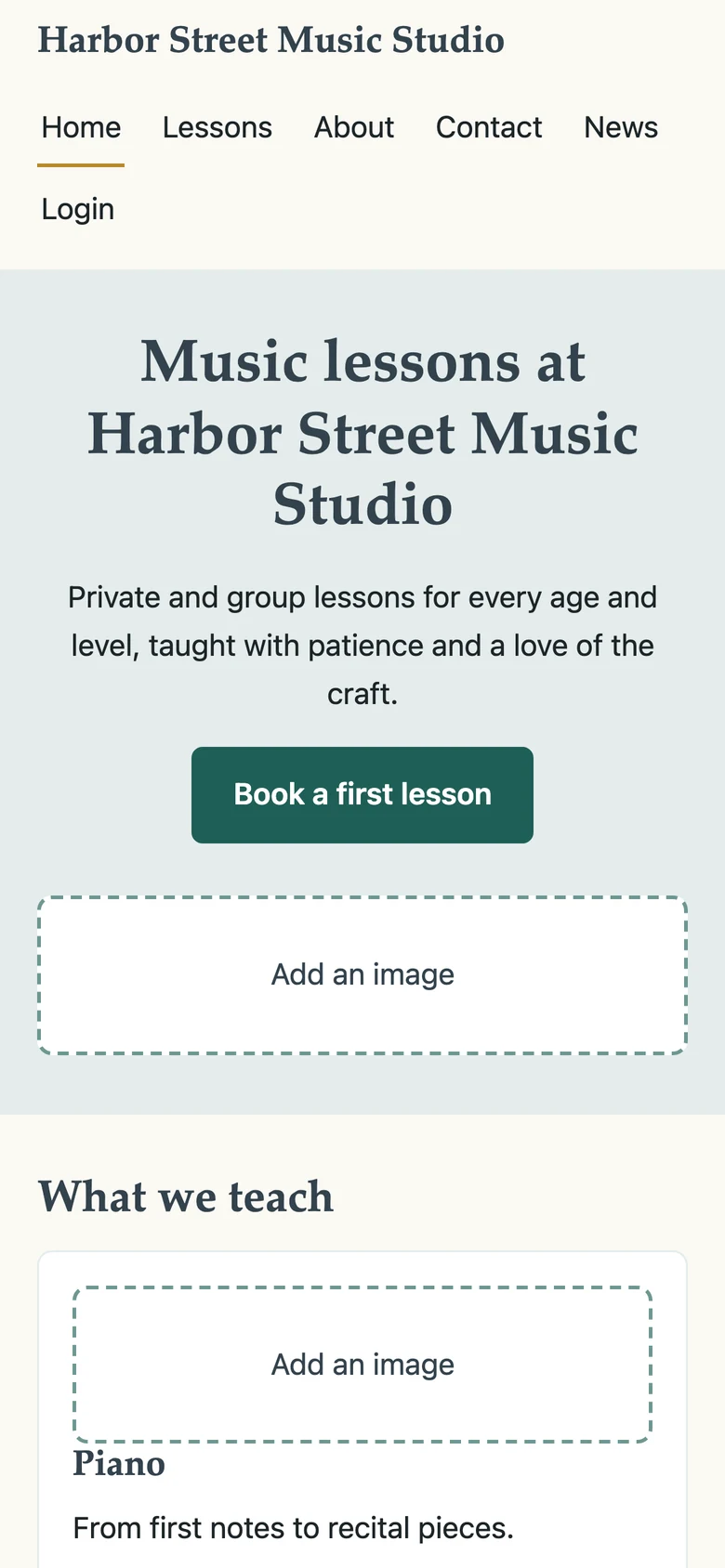
Your studio website vs. a website builder: Bring families in without the extra tools
Your studio site, sign-up forms and booking come with Sonely, connected to your calendar and students. Here’s how that compares with building a site on a general website builder.
Sonely website
A studio site you build yourself, where families find your lessons, sign up and log in, all in sync with Sonely.
General website builders
Flexible sites for any kind of business, which need separate forms, booking and logins wired up to your studio system.
Studio website
No web designer needed, and that’s ok.
You pick a template, add your words and photos, and publish on your own domain. Your lessons, teachers and sign-up forms are already there.
Families want to see what you teach, when you have room and how to start. A studio site does that without a custom design.
Five templates to start from
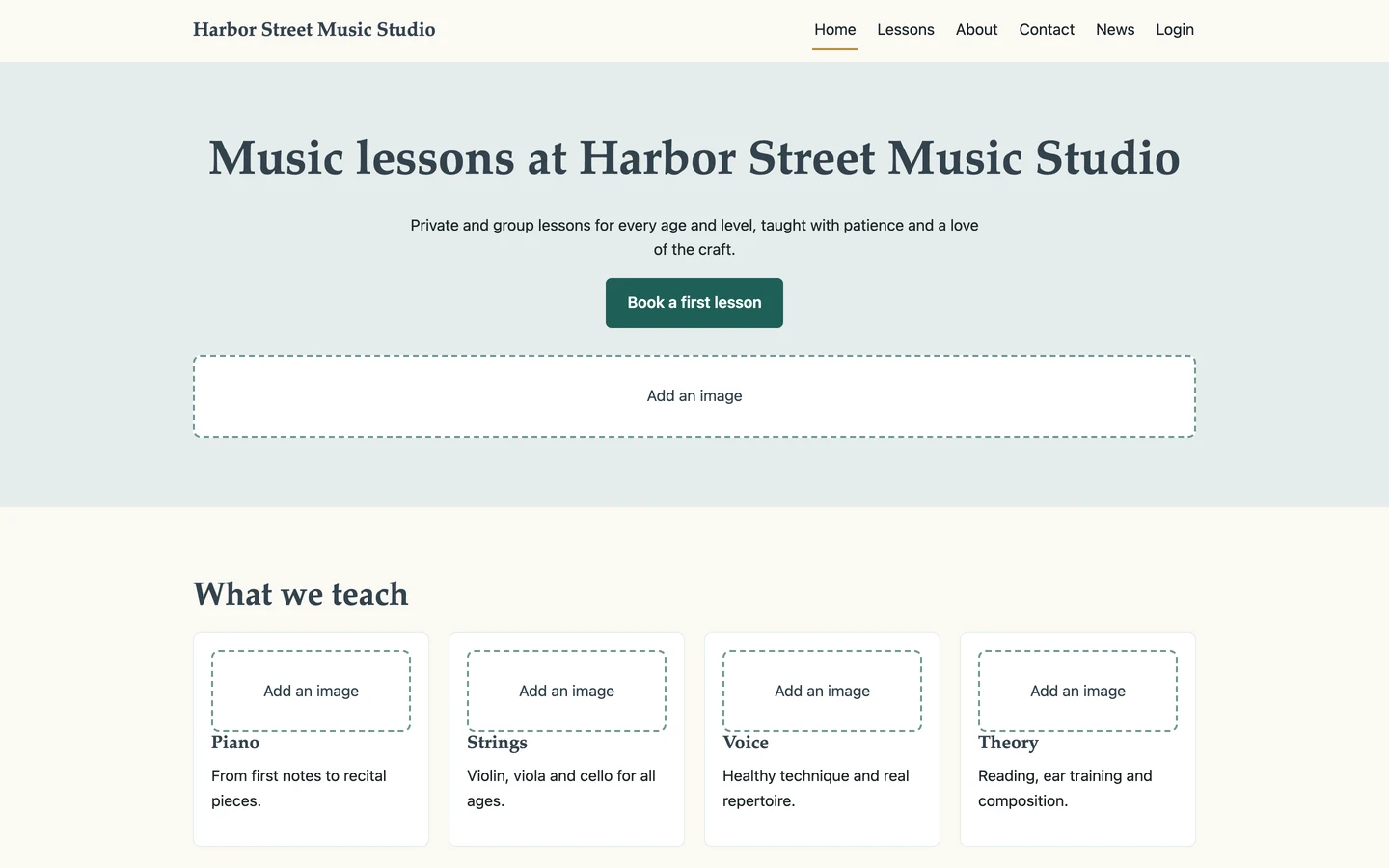
- Studio classic
- Bright keys
- Quiet hall
- Open stage
- Garden room
Studio management
Connected to your studio, not stitched together.
With your website in Sonely, a sign-up on your site lands in your students list and a booking lands on your calendar. There’s nothing to copy across.
Built into Sonely
Your site and Sonely share one set of data, so everything connects:
- Sign-ups become leads or students automatically
- Families book from your teachers’ real availability
- Families log in to their portal from your site
- News posts go to your blog and the portal at once
A patchwork of tools
A site on a general builder, with nothing connecting it to your studio system, leaves you with:
- Sign-up emails to copy into your student list
- Booking pages that don’t know your calendar
- A separate login link for families to find
- Two places to update when your schedule changes
Sonely’s widgets close that gap on any site, so you can keep the builder you have.
Build your studio website
Publish your site without waiting on anyone.
If you can write a few lines about your lessons and upload a photo, you can build your studio site.
No design skills or developer needed. Add your own domain when you’re ready.
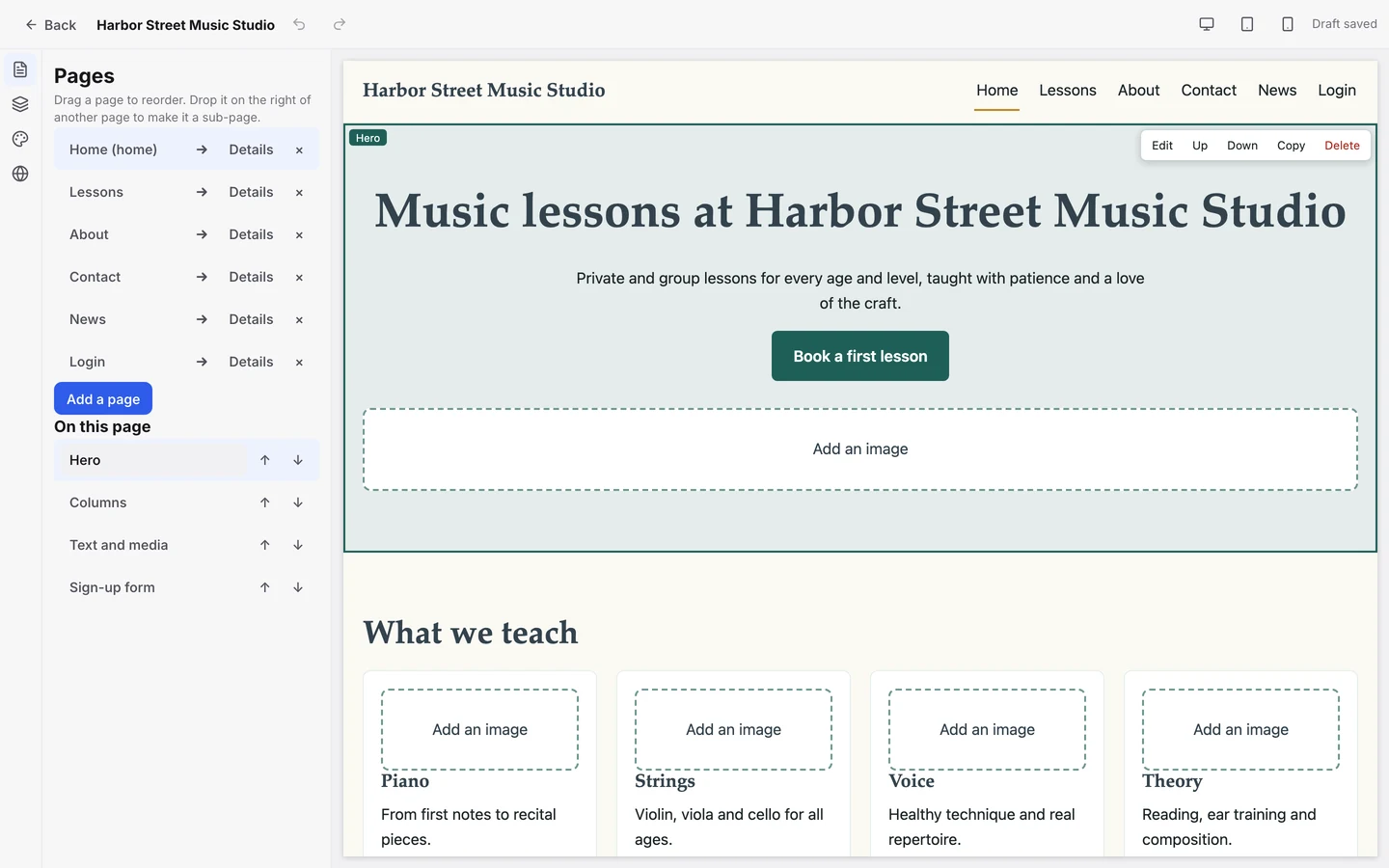
- Pick a template
- Add pages and blocks
- Add sign-up and booking
- Publish on your domain
Online payments
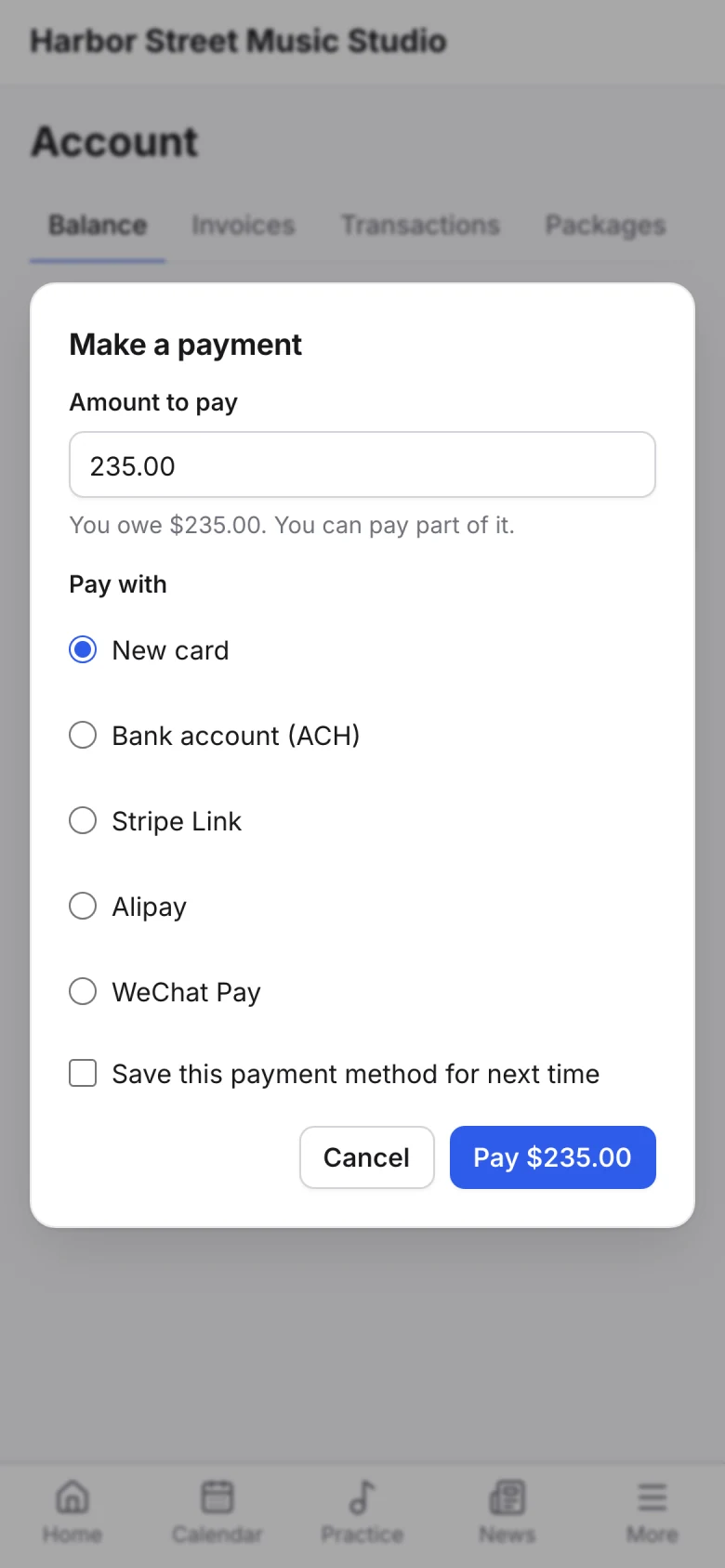
Payments built in, not bolted on.
Families who sign up on your site pay their invoices from the family portal, through your own Stripe or PayPal account.
They can pay by card or bank, save a card for auto-pay, and see every invoice and payment in one place.
Studio website
Everything your studio site needs, built in.
Here’s what’s inside Sonely’s website, and what’s not.
| Features | Sonely |
|---|---|
| Your site | |
| Templates to start from | 5 |
Point your domain at your Sonely site with a CNAME record. | |
Hero, Text and media, Columns, Photo gallery, Video, Map, Reviews, Blog posts, Call to action and HTML. | |
| Colors and fonts | |
| Desktop, tablet and phone previews | |
| SEO and social sharing settings | |
| An app in the app stores | |
| Sign-ups and booking | |
| Sign-up form | |
| Book from availability | |
| Book from calendar | |
| Contact form | |
| Sign-ups become leads or students | |
| Families | |
| Family login | |
| Blog posts shared with the family portal | |
| Reviews | |
| Any website | |
Family login, contact form, sign-up form and booking widgets embed on any site. |
Your website comes with every plan.
Every feature is part of Sonely. Your site, widgets and booking come with your teacher seats.
Website, widgets and booking
Included
See pricingFrequently asked questions about the studio website
For other questions, contact our support team.
Yes. Add Sonely’s widgets to the site you have: family login, contact form, sign-up form and booking from availability or from your calendar. Sign-ups still land in Sonely and are reported to Google Analytics and Meta Pixel.
Yes. Point your domain at your Sonely site with a CNAME record, and set your search and social sharing details in the site’s settings.
No. Start from one of five templates (Studio classic, Bright keys, Quiet hall, Open stage and Garden room), choose your colors and fonts, and add blocks for the rest.
Nothing extra. The website and widgets come with every plan. See pricing.
No. Your site and the family portal work in any phone’s browser, so families have nothing to download.

More about the website
Open the demo studio and try the builder with a sample studio’s site.
Open the demo studio
See the website builder
Templates, blocks, widgets and your own domain, feature by feature.
Learn more about the website builder