Take attendance for everyone
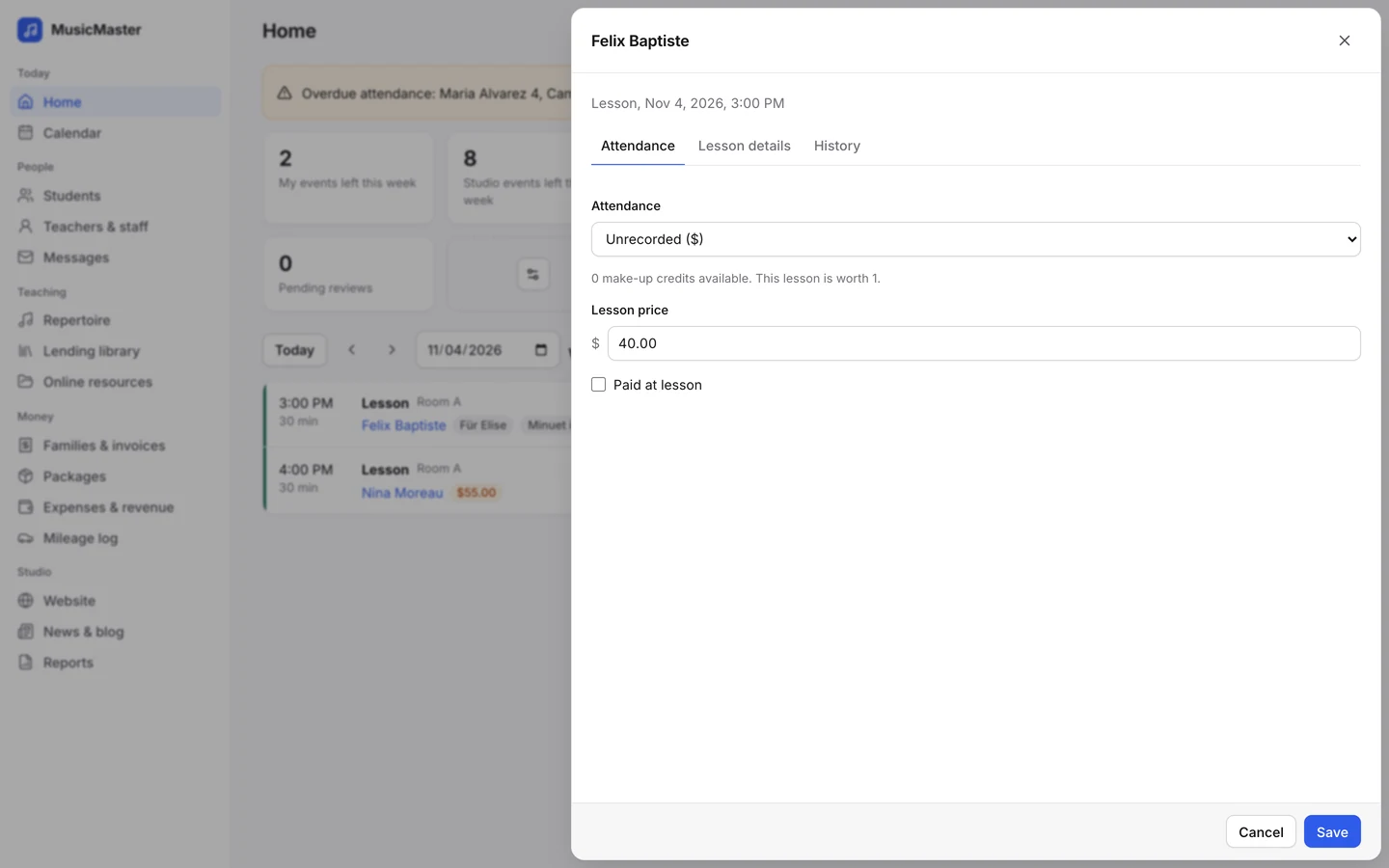
Mark the whole class at once. Each student keeps their own status, bill and make-up credits.
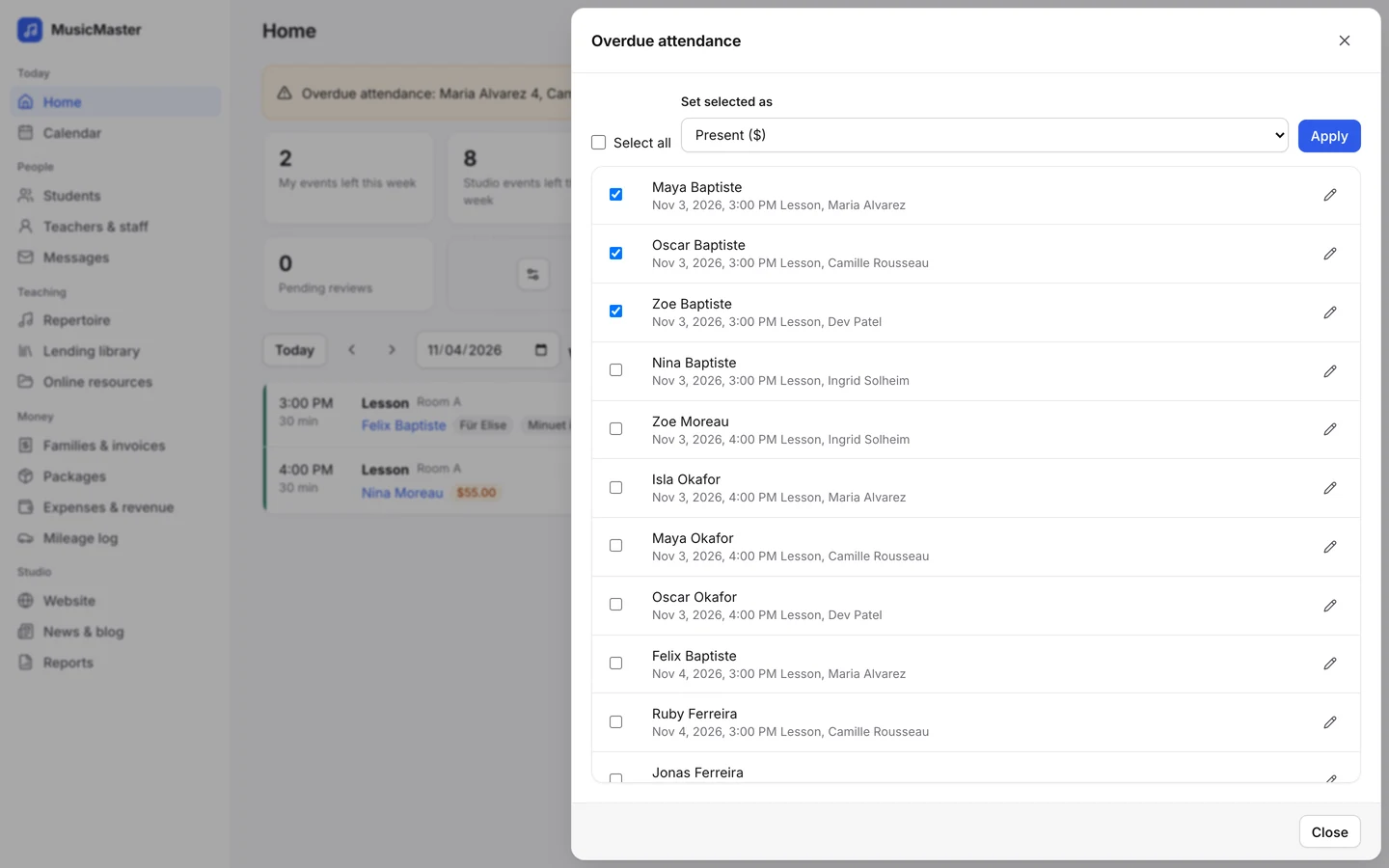
Run group classes, choirs and ensembles next to private lessons, with a price for each student, one note for the class and messages to the whole group.
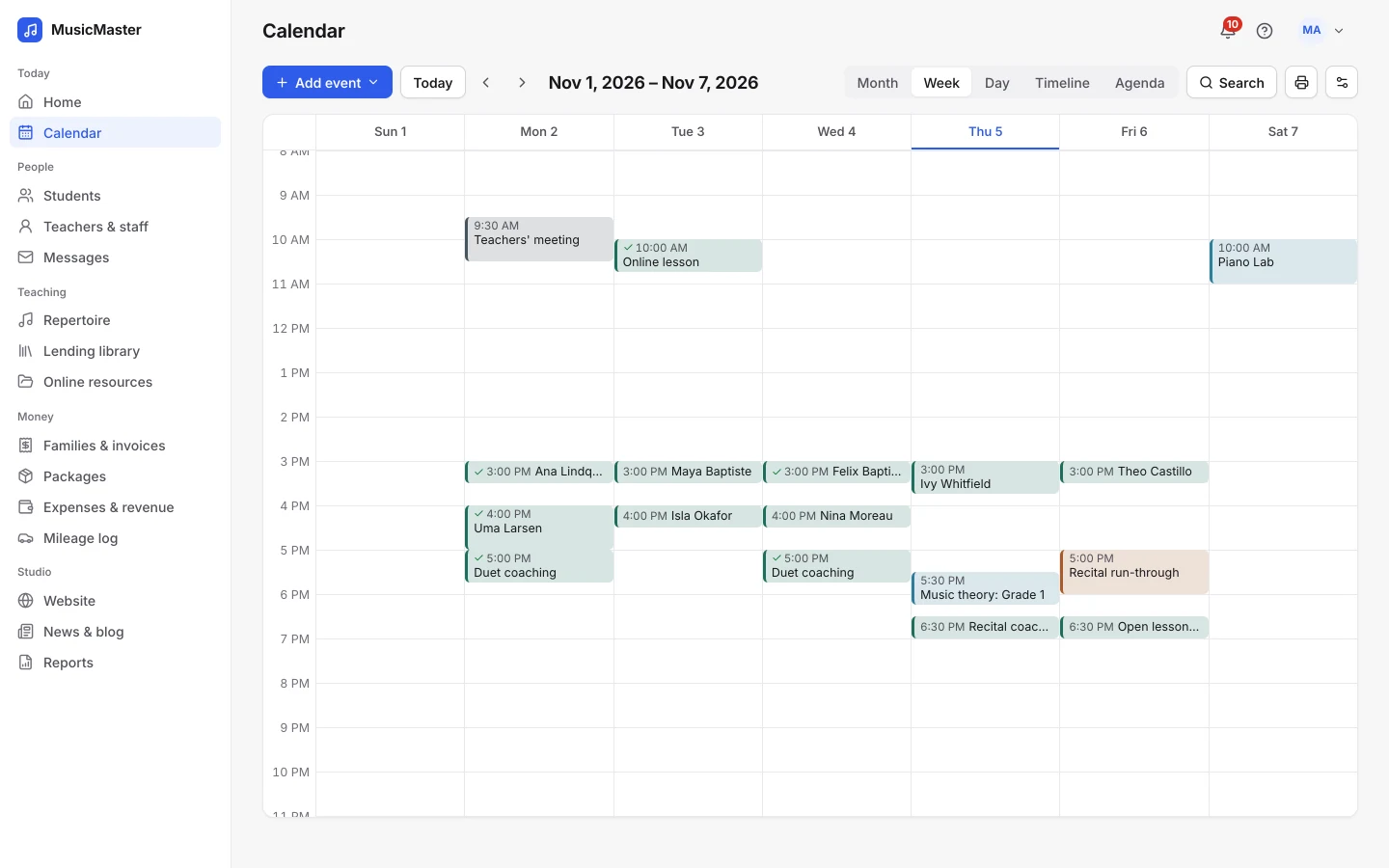

Group classes
A group class is an event with several students. Set a maximum size, give each student a price and repeat the class every week like any lesson.
When there’s room, families can book a place from the family portal or your studio website.
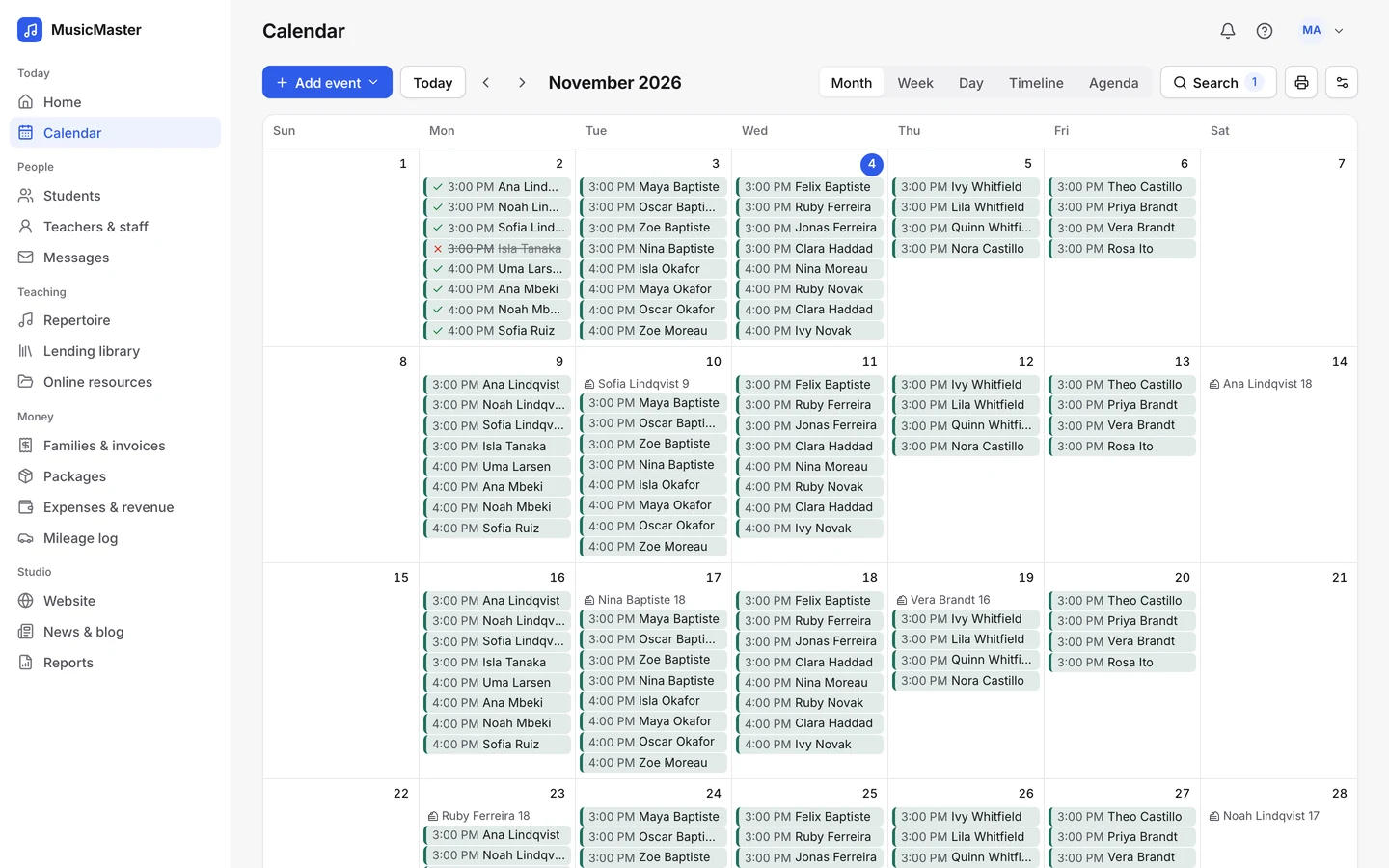
Teaching the class
Attendance, notes and messages for the whole group in one place.
Mark the whole class at once. Each student keeps their own status, bill and make-up credits.
Write a note that every student in the class sees, and a private one for the teachers.
Email the students or parents in a class or a group tag, each as their own message.
Mark the whole class at once. Each student keeps their own status, bill and make-up credits.
Write a note that every student in the class sees, and a private one for the teachers.
Email the students or parents in a class or a group tag, each as their own message.
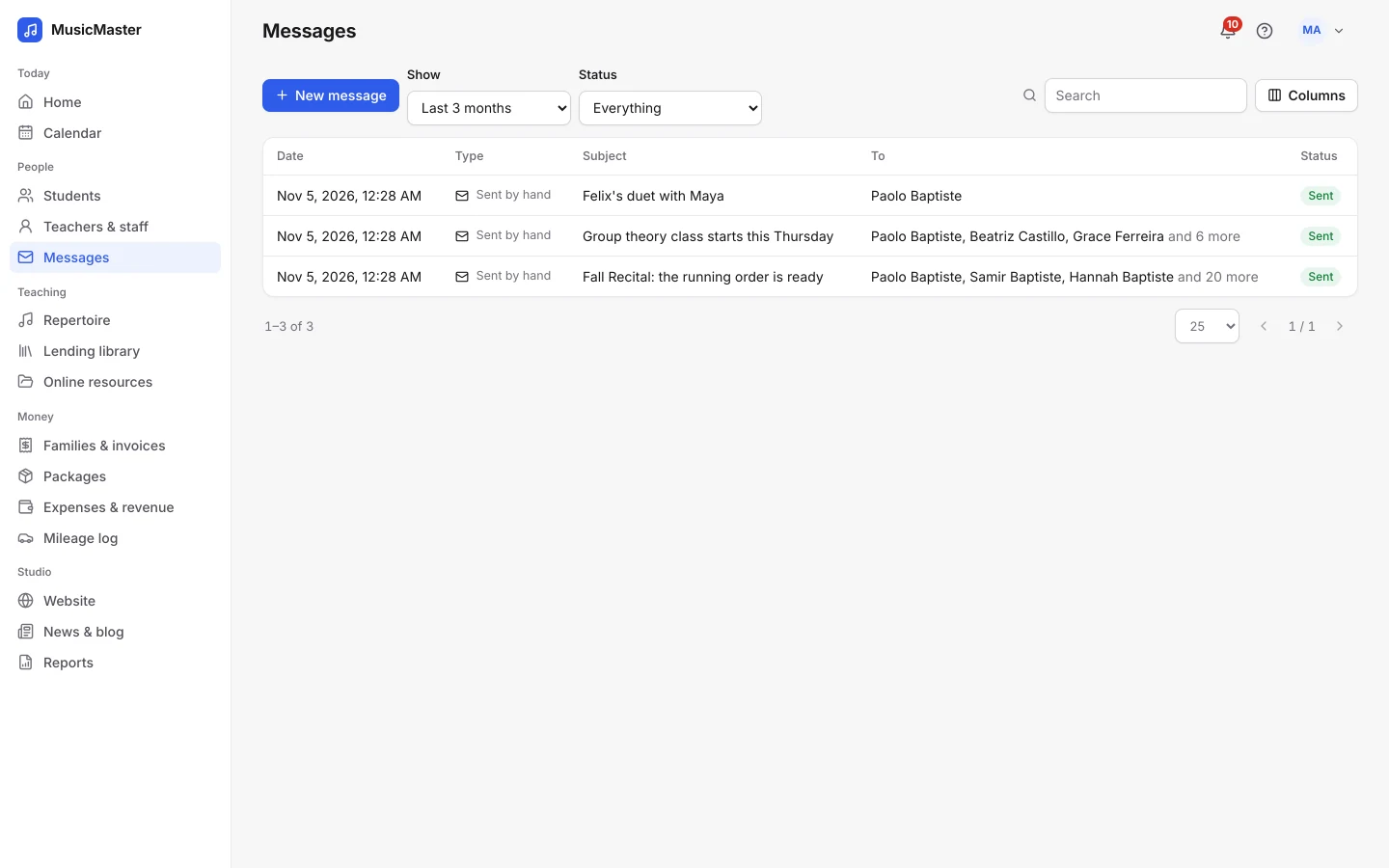
Group tags
Tag students by class, ensemble or instrument. Filter the students list by a tag, write to everyone in it, and share files with them.
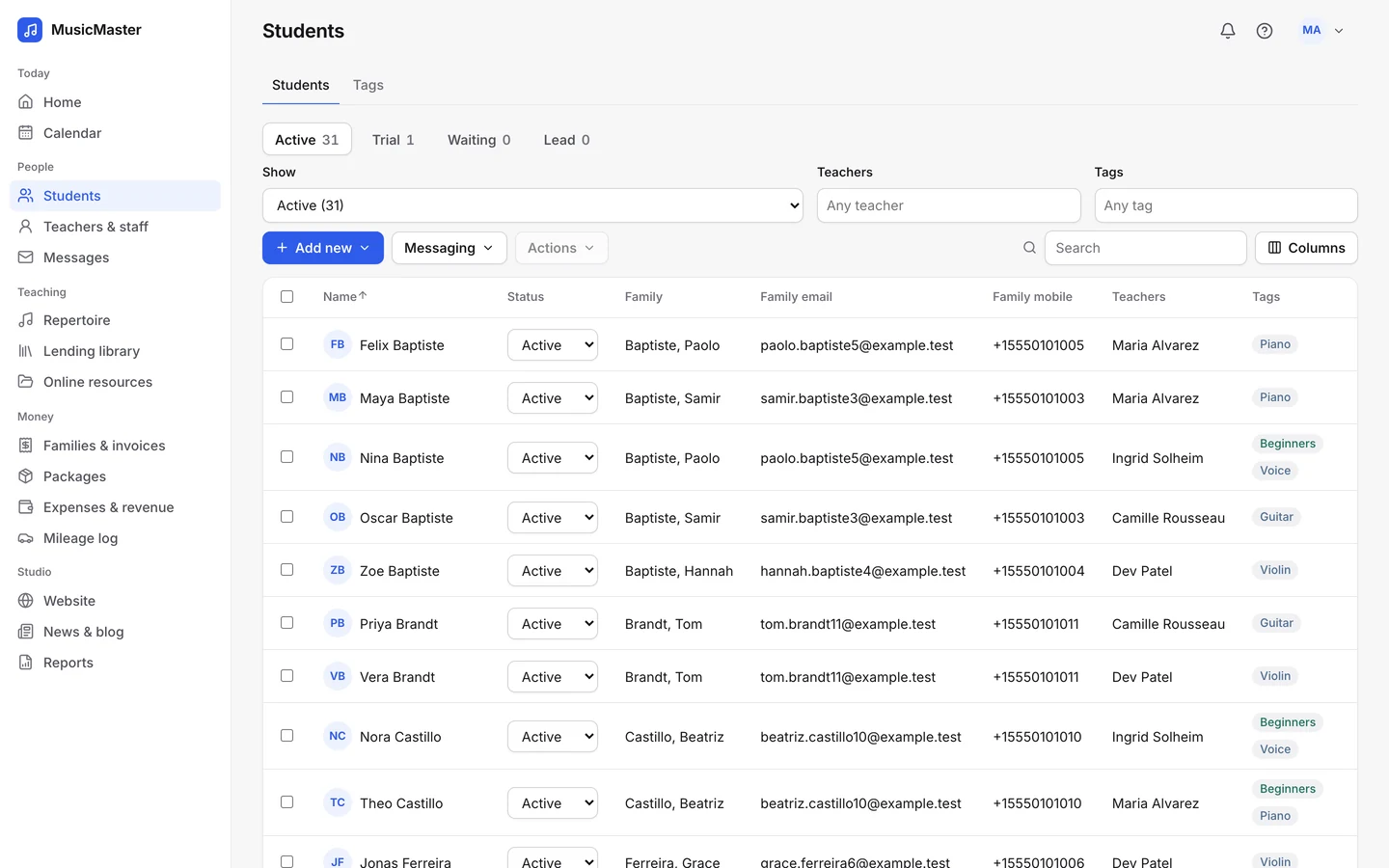
Class reports
The Student attendance and Lessons taught reports show who came and what was taught over the dates you choose, as PDF or Excel.
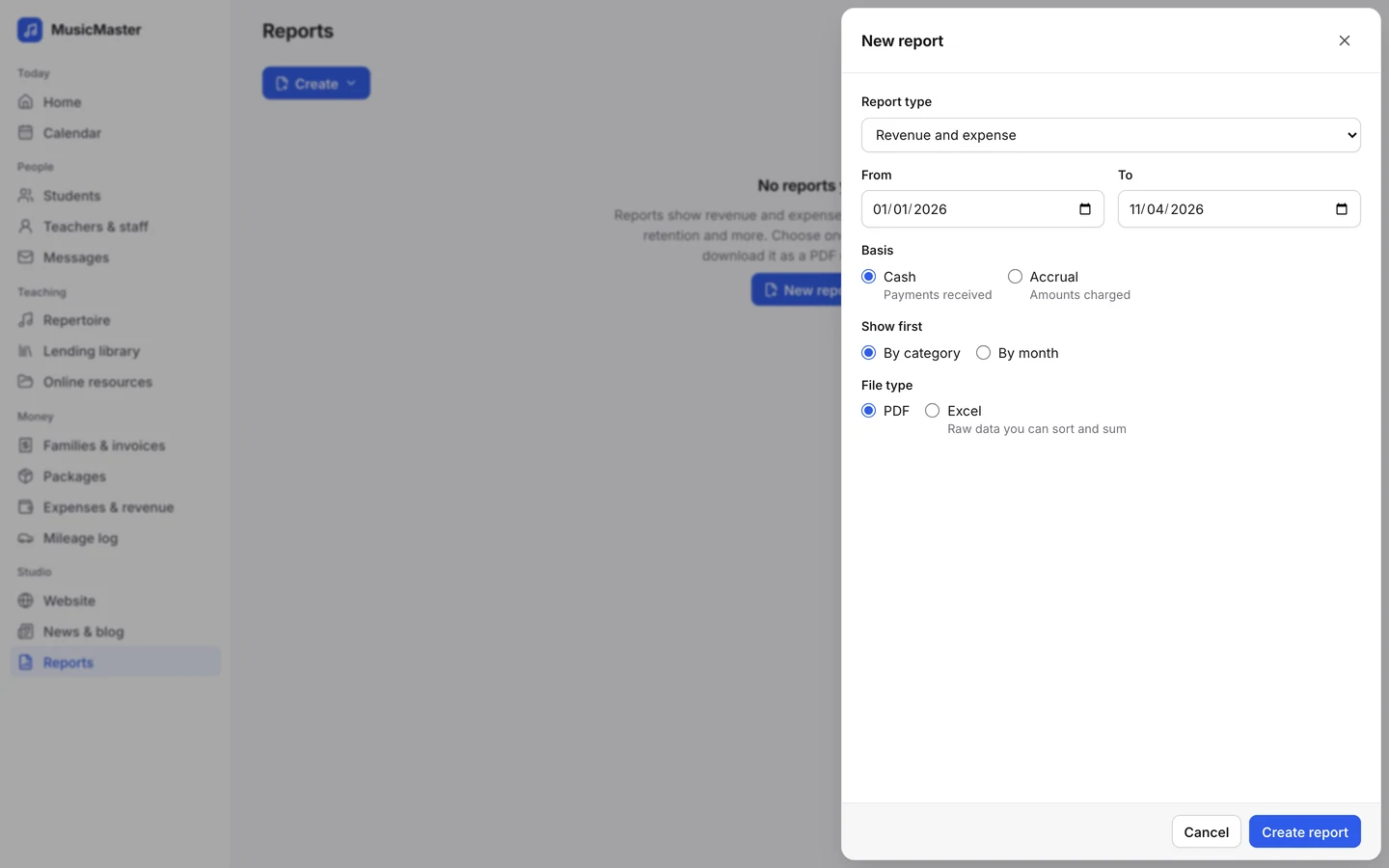
In the family portal
Everything about the class, on the family’s own phone.
Families see open lessons and classes with room left and book a place for their child.
Classes, rehearsals and recitals sit on the family’s calendar with the time, teacher and room.
Post news to the family portal and pin the important posts to the top.
Families see open lessons and classes with room left and book a place for their child.
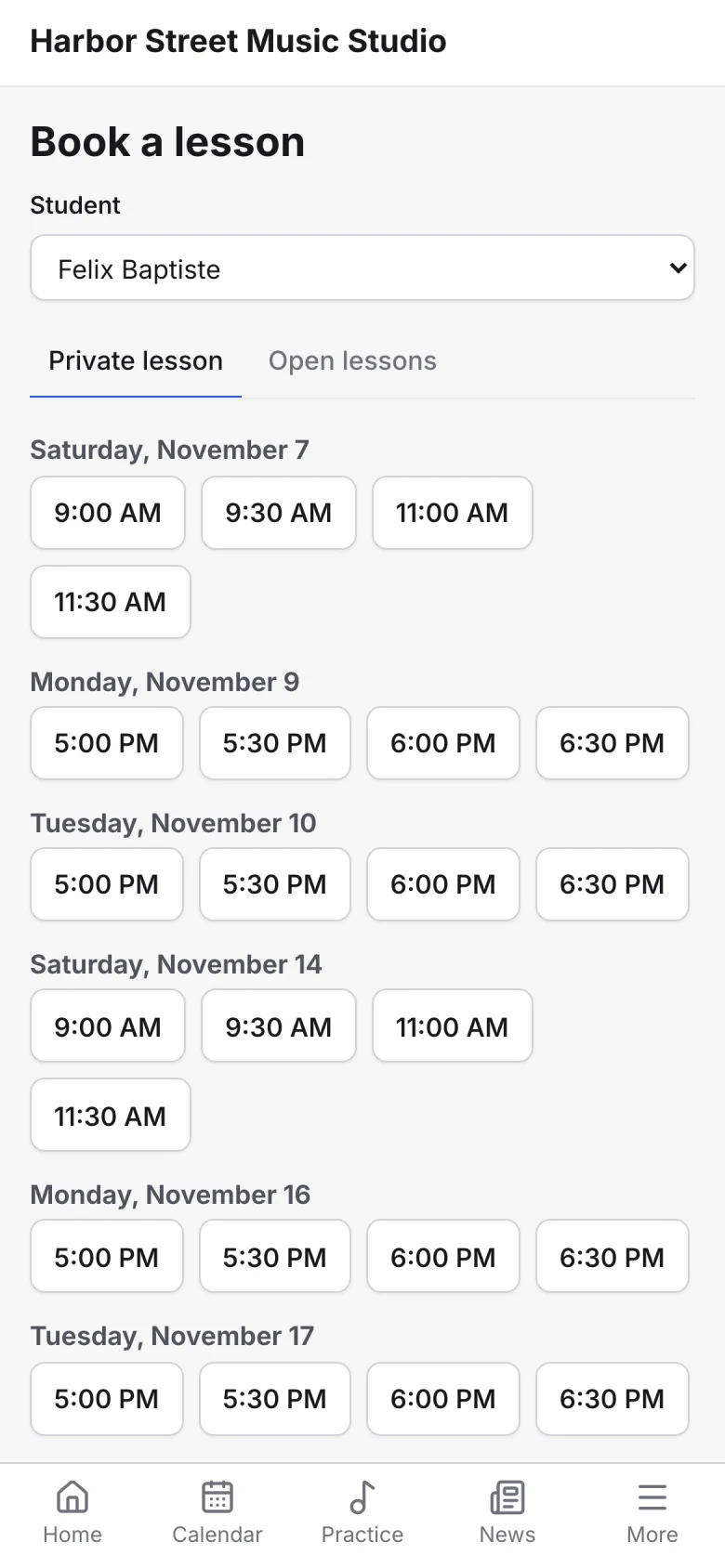
Classes, rehearsals and recitals sit on the family’s calendar with the time, teacher and room.
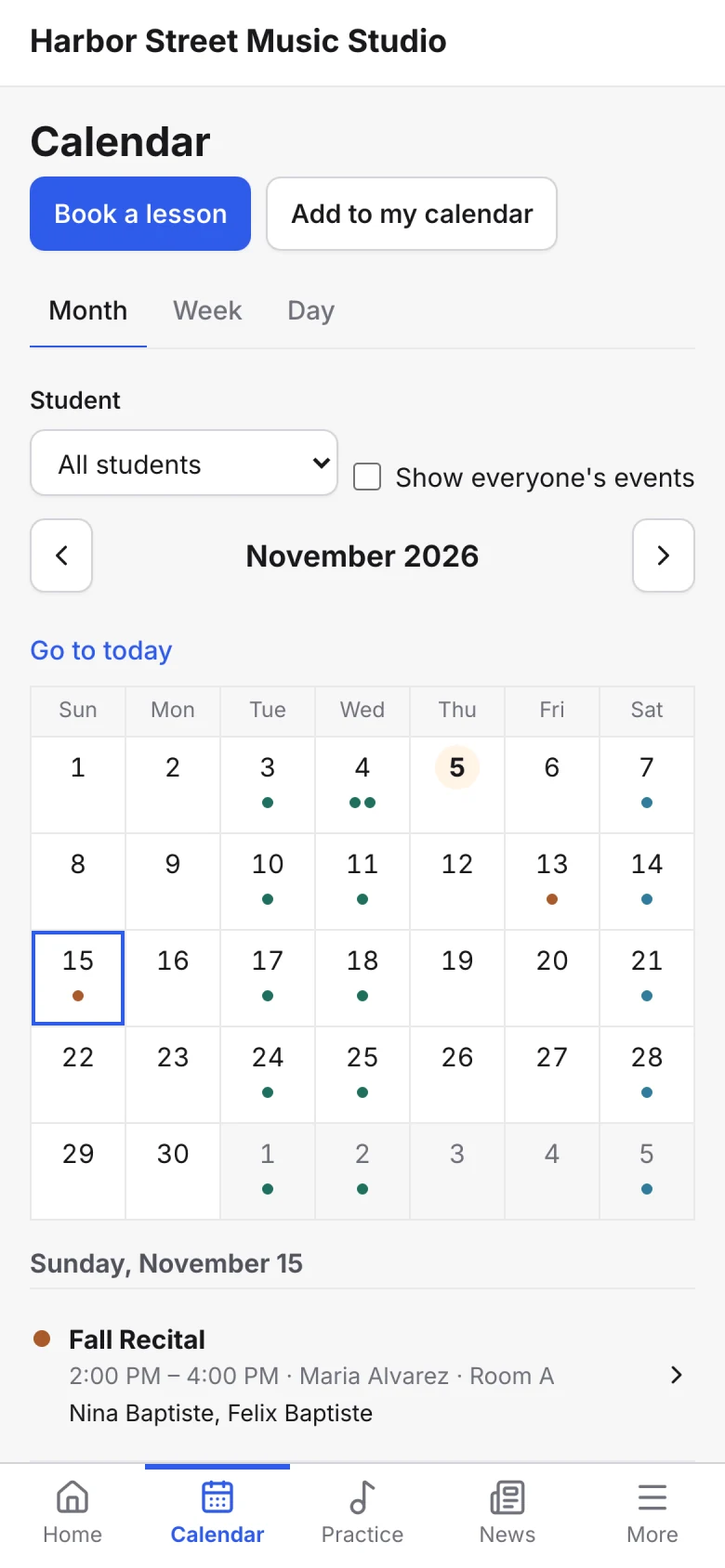
Post news to the family portal and pin the important posts to the top.
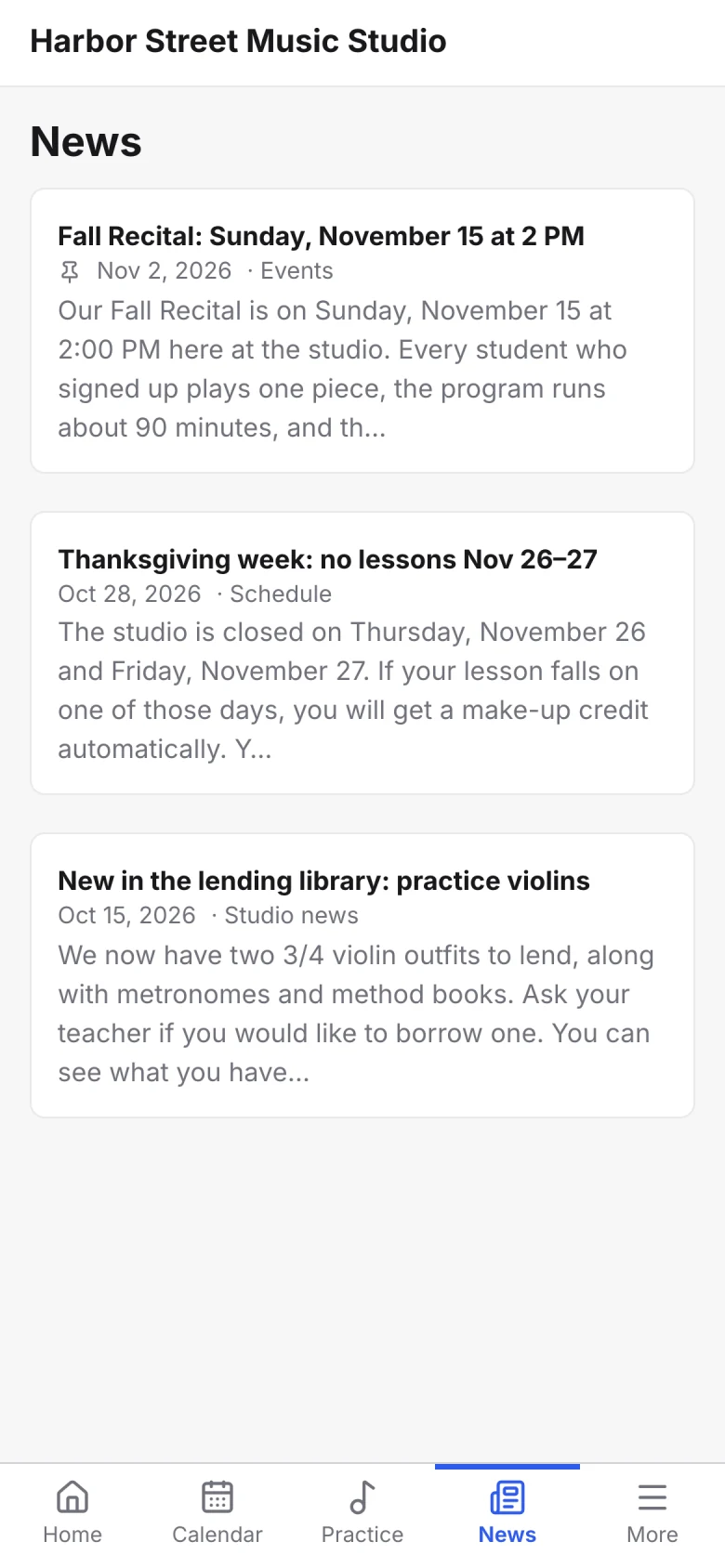
One studio system
Classes share the calendar, attendance, invoices and family portal with private lessons, so a student who does both has one schedule and their family one bill.

Set the most students a class can take.
Charge each student in a class their own price.
Search the calendar and hide the classes that are full.
Repeat a class every week, every other week or on chosen days.
Add a one-off charge to each family’s account.
Reuse the notes you write for every class.
For anything else, contact us.
Yes. A class has a price, and you can change the price for any student in it.
Yes. Turn on online booking for the class, and families can book a place from the family portal, or from a Book from calendar form on your website, while there’s room.
Yes. Choose the class’s students or its group tag in a new message. Each person gets their own copy, and nobody sees the other addresses.
That depends on the class’s category. Each category says whether make-up credits can be used for it.
Each event has one teacher, plus a substitute when someone covers. Give a second teacher their own event in a non-teaching category if you need them on the calendar.
Group classes are part of every Sonely plan, including the free one. Sonely is free for one teacher, and each extra teacher, admin or staff login is $12 a month. Students are unlimited.
Every class, every student
Included
See pricing
Look around a sample studio where group classes and recitals are already on the calendar.
Open the demo studio
Ask us anything about running your studio on Sonely. Real people read and answer.
Contact us about Sonely
Every update we ship, in one place. See what changed in each release.
Read the changelog