New students, added for you
Each sign-up becomes a lead or a student, with a family and contacts, in the status you choose.
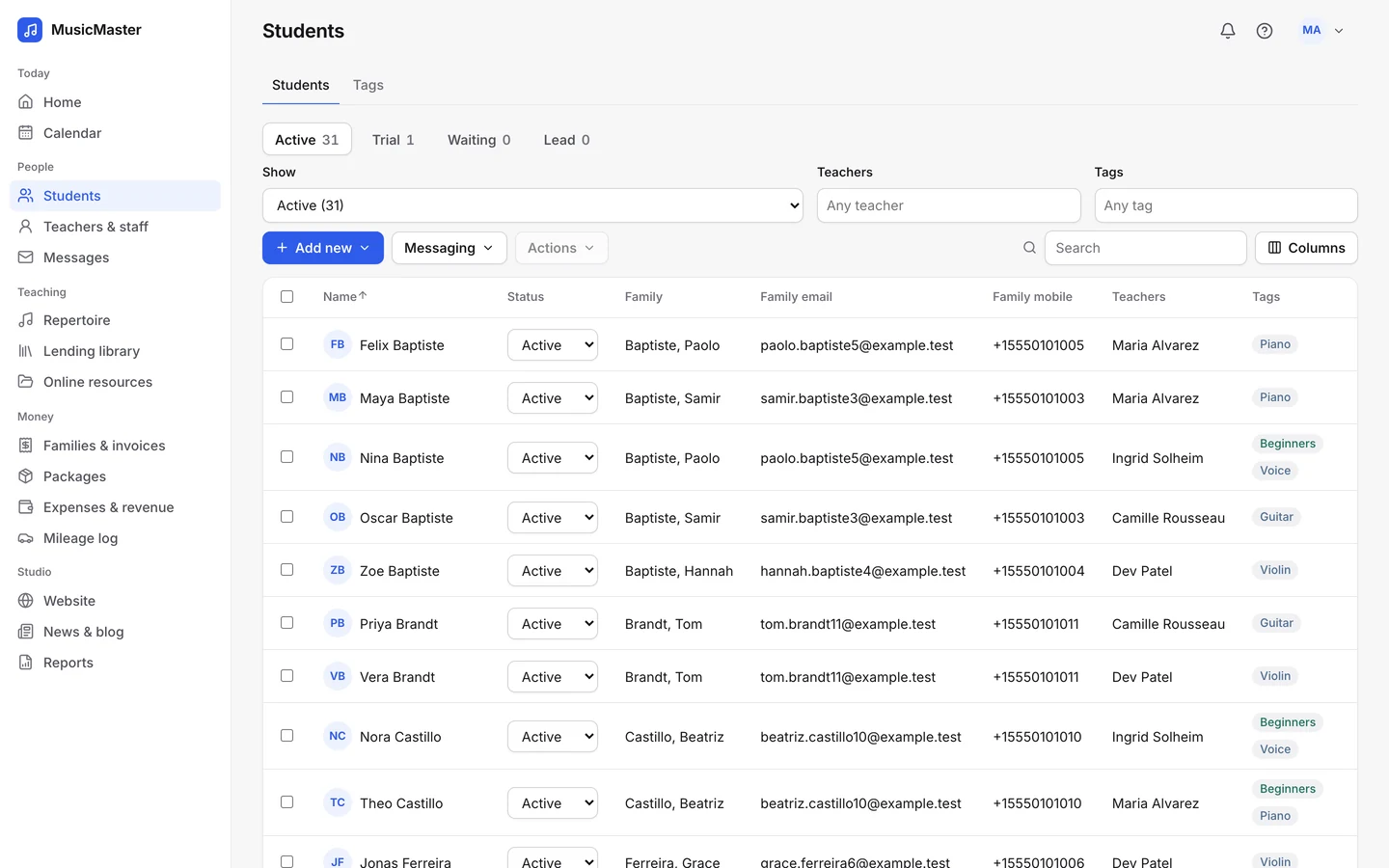
Sign-up forms, trial lessons and online booking that fill your calendar and add new families to Sonely for you.

Works with
the tools you already use
Sign-up forms
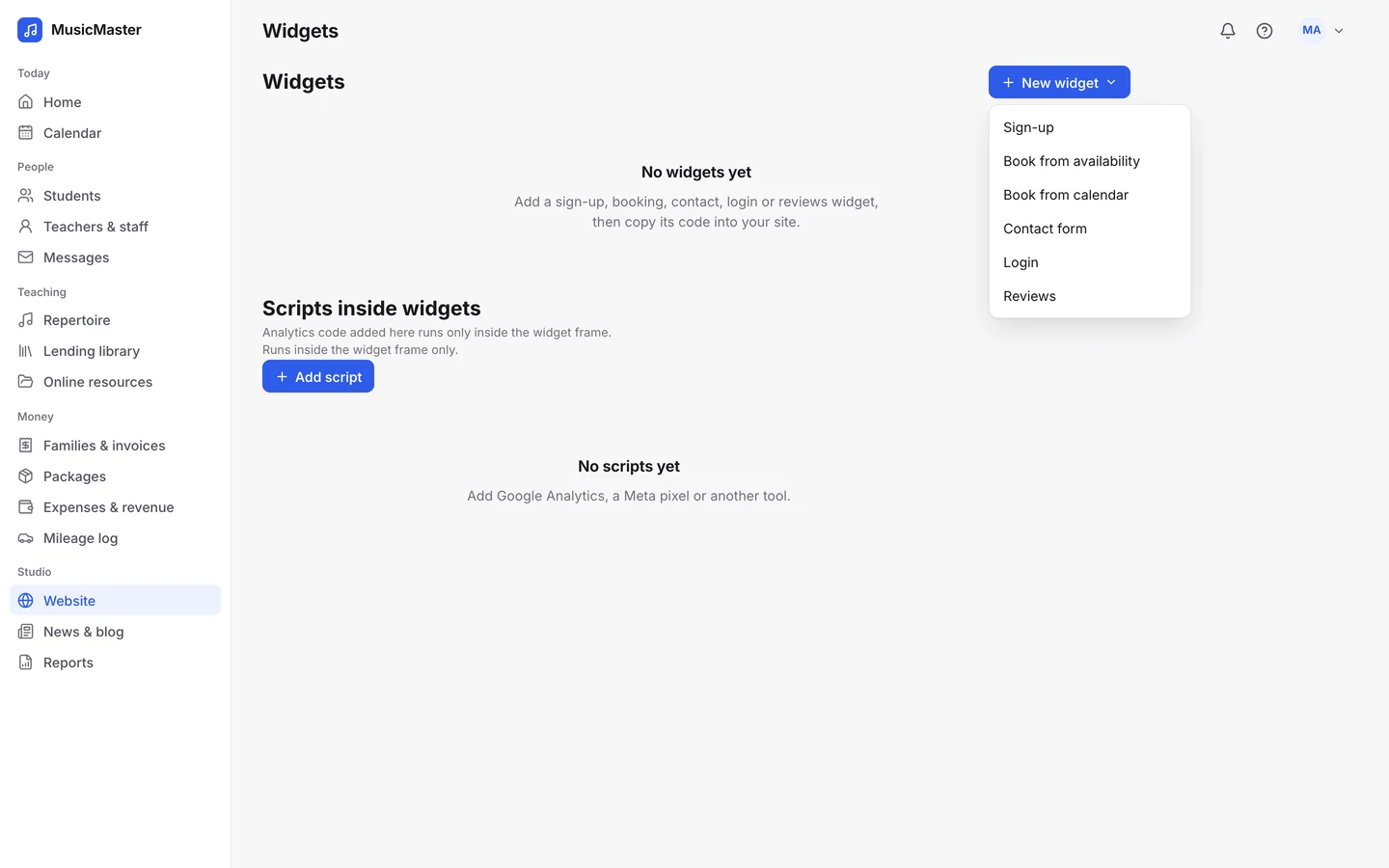
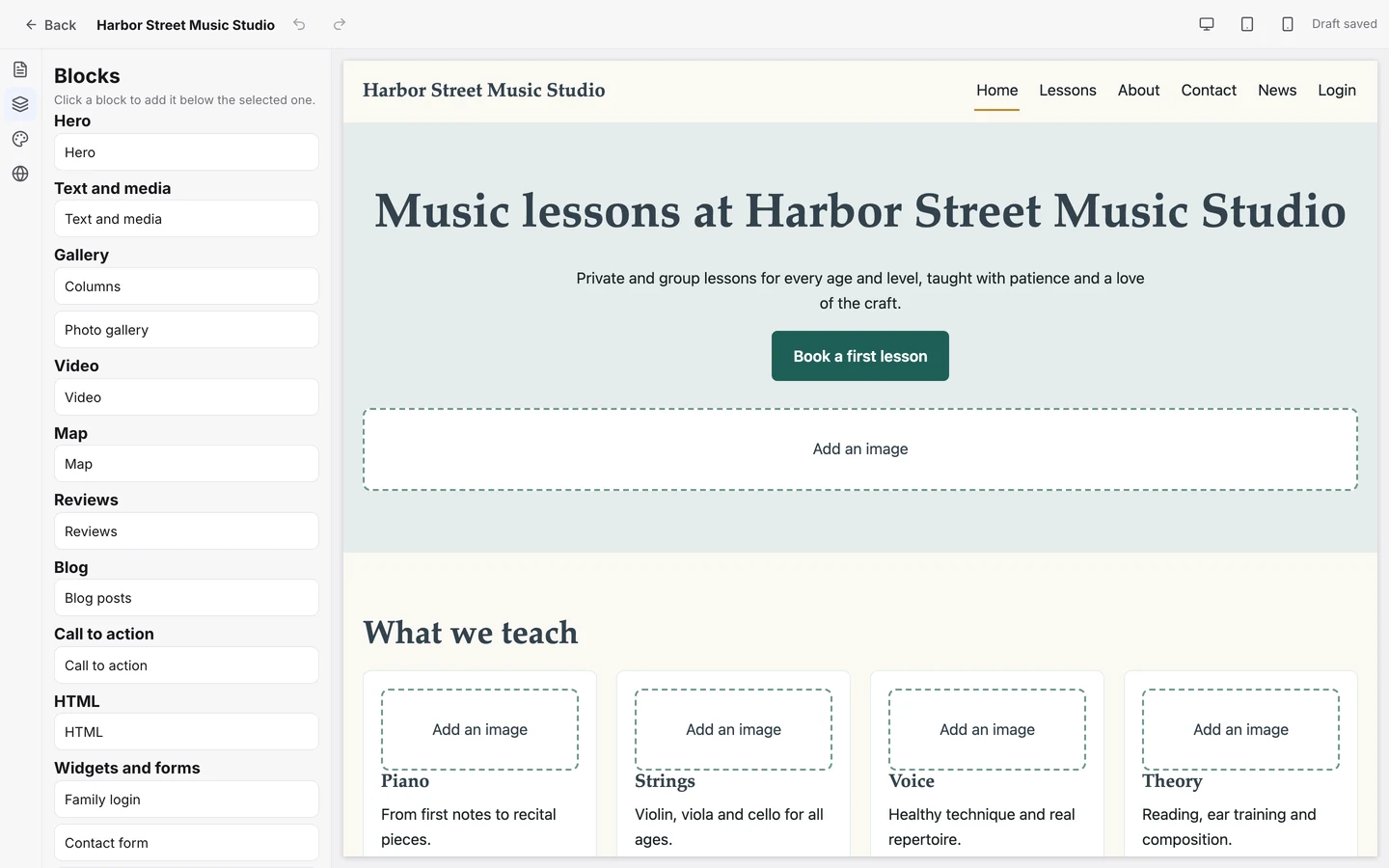
Put a sign-up form on your Sonely site, or embed it on your own.
Each sign-up becomes a lead or a student, with a family and contacts, in the status you choose.
Tag new sign-ups automatically, so you know which form or season they came from.
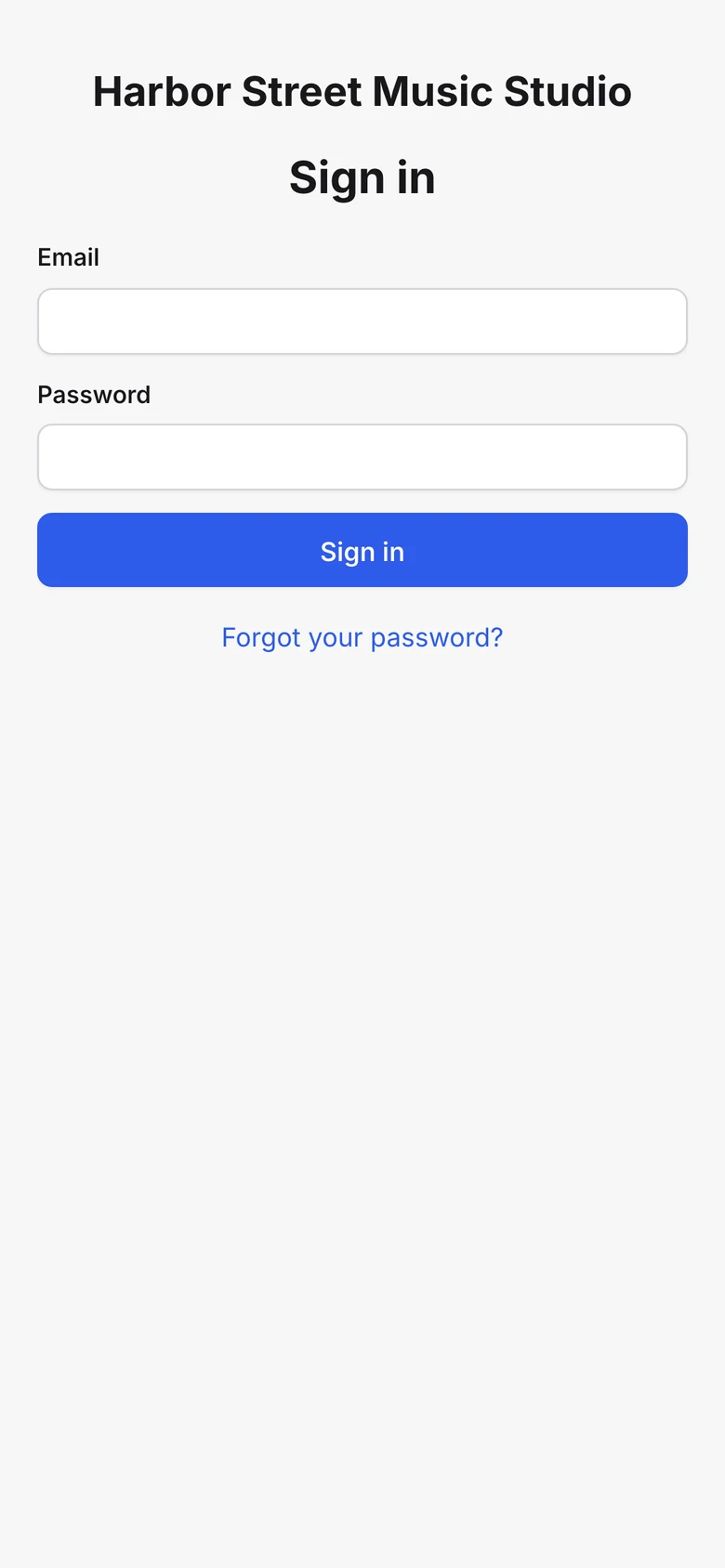
Let new families set a password for the family portal as soon as they sign up.
Ask which instrument they play and which teacher they’d like, and the student is assigned to match.
Each sign-up becomes a lead or a student, with a family and contacts, in the status you choose.
Tag new sign-ups automatically, so you know which form or season they came from.
Let new families set a password for the family portal as soon as they sign up.
Ask which instrument they play and which teacher they’d like, and the student is assigned to match.
Online booking
Two booking forms, both working from your real calendar.
Families pick an instrument, a teacher and a free time from that teacher’s availability.
Families take an open lesson slot or a place in a class with room left.
Keep a new student’s weekly time for them while the family decides.
Families pick an instrument, a teacher and a free time from that teacher’s availability.
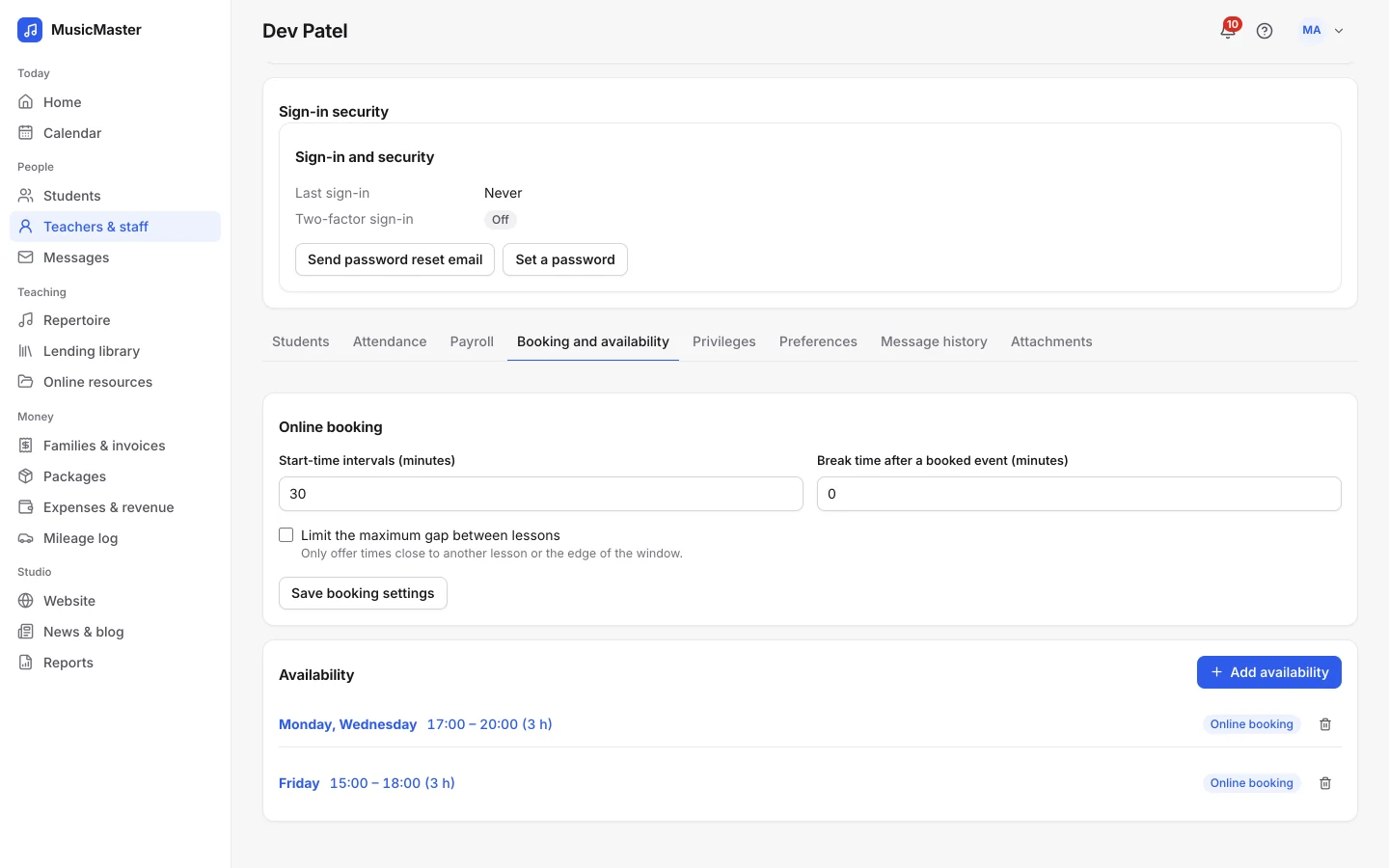
Families take an open lesson slot or a place in a class with room left.
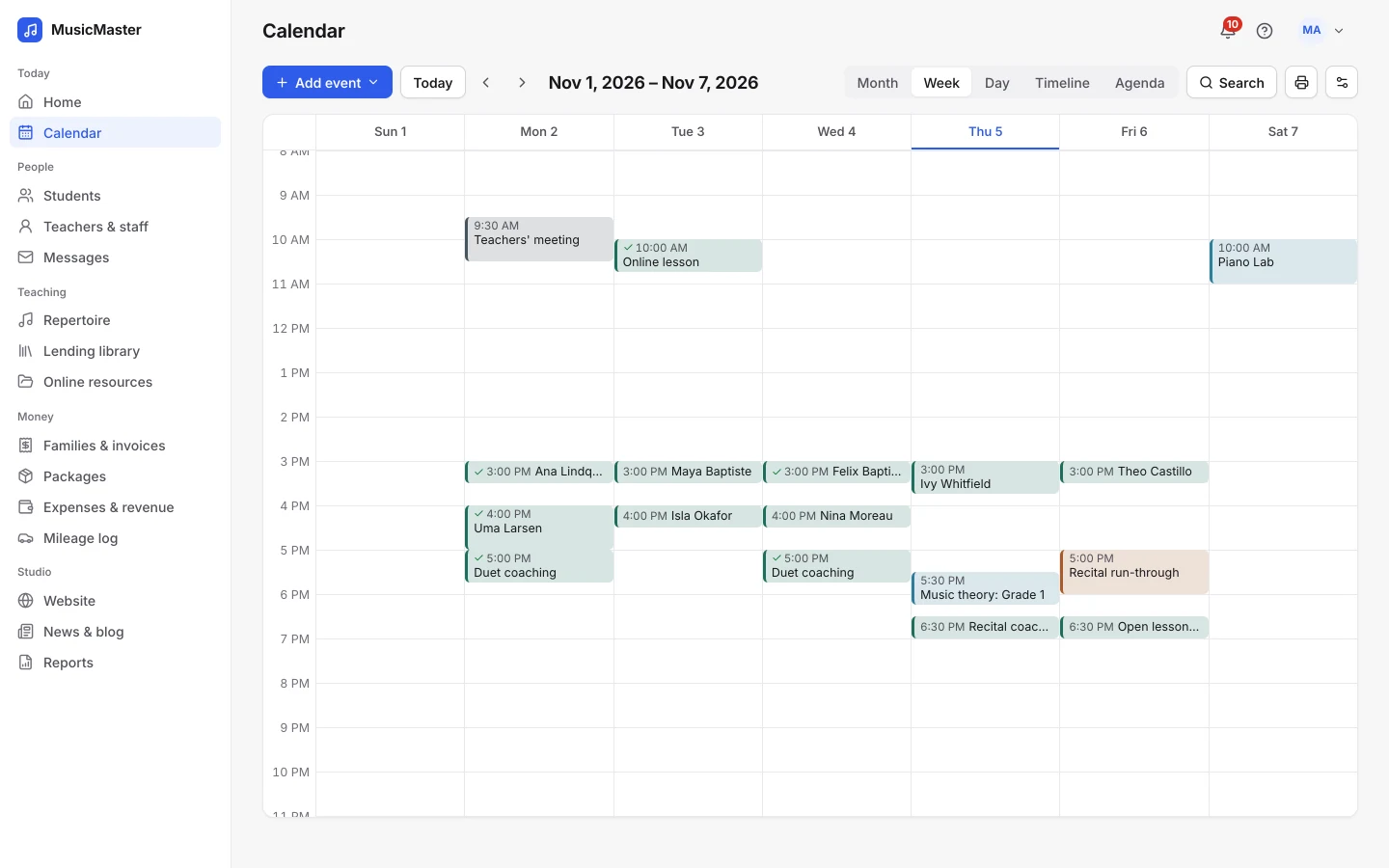
Keep a new student’s weekly time for them while the family decides.
Trial lessons
Make the first lesson free, take a percentage off it, or charge for it at booking through your own Stripe or PayPal account.
Later lessons go back to your usual price.
Booking rules
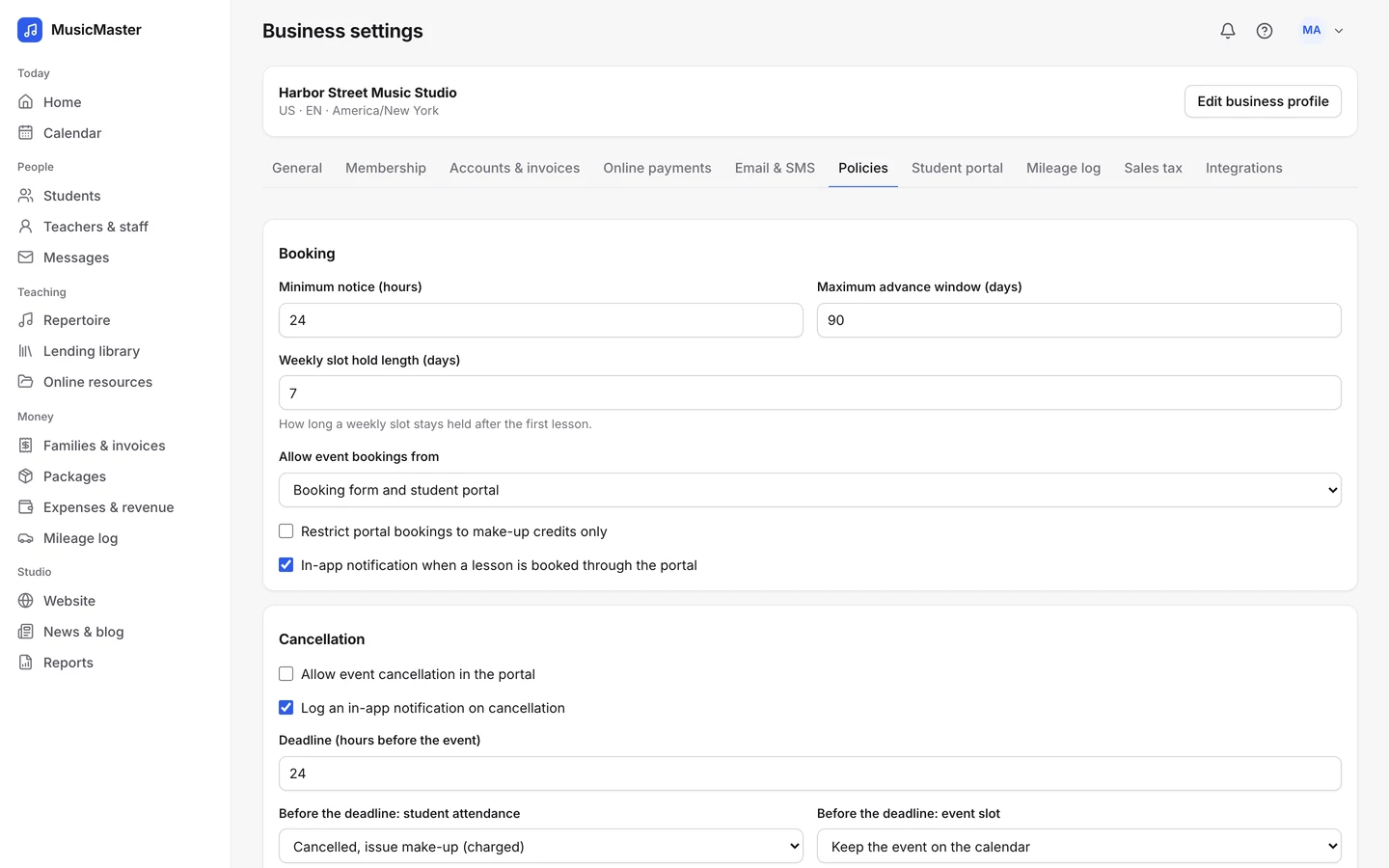
Set minimum notice and how far ahead families can book. Teachers choose their start-time intervals, a break after each booked lesson and a limit on the gaps between lessons.
Families already with you
Families already with you book extra lessons and make-ups from their portal, from the same availability and under the same rules.
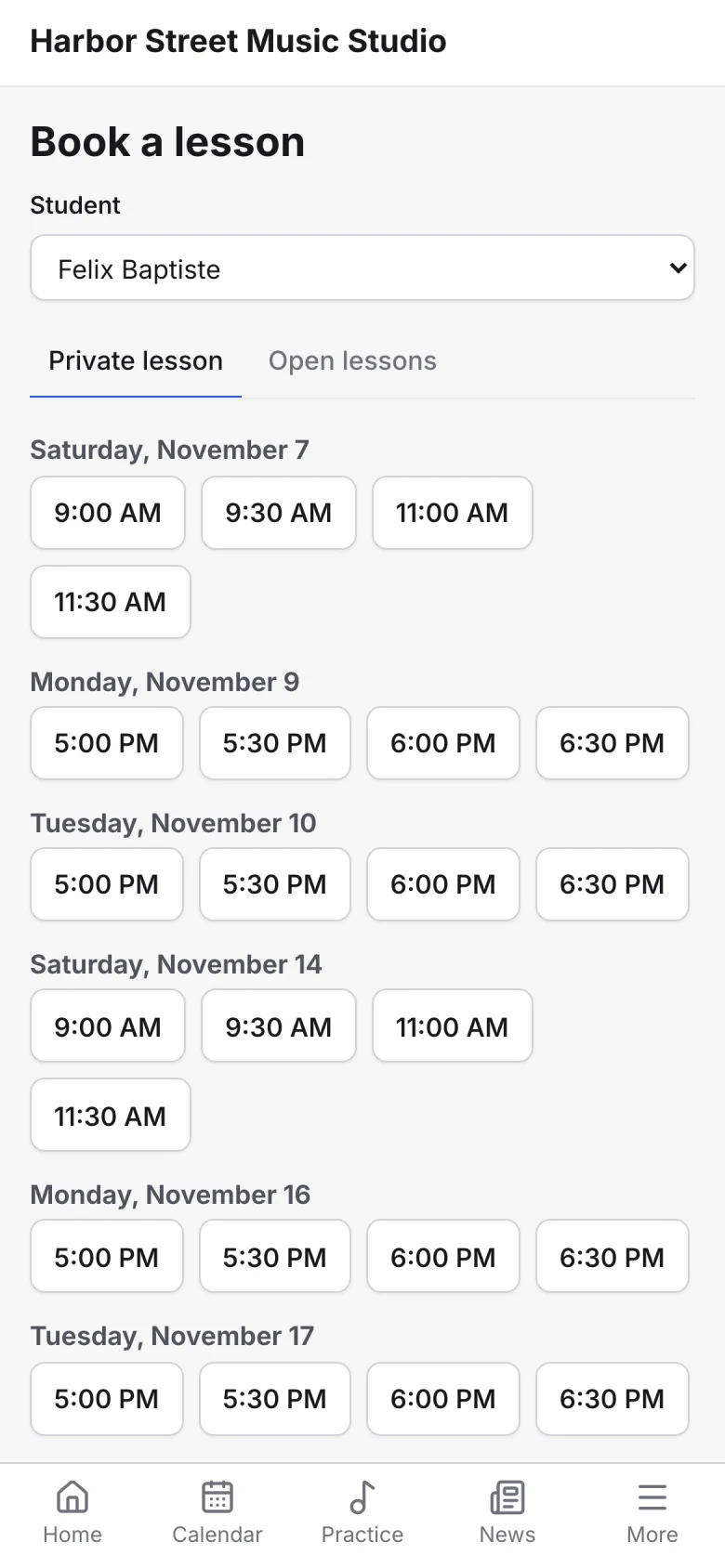
No double booking
Every booking is checked against the calendar as it’s made. If someone takes the time first, the other family is asked to choose another.
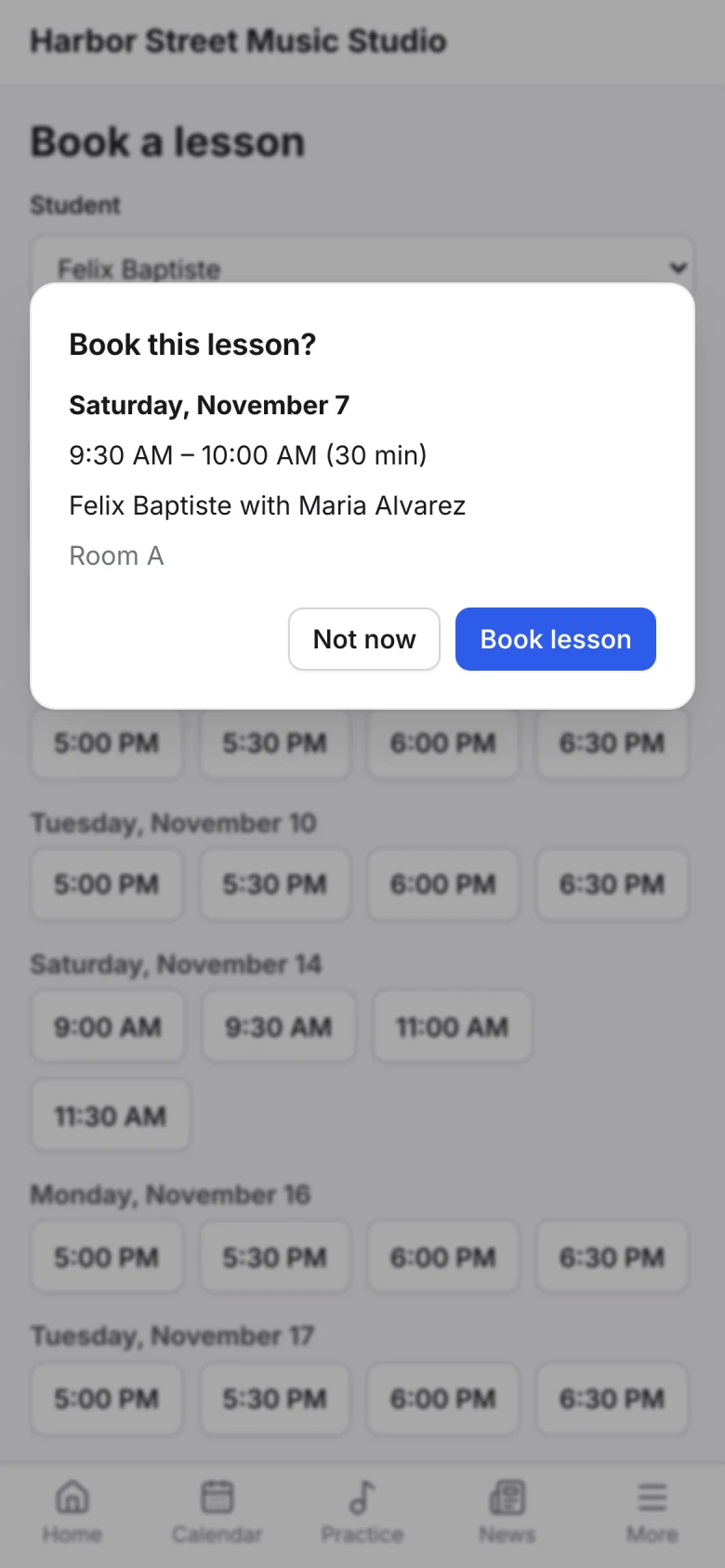
One studio system
A booked trial is a real lesson on the calendar, with attendance, billing and the family portal ready from the first day.
Google Analytics and the Meta Pixel on your own site hear about every widget sign-up.
Questions from your site land in Sonely.
Families choose from the instruments your teachers teach.
Public forms check for bots before they accept a sign-up.
Show approved four- and five-star reviews beside your forms.
Use the widgets on any website, not just one built with Sonely.
For anything else, contact us.
Yes. A Book from availability form lets them choose an instrument, a teacher and a free time, and the lesson goes straight on the calendar.
Yes. Make the first lesson free, discount it by a percentage, or take payment at booking through your Stripe or PayPal account.
Into your students list, as leads or students with the tags you chose. You can also send them a family portal login straight away.
Yes. Every form is a widget you can embed on any site with a snippet of code.
Each booking is checked as it’s made. If a time has just been taken, the second family is asked to choose another.
Yes, for widgets on your own site. Each successful sign-up sends an event to the Google Analytics and Meta Pixel already there, so it shows up in your reports.
Sign-ups & booking is part of every Sonely plan, including the free one. Sonely is free for one teacher, and each extra teacher, admin or staff login is $12 a month. Students are unlimited.
Every form, every booking
Included
See pricingLook around a sample studio where teachers’ availability is set up for booking.
Open the demo studio
Ask us anything about running your studio on Sonely. Real people read and answer.
Contact us about Sonely
Every update we ship, in one place. See what changed in each release.
Read the changelog