Sonely for group classes
Fill your classes, keep families close and bill every student
Run sign-ups, attendance, notes and invoices for classes, ensembles and camps without the paperwork, all on one calendar.
Sonely for group classes
Choirs, bands, group piano, theory classes and summer camps: a class is an event with several students, a price for each one and as many places as you set.
Welcome families with an easy sign-up.
Put a Book from calendar form on your website and families register straight into a class that has places left.
Ask your own questions, add a policy for them to agree to, and take a registration fee or a deposit by card.
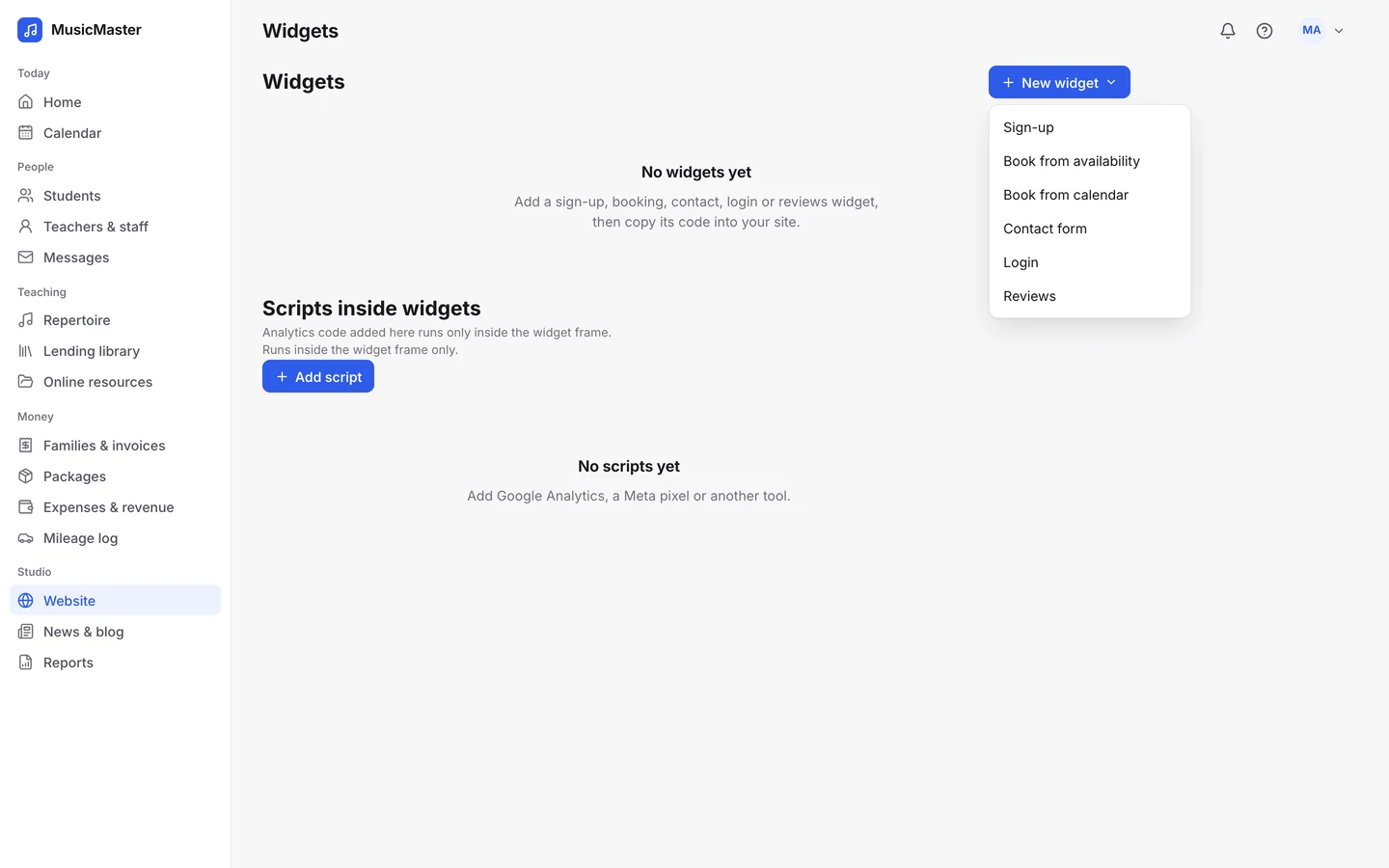
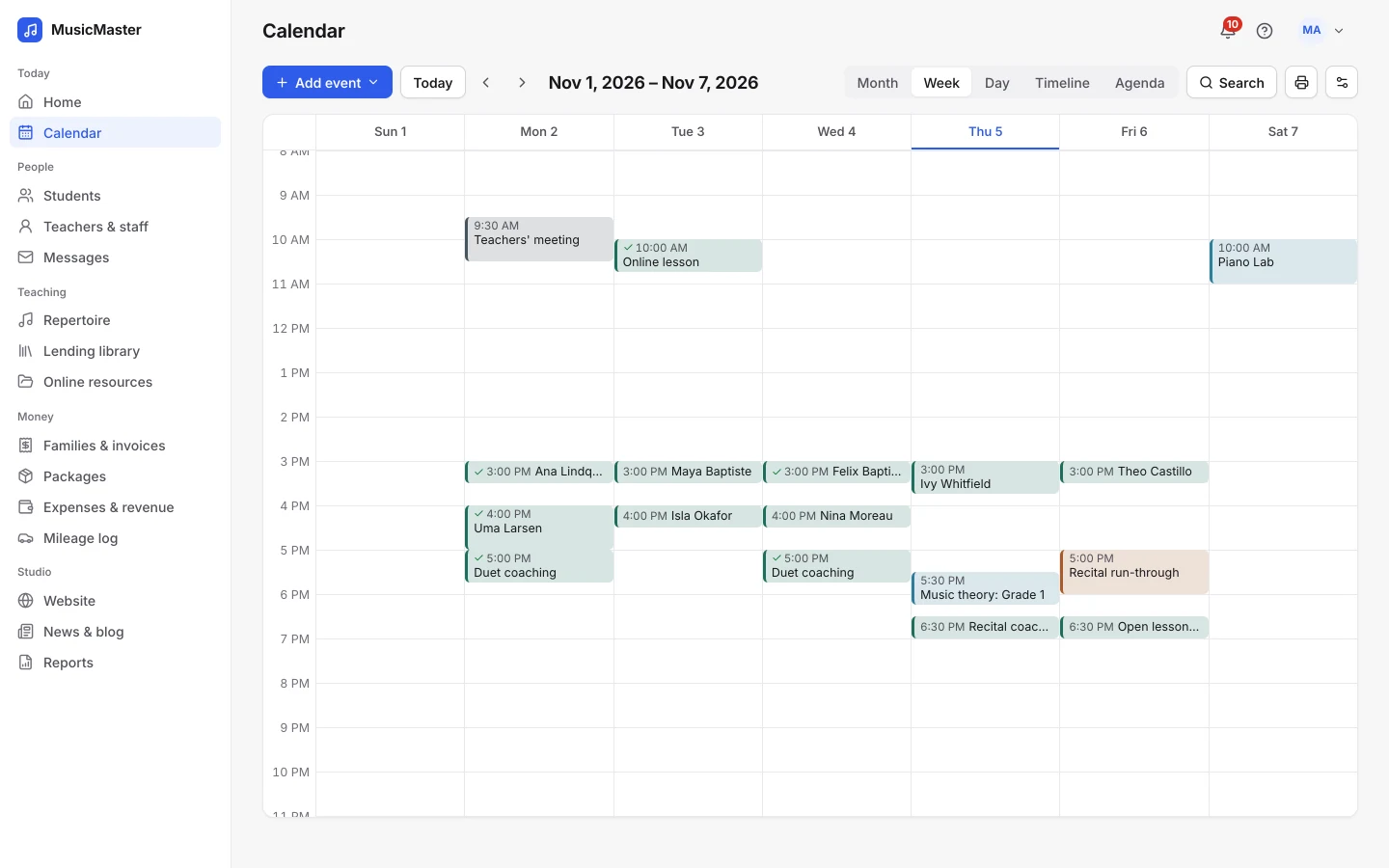
Know who's in every class.
Set the most students a class can take, and full classes stop taking sign-ups.
In the calendar search, hide full events to see where places are left.
Take attendance for the whole group at once.
Select everyone who came, set them all to Present and apply. Then open any one student to change their status or add a note, or step through the class one student at a time.
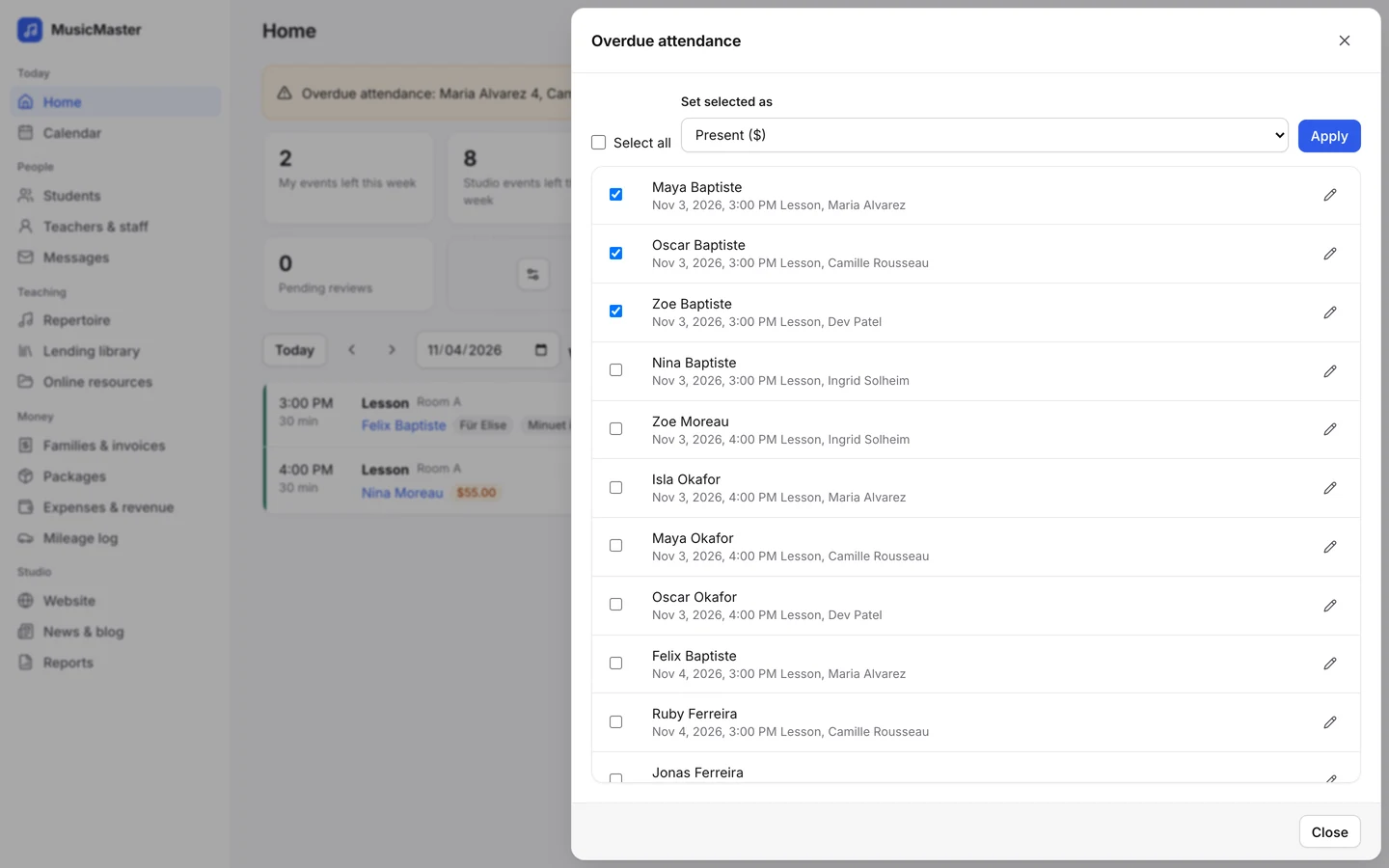
A class of twelve means twelve attendance marks, twelve charges and twelve families to tell. In Sonely they all start from one event.
The Sonely team
Makers of Sonely
Plan the whole season.
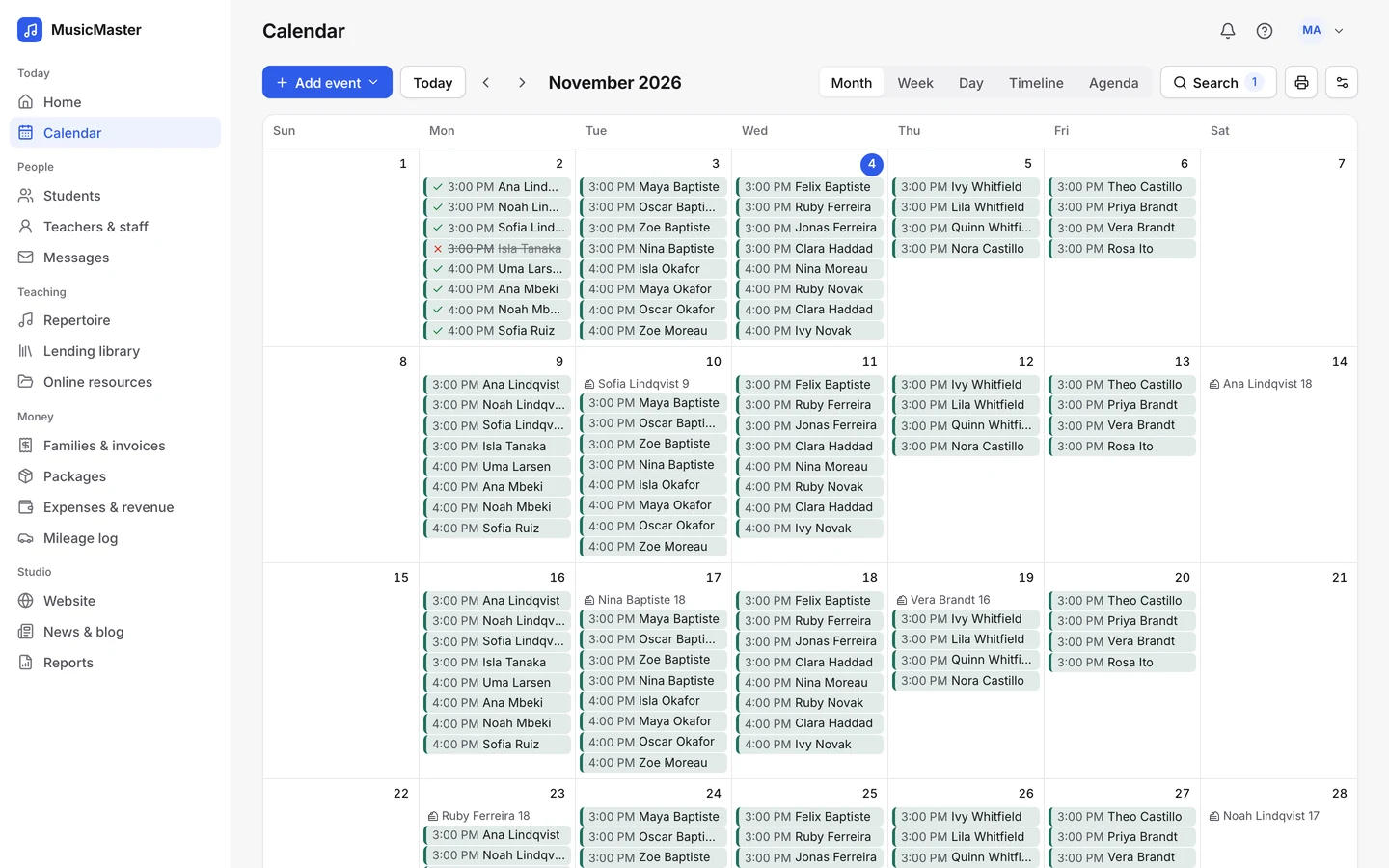
Weekly classes, one-day workshops, rehearsals and recitals sit on the same calendar as your private lessons.

Weekly or one-off
Repeat a class weekly until the term ends, or add a single workshop or recital.

Sign-ups with payment
Families register online and pay a deposit or a registration fee by card.

Attendance for all
Mark the whole class at once, or step through each student in turn.
Keep every family in the loop.
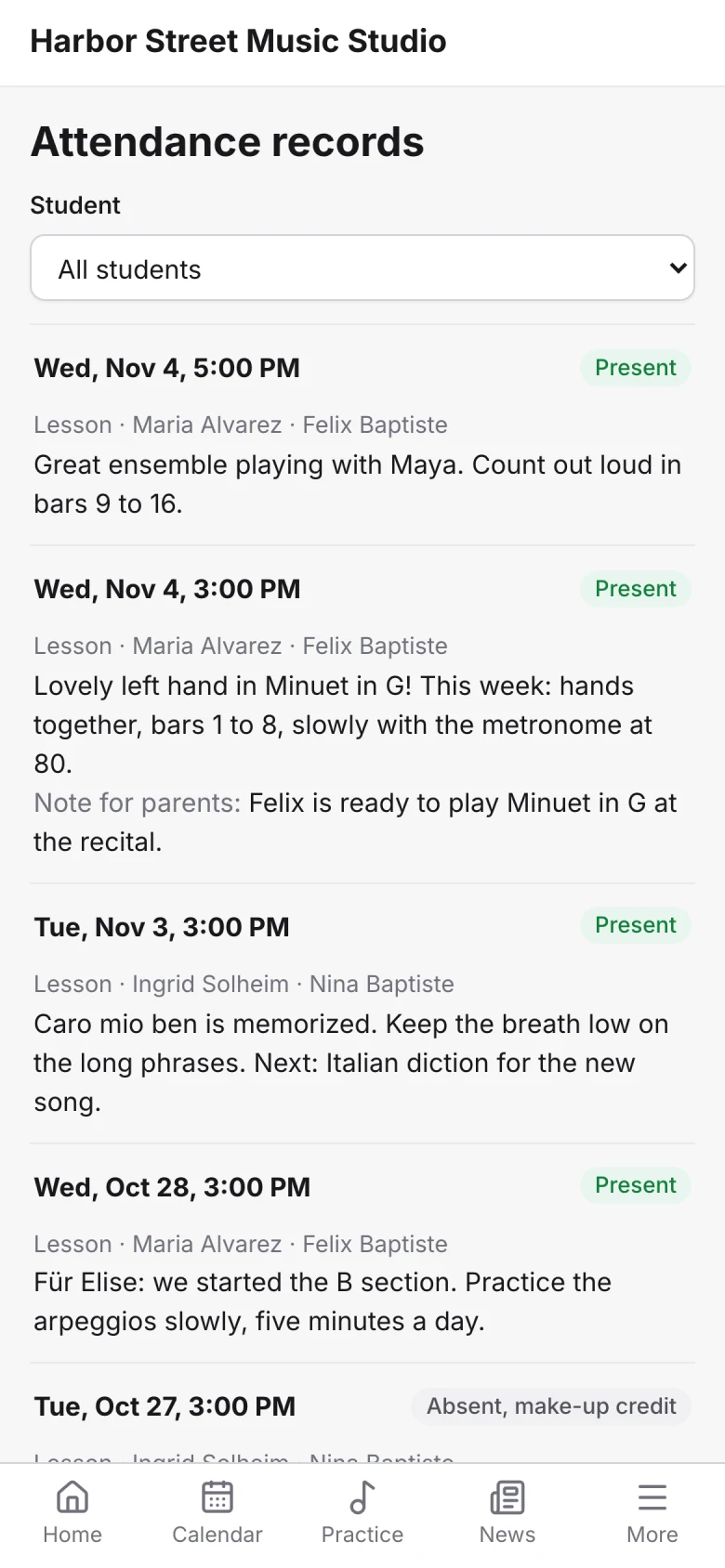
After each class, write one group note. Every student in the class and their parents can read it, and your private note stays with you.
Message a whole class at once.
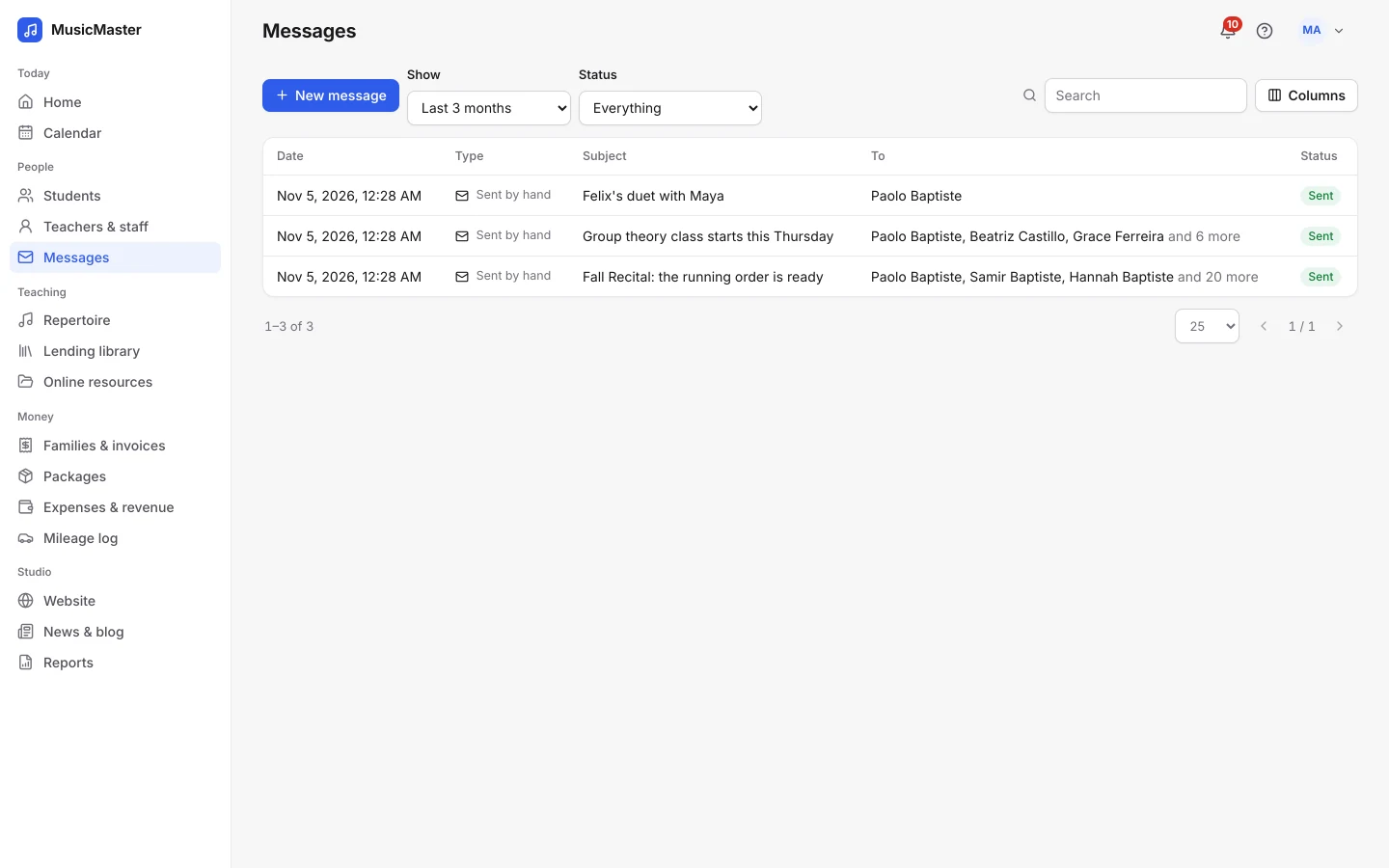
Give each class or ensemble a group tag, then email every student, every parent or both. Send it now or schedule it for later.
Let families see what's coming.
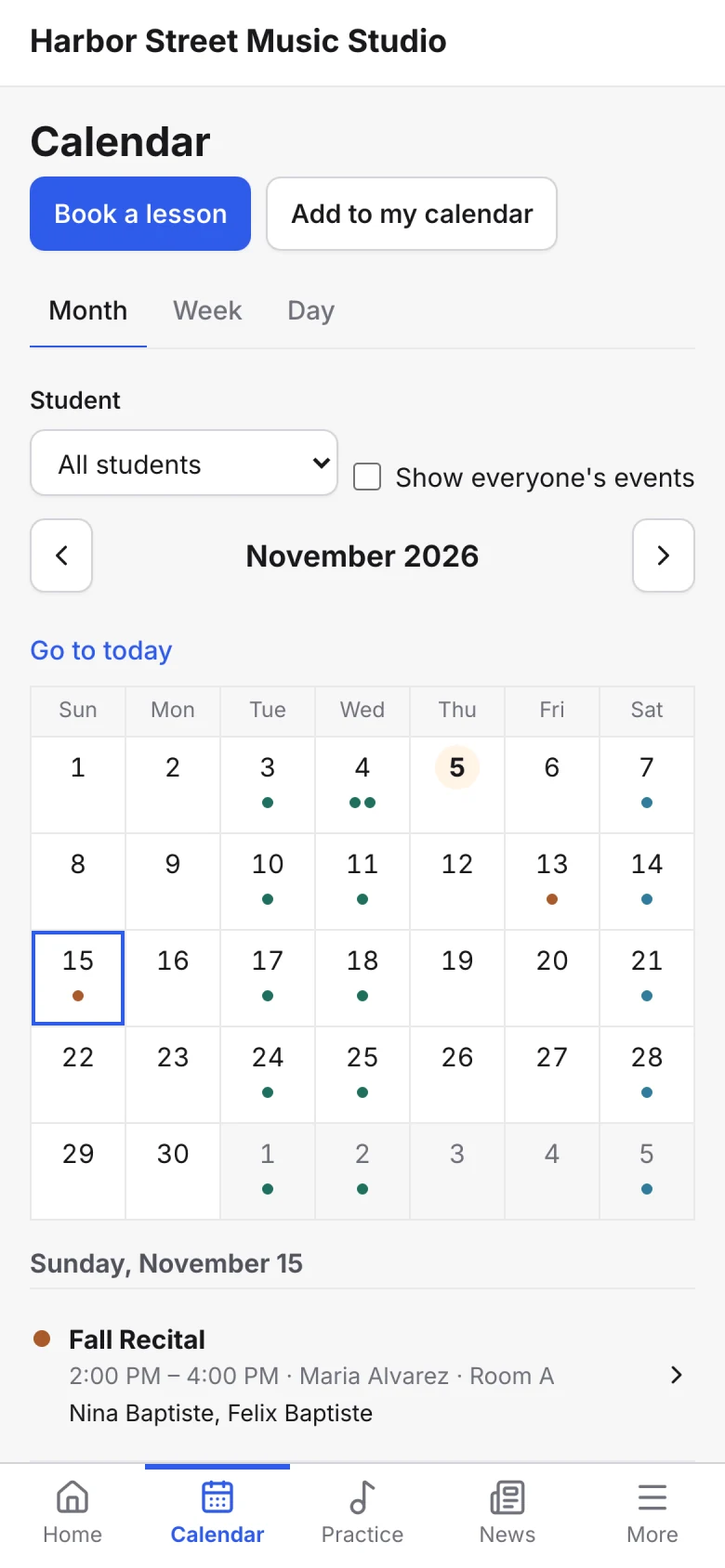
Make a concert or an open rehearsal public and every family sees it on the portal calendar. Families can add their own lessons and classes to the calendar on their phone.
Bill each student for the class.
Each student in a class has their own price, so siblings, scholarships and late joiners are simple to handle.
Charges follow attendance onto each family's account and invoice.
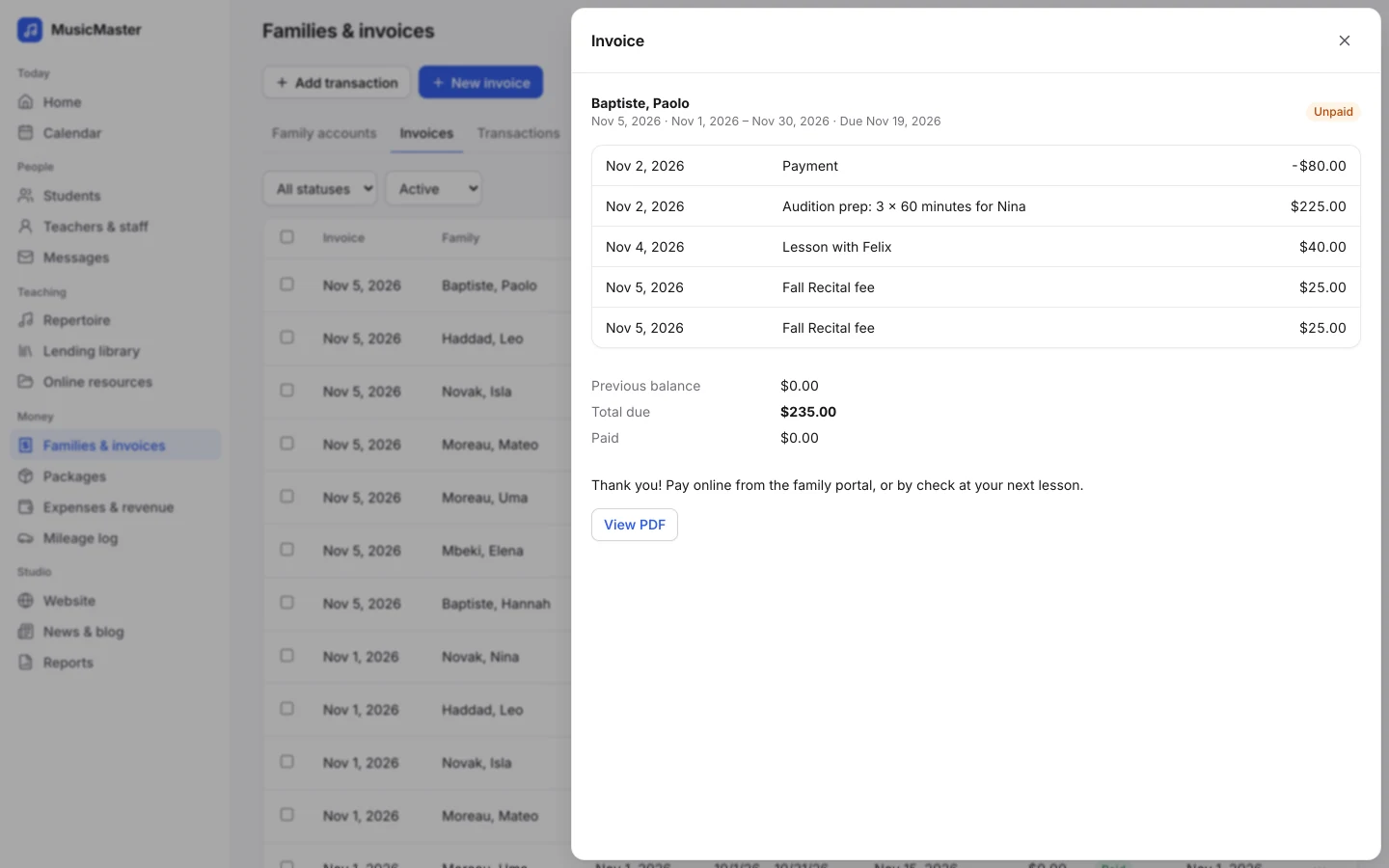
Say it once and every family in the class hears it: one group note, one message to a tag, one public event.
The Sonely team
Makers of Sonely
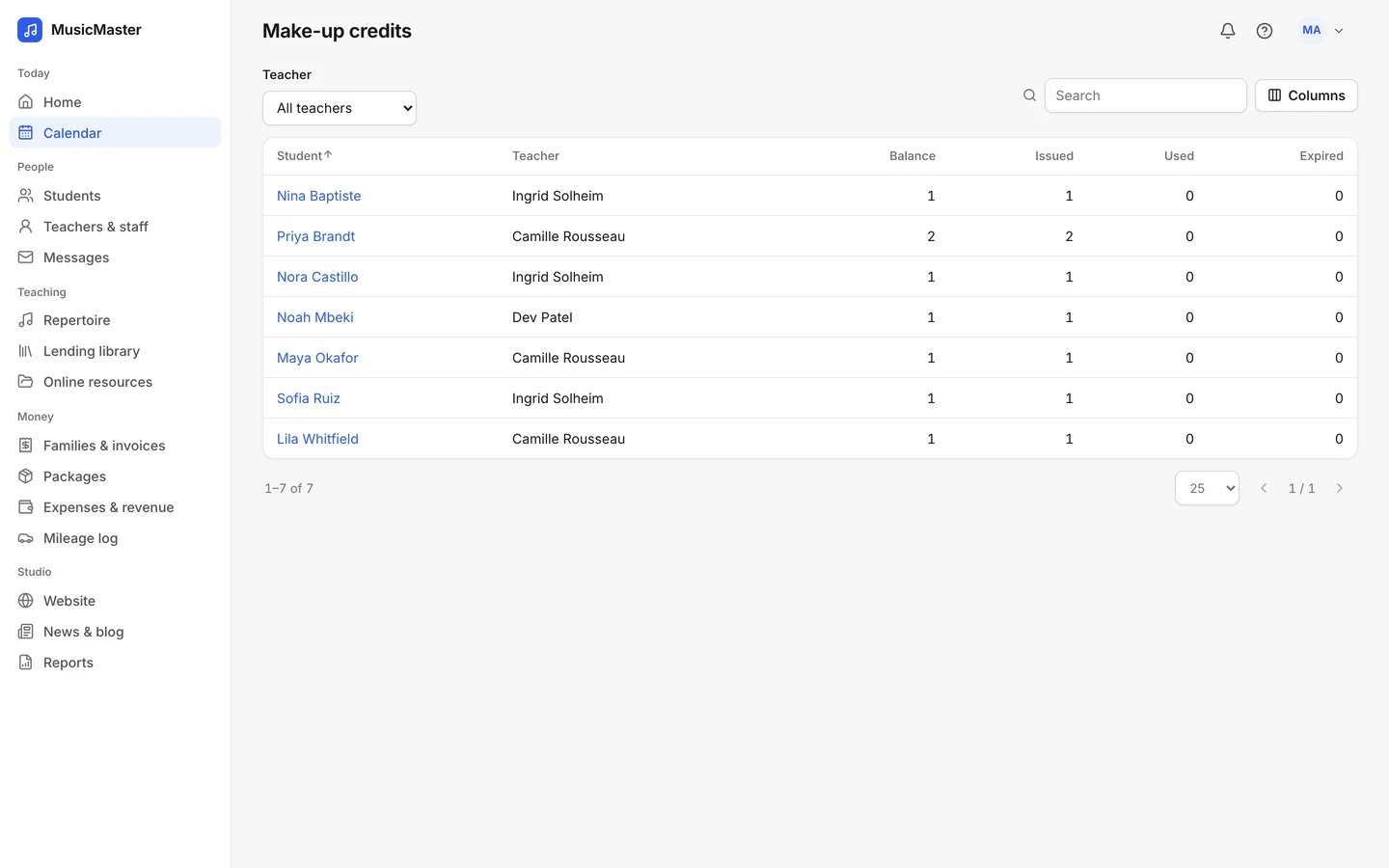
Run make-up classes.
Mark a class as a make-up class and students book it from the portal with the make-up credits they've earned with that teacher.
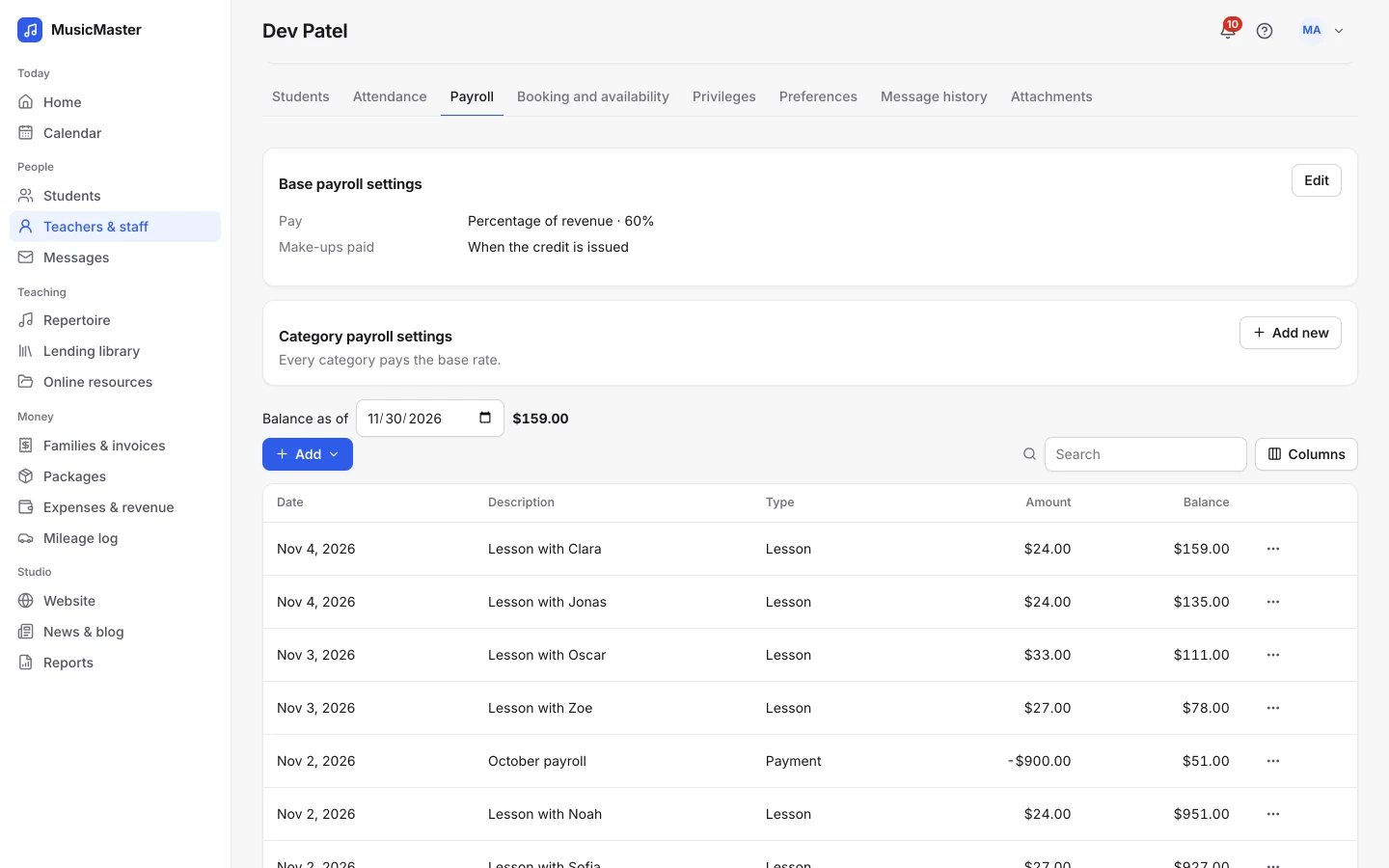
Pay teachers for group classes their way.
Give group classes their own payroll setting by category: so much per student, per hour or a share of the class's revenue.
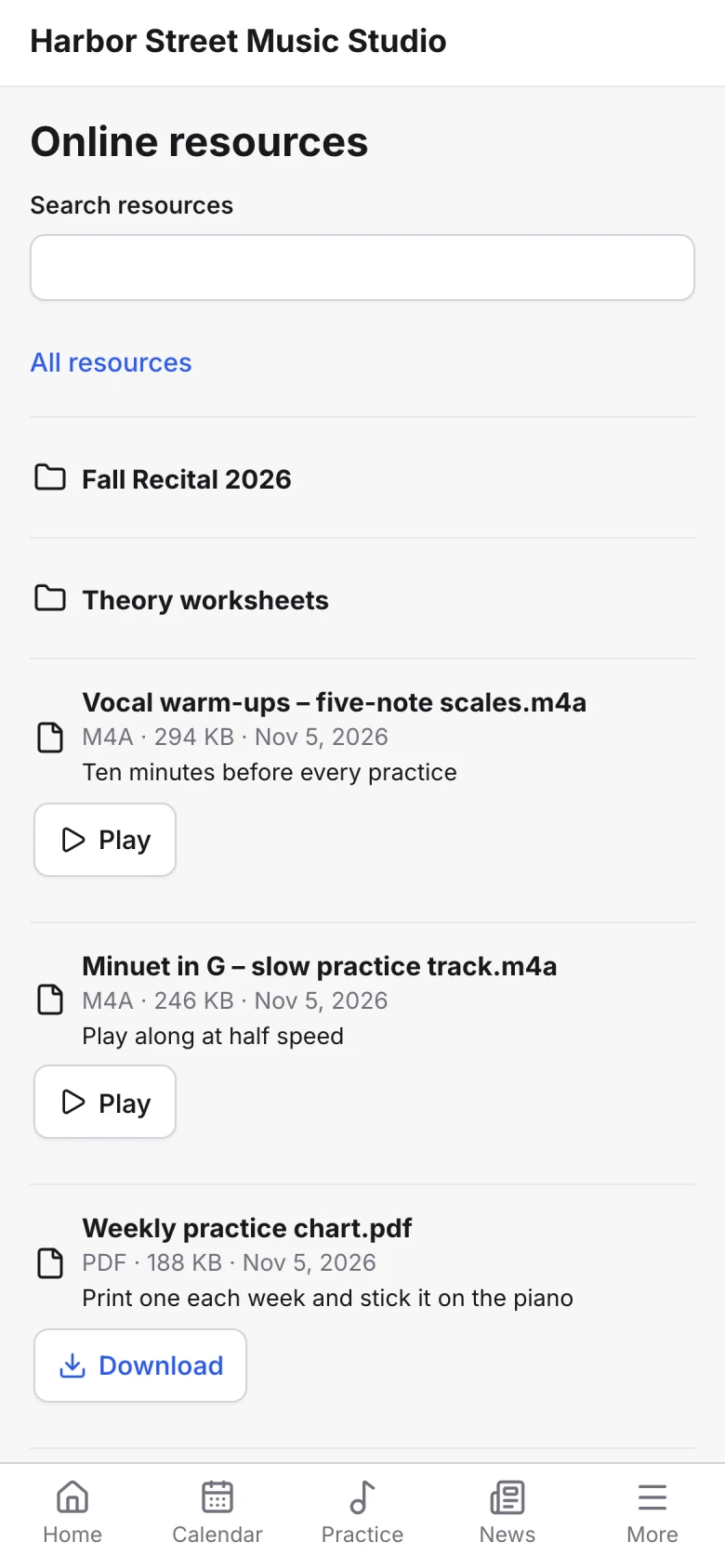
Share music and recordings with the class.
Put sheet music, backing tracks and videos in a folder and choose which students or group tags can open it from the portal.
Lend instruments and books to the group.
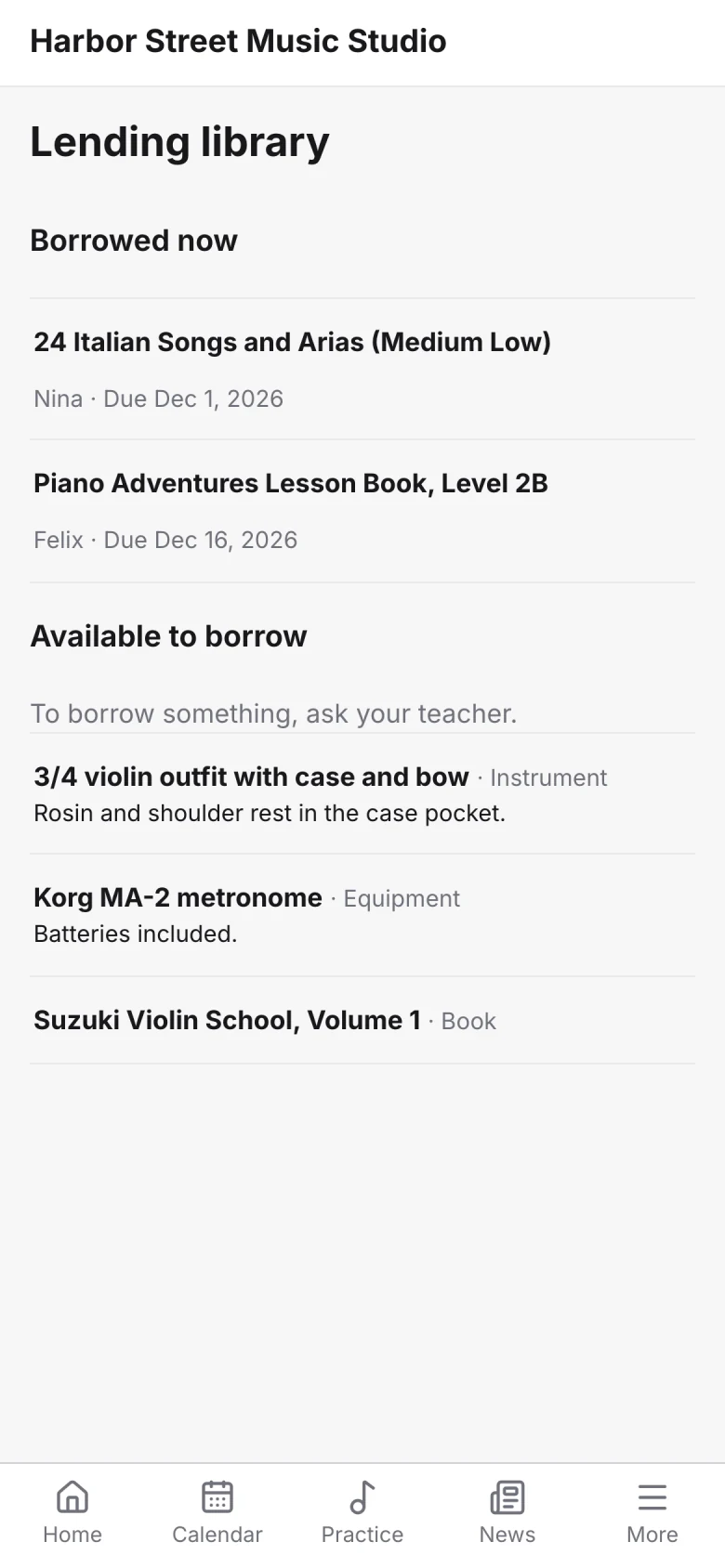
Keep track of the instruments, books and equipment you lend, who has them and what's overdue. Families see what they've borrowed in the portal.
Core features
Sonely has many features. These are the ones group classes and ensembles use most.
Plan classes, rehearsals and concerts
Classes with places
Several students per event, with a maximum.
Repeating events
Weekly, daily, monthly or one-off.
Blocked dates
Holidays that new weekly classes skip.
Fill every class
Book from calendar
Families register into classes with places left.
Fees and deposits
Take a registration fee or deposit by card.
Your own questions
Custom fields and a policy to agree to.
Take attendance fast
Bulk attendance
Set the whole class's status at once.
Express attendance
Step through the class student by student.
Group notes
One note for every student in the class.
Talk to the whole group
Group tags
One tag per class, ensemble or camp.
Email by tag
Students, parents or both, now or later.
News
Post to the family portal and pin it.
Bill fairly
A price per student
Each student in a class can pay their own price.
Auto-invoicing
Each family invoiced every week or month.
Pay per student
Pay teachers per student, per hour or a share.
Share between rehearsals
Online resources
Files and videos for the students you choose.
Lending library
Instruments and books, with overdue tracking.
Practice log
Students log minutes with a timer and uploads.

Try the demo
Open a sample studio with students, classes and invoices already in place, and see how a class runs.
Open the demo studioFollow the getting started guide
Moving to a new system takes some planning. The guide takes you through it one step at a time.
Get started with Sonely
Learn about each feature
Every feature has its own page, with what it does and how it fits the rest.
See the features