Five ways to look at your week
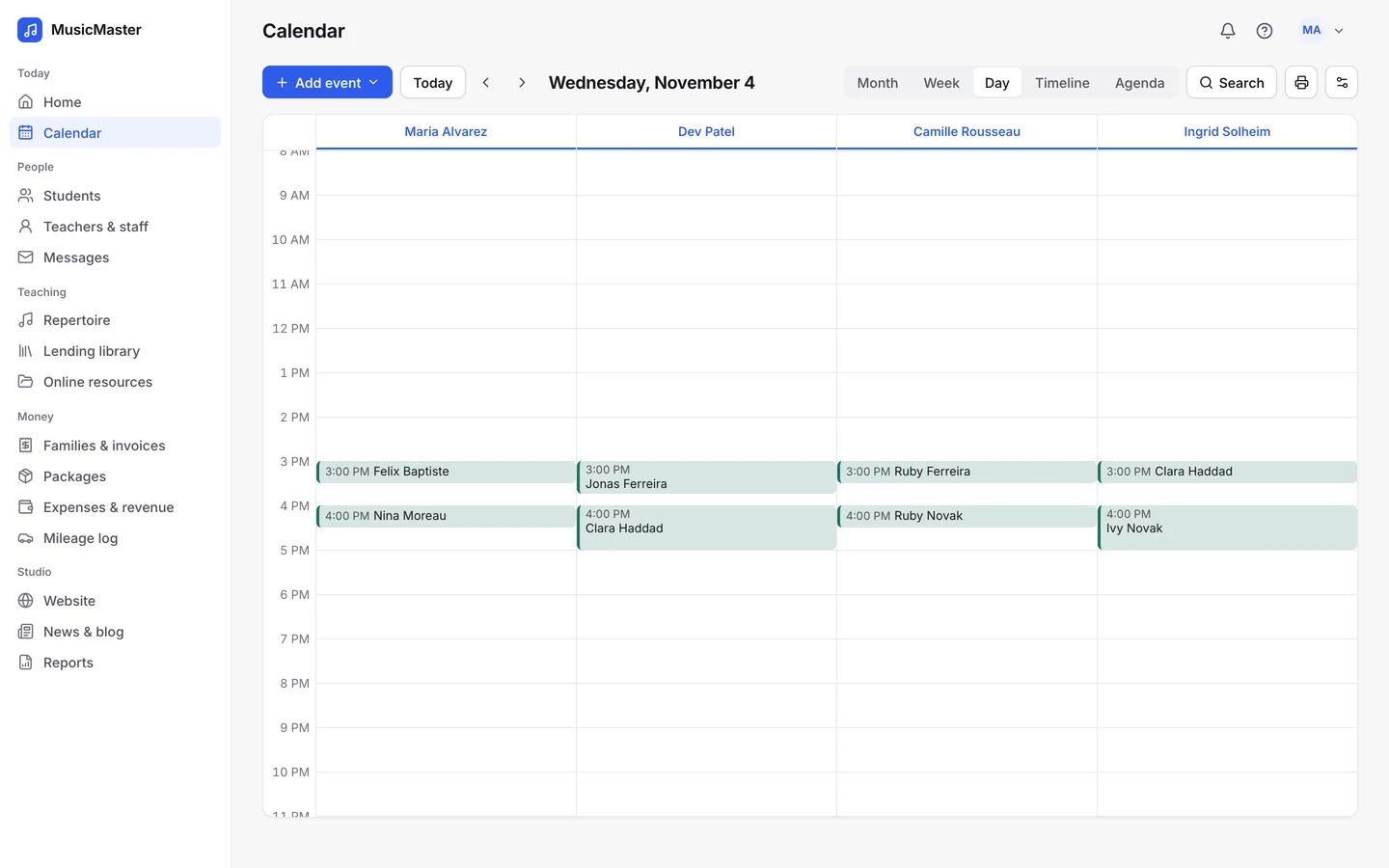
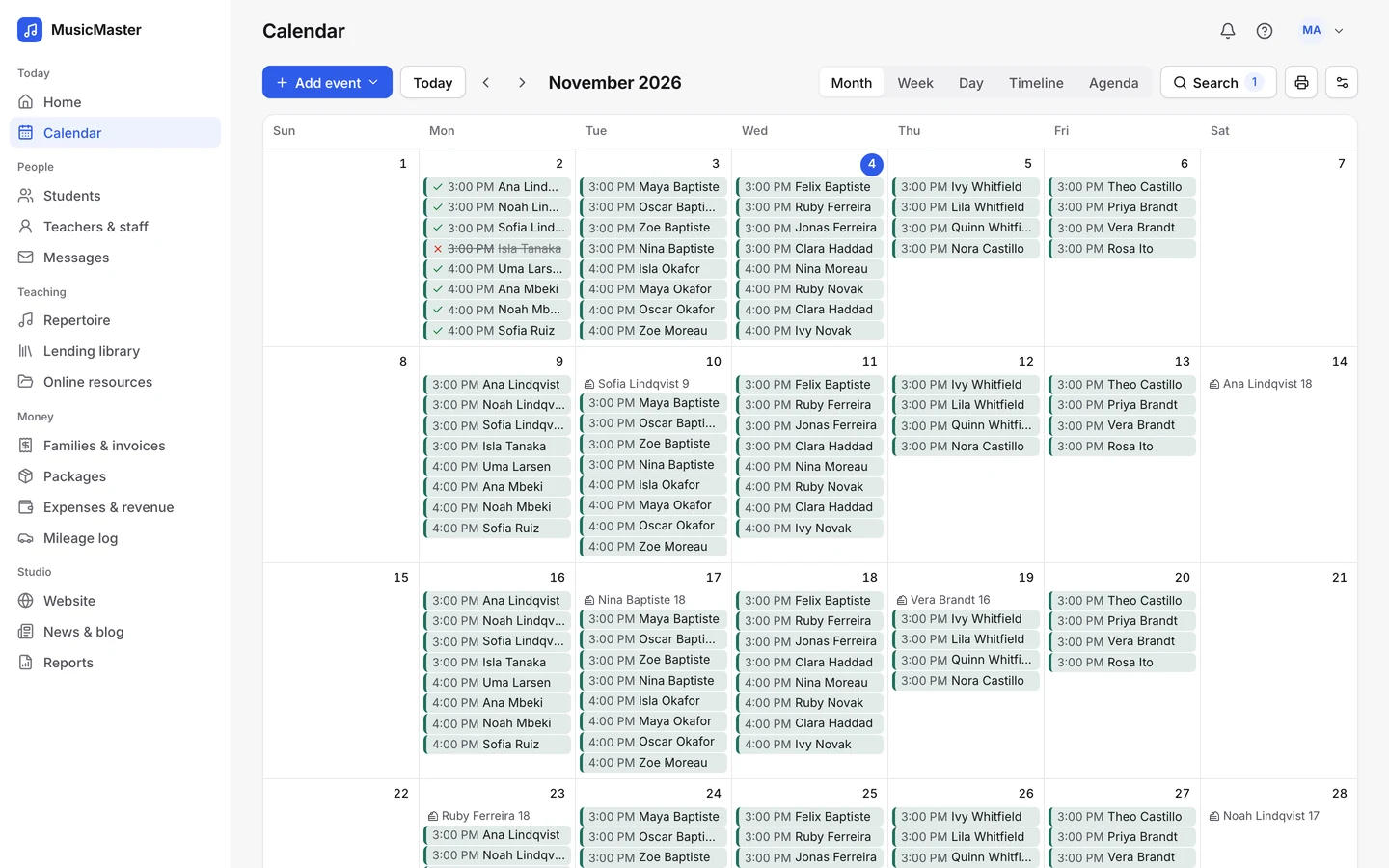
Month, Week, Day, Timeline and Agenda. The Day view gives each teacher a column of their own.
Schedule weekly lessons, group classes and recitals, catch clashes before they happen and give every teacher a calendar of their own.

Lessons on
the calendars you already use
Studio calendar
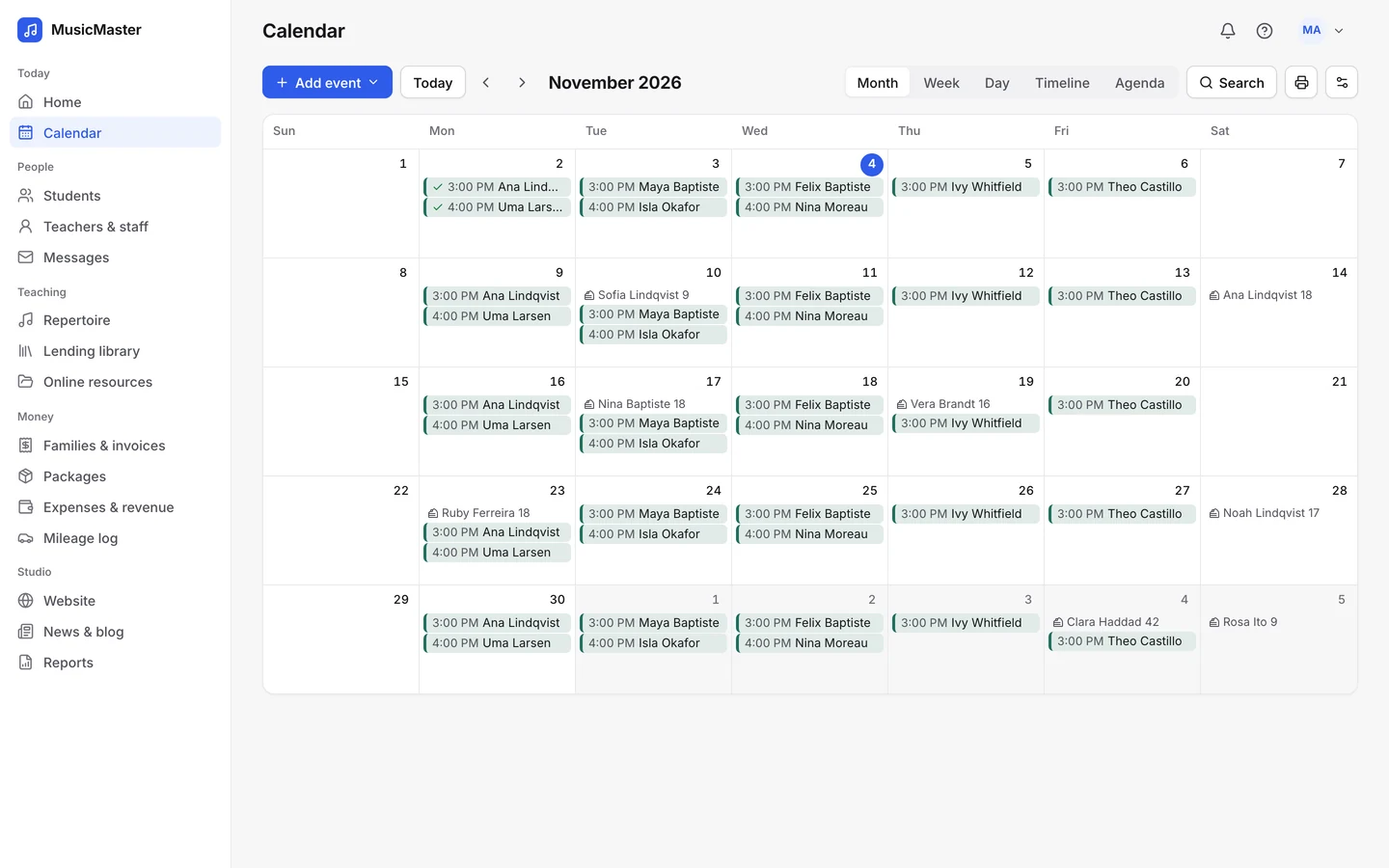
Lessons, group classes, recitals and studio meetings sit together on one calendar, coloured by category, teacher or location.
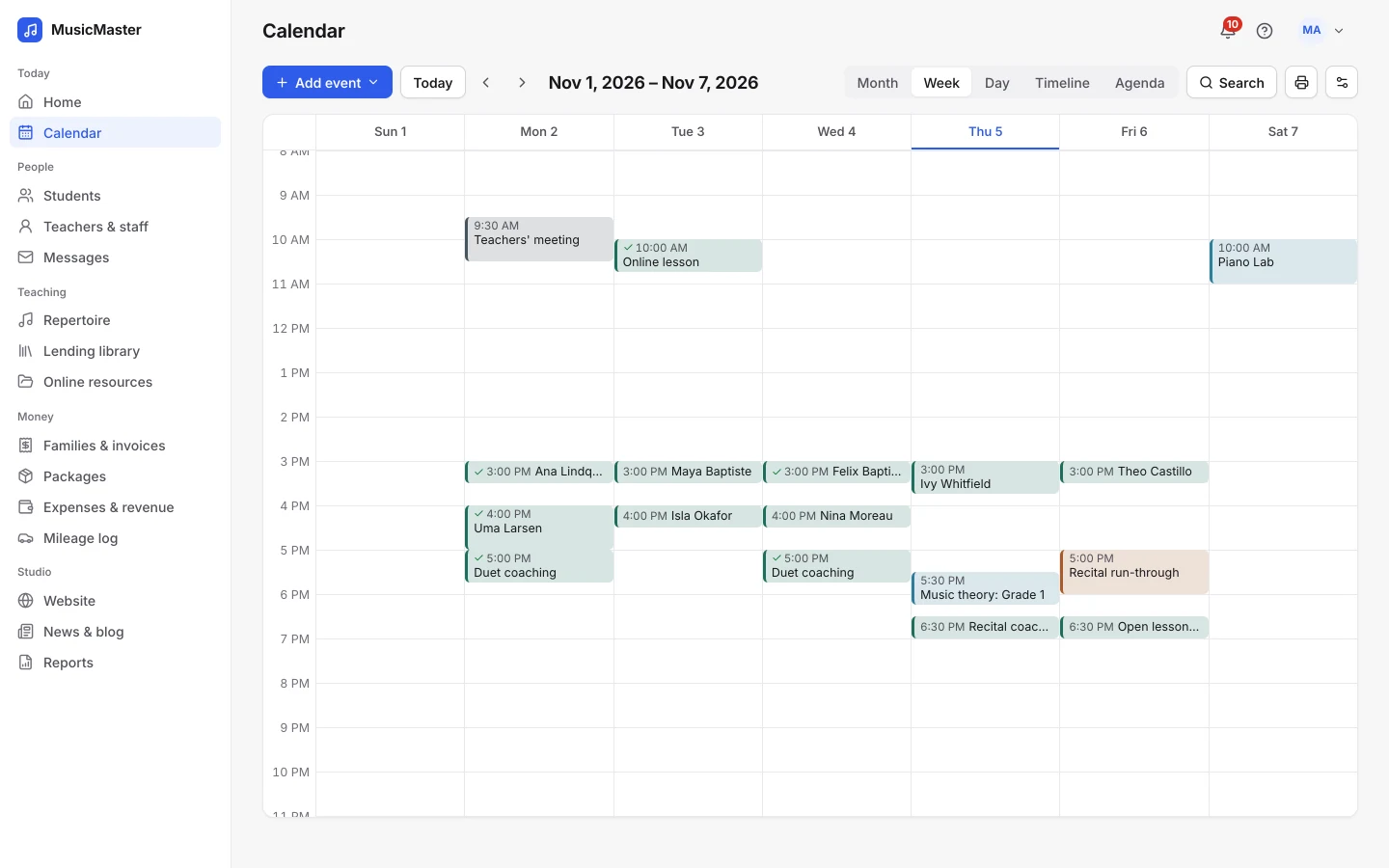
Switch views in a click and open any lesson to see who’s coming, where, and at what price.
Month, Week, Day, Timeline and Agenda. The Day view gives each teacher a column of their own.
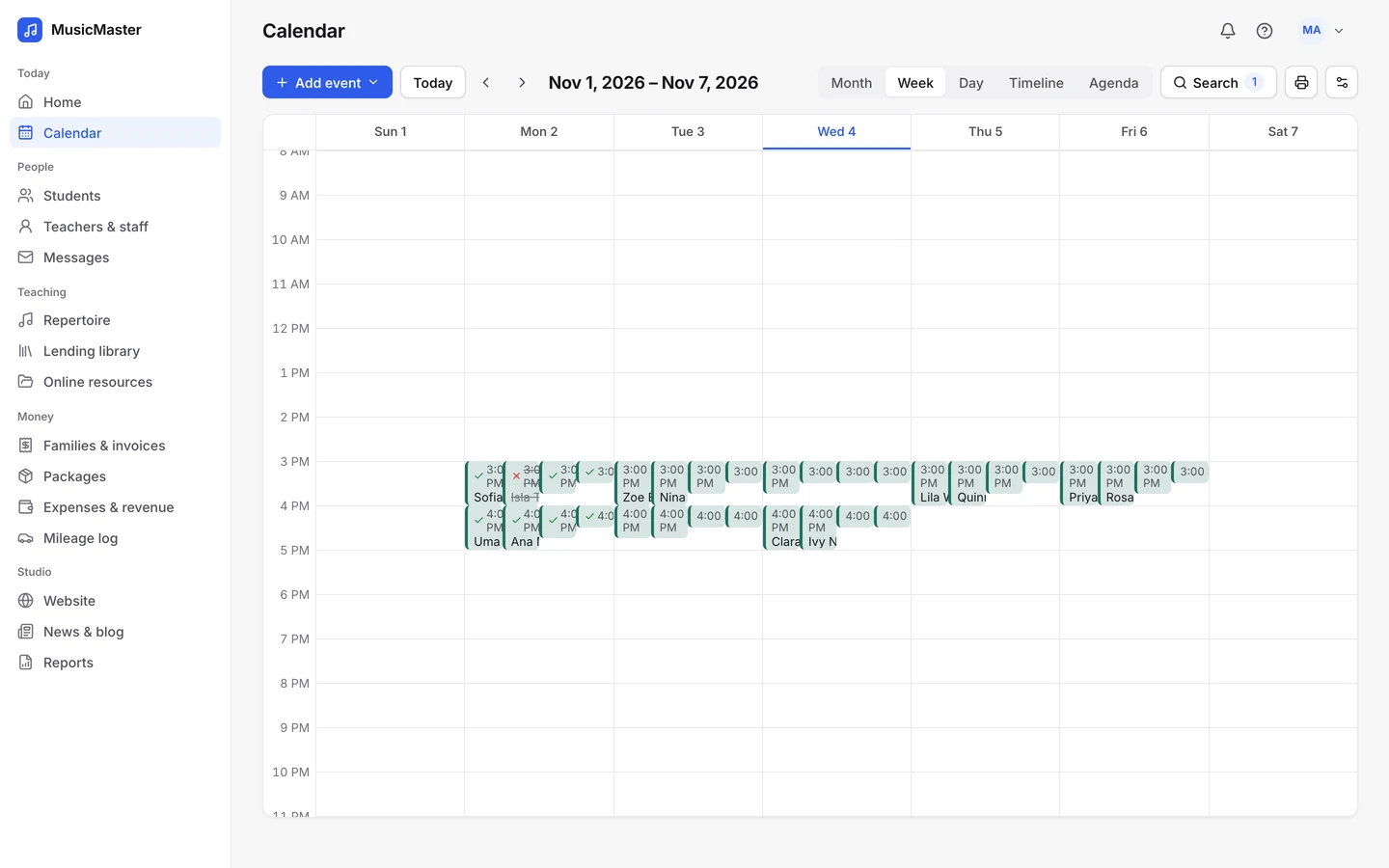
Search by teacher, student, category or location, and hide full or empty events.
Repeat a lesson daily, weekly, every other week, monthly or yearly, until the date you choose.
Month, Week, Day, Timeline and Agenda. The Day view gives each teacher a column of their own.
Search by teacher, student, category or location, and hide full or empty events.
Repeat a lesson daily, weekly, every other week, monthly or yearly, until the date you choose.
Rooms and teachers
List every room and place you teach, including a student’s home or an online lesson link, and give each lesson its place.
Sonely checks new and moved lessons for clashes and shows you what overlaps before you save.
Hand a lesson to another teacher for the day. It shows on both calendars, and either of them can take attendance.
List every room and place you teach, including a student’s home or an online lesson link, and give each lesson its place.
Sonely checks new and moved lessons for clashes and shows you what overlaps before you save.
Hand a lesson to another teacher for the day. It shows on both calendars, and either of them can take attendance.
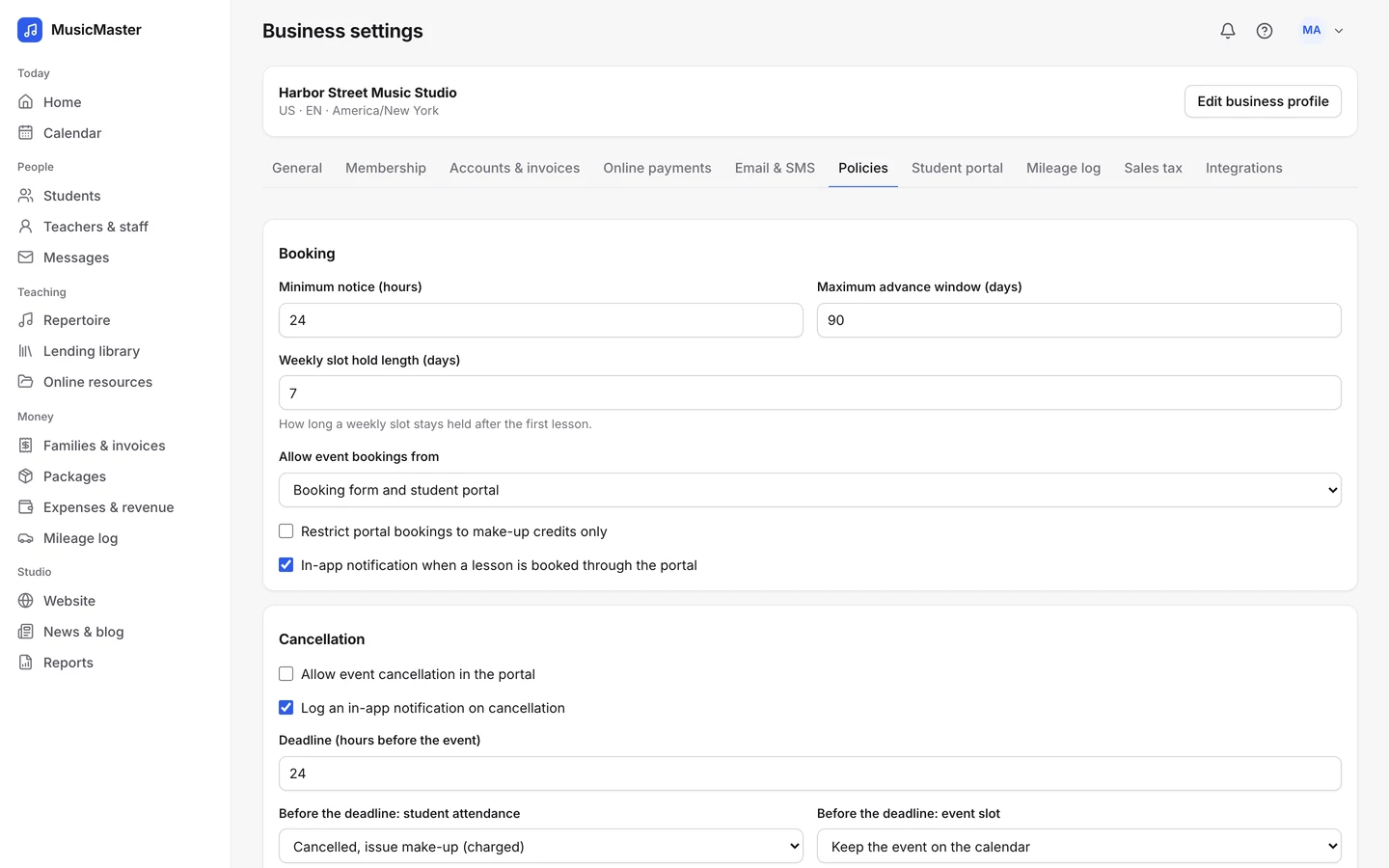
Held slots
A held slot keeps a new student’s weekly time for them: the first lesson is real, and the weeks after it wait until you confirm or release them.
Open lesson slots work the other way round. Families book them from the family portal or your studio website.
Calendar feeds
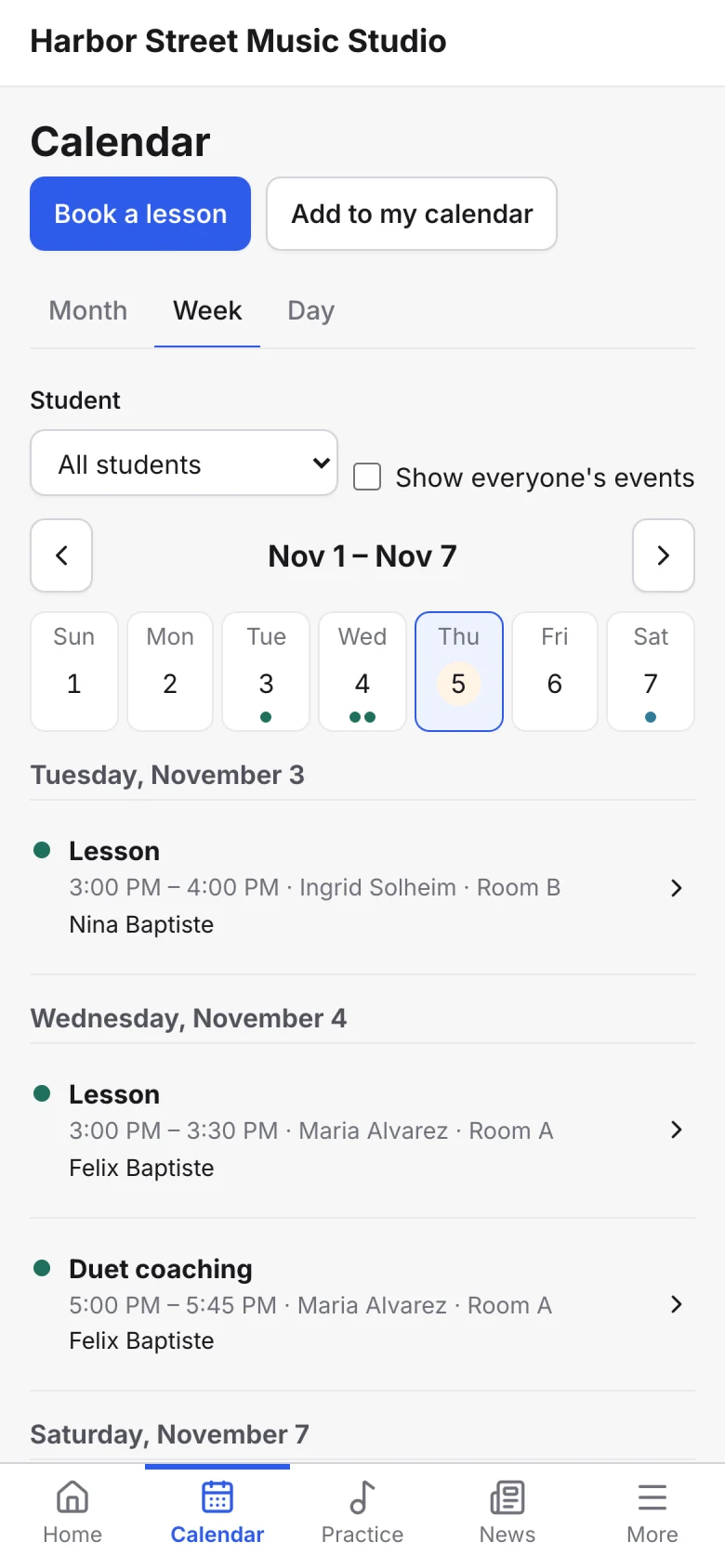
Subscribe to a private, one-way feed from iPhone and iPad, Google Calendar, Outlook or Apple Calendar. Admins can share a feed for each teacher.
Families see their own lessons in the family portal, and can add them to their calendars too.
One studio system
Take attendance on a lesson and Sonely bills it, gives a make-up credit or adds it to the teacher’s payroll, by the rules you set.
The same calendar feeds the family portal, reminders, invoices and reports, so you never enter a lesson twice.
Start lesson notes from a template of your own or one the studio shares.
Paste a Zoom, Meet, Teams or FaceTime link, and it goes with the lesson.
Block out staff meetings, holidays and the days the studio is closed.
For anything else, contact us.
Yes. The calendar opens on your own lessons. The owner, and any teacher you allow, can search for everyone’s events.
Yes. Each person has a private, one-way calendar feed to subscribe to from iPhone and iPad, Google Calendar, Outlook or Apple Calendar. You make changes in Sonely, and they show up when your calendar app next refreshes the feed.
Sonely checks lessons for conflicts as you schedule or move them and shows you what overlaps before you save.
Yes. Paste your Zoom, Google Meet, Microsoft Teams or FaceTime link into the lesson. Sonely doesn’t create meetings for you, so use a link from your own account.
Yes. Any event can have several students, each with their own price and attendance. See group classes.
You decide when you take attendance. Absent, issue make-up ($) bills the lesson and gives the student a make-up credit, while Absent, notice given removes the charge. See attendance.
The calendar is part of every Sonely plan, including the free one. Sonely is free for one teacher, and each extra teacher, admin or staff login is $12 a month. Students are unlimited.
Every lesson, every teacher
Included
See pricingLook around a sample studio where lessons, recitals and rooms are already on the calendar.
Open the demo studio
Ask us anything about running your studio on Sonely. Real people read and answer.
Contact us about Sonely
Every update we ship, in one place. See what changed in each release.
Read the changelog