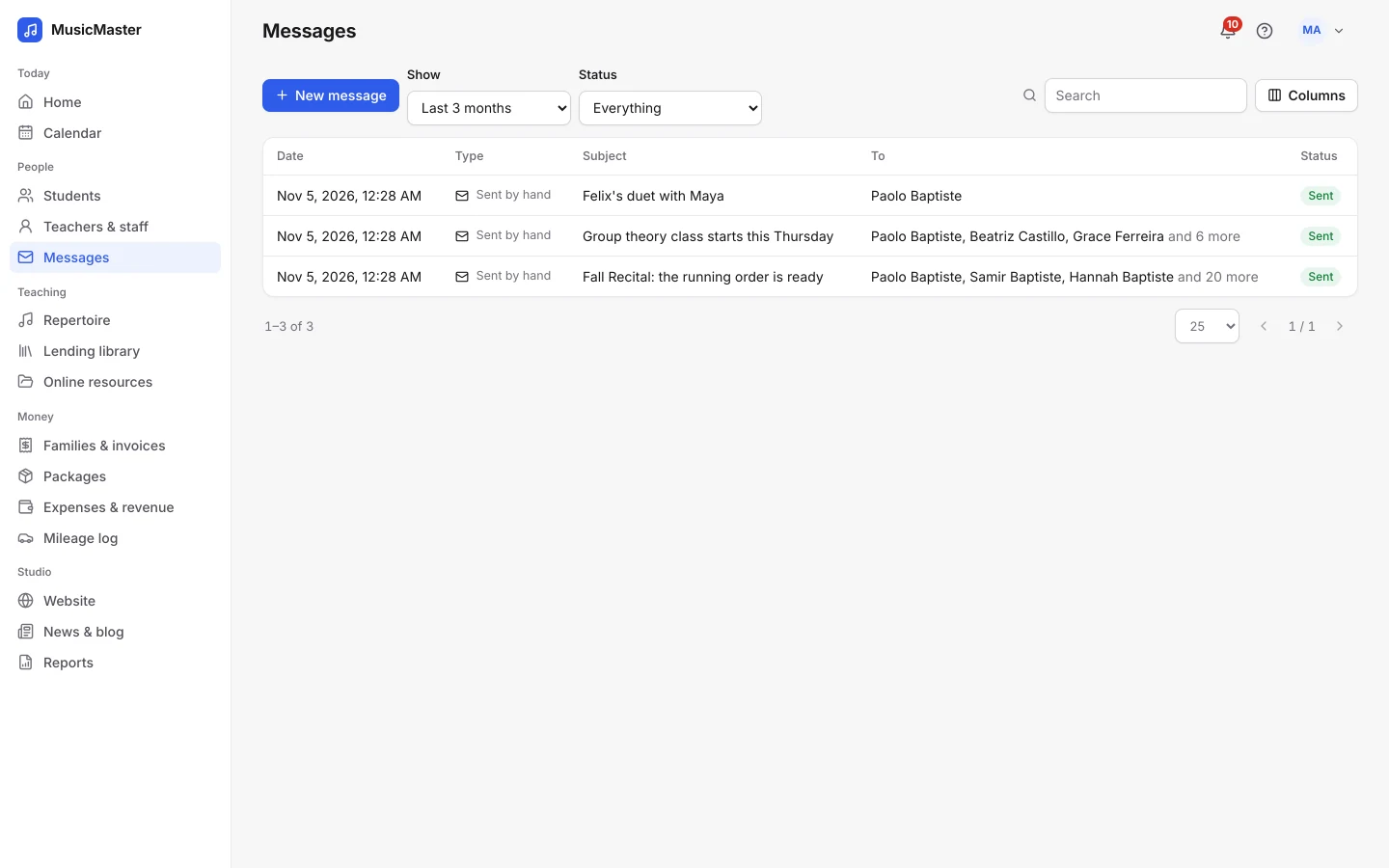
A personal email to everyone
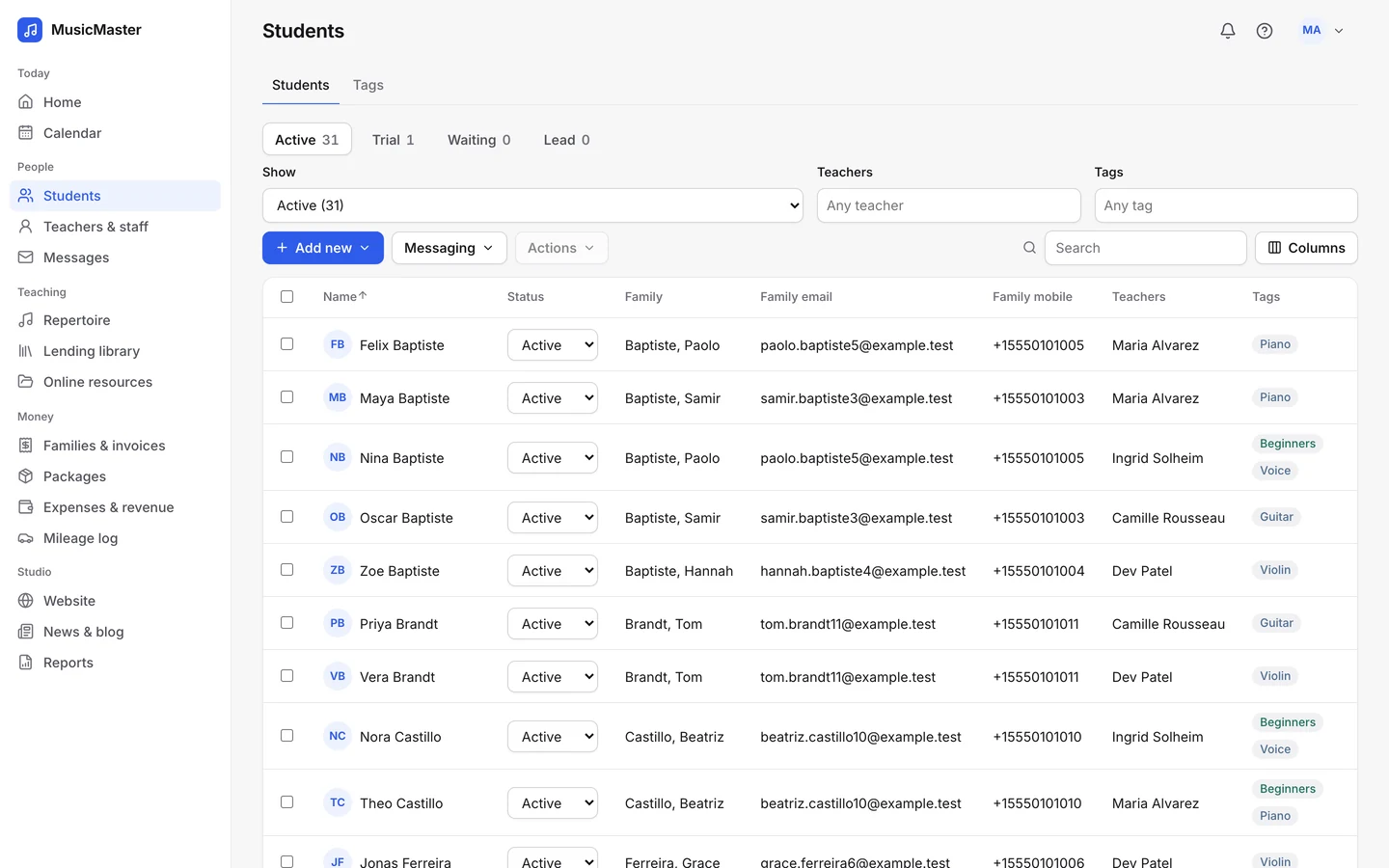
Write once, and each student or parent gets their own copy, with placeholders like FirstName, StudentName and TeacherName filled in. Send it now or schedule it for later.
Teaching
Money
Growth
Learn & get help
Email students and parents, send reminders before every lesson and share studio news, all from where their lessons live.
Email, reminders, texts and news, from one place.
Write once, and each student or parent gets their own copy, with placeholders like FirstName, StudentName and TeacherName filled in. Send it now or schedule it for later.
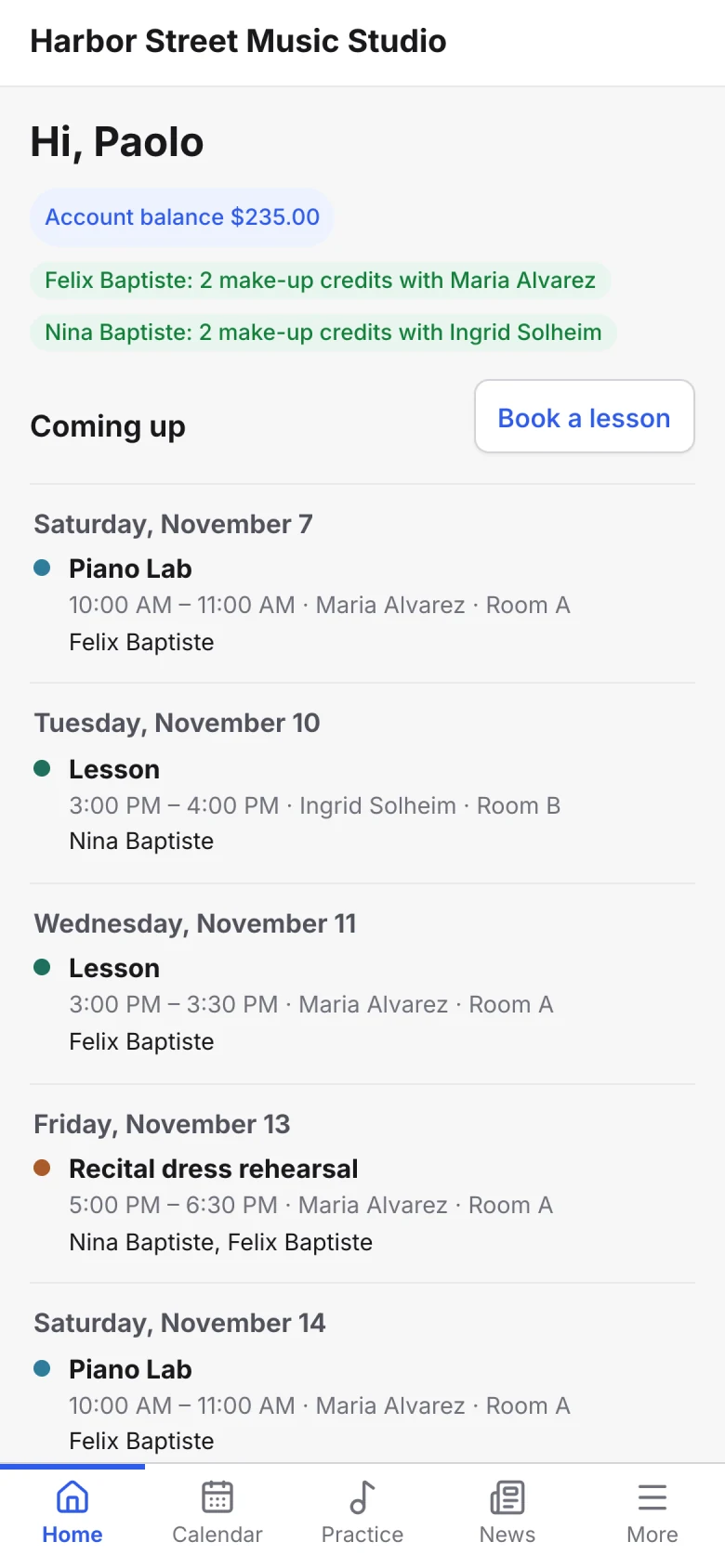
Choose how many hours before a lesson reminders go out, by email and by text to families who allow it, from Sonely's own number at no extra cost. For anything else, Text message from my phone starts a text on your own phone.
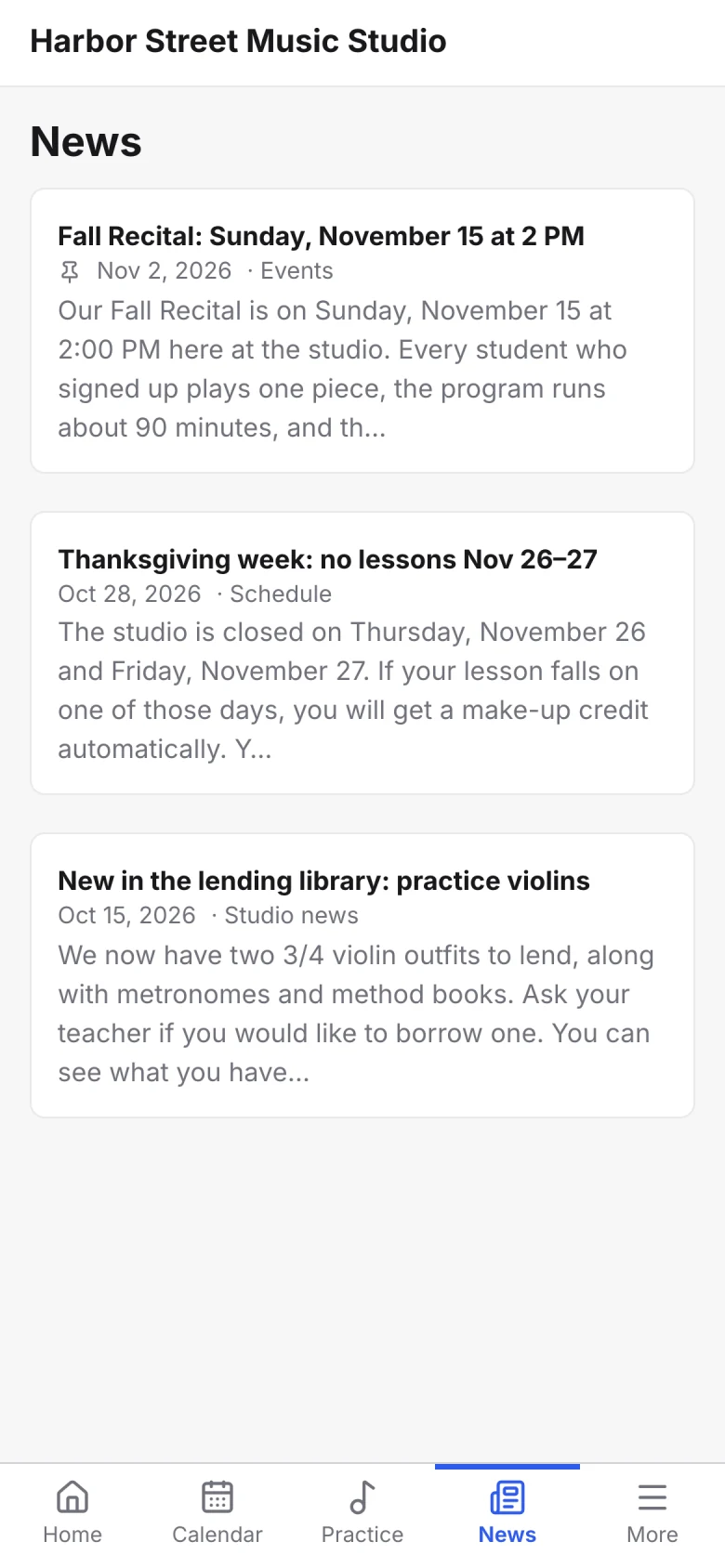
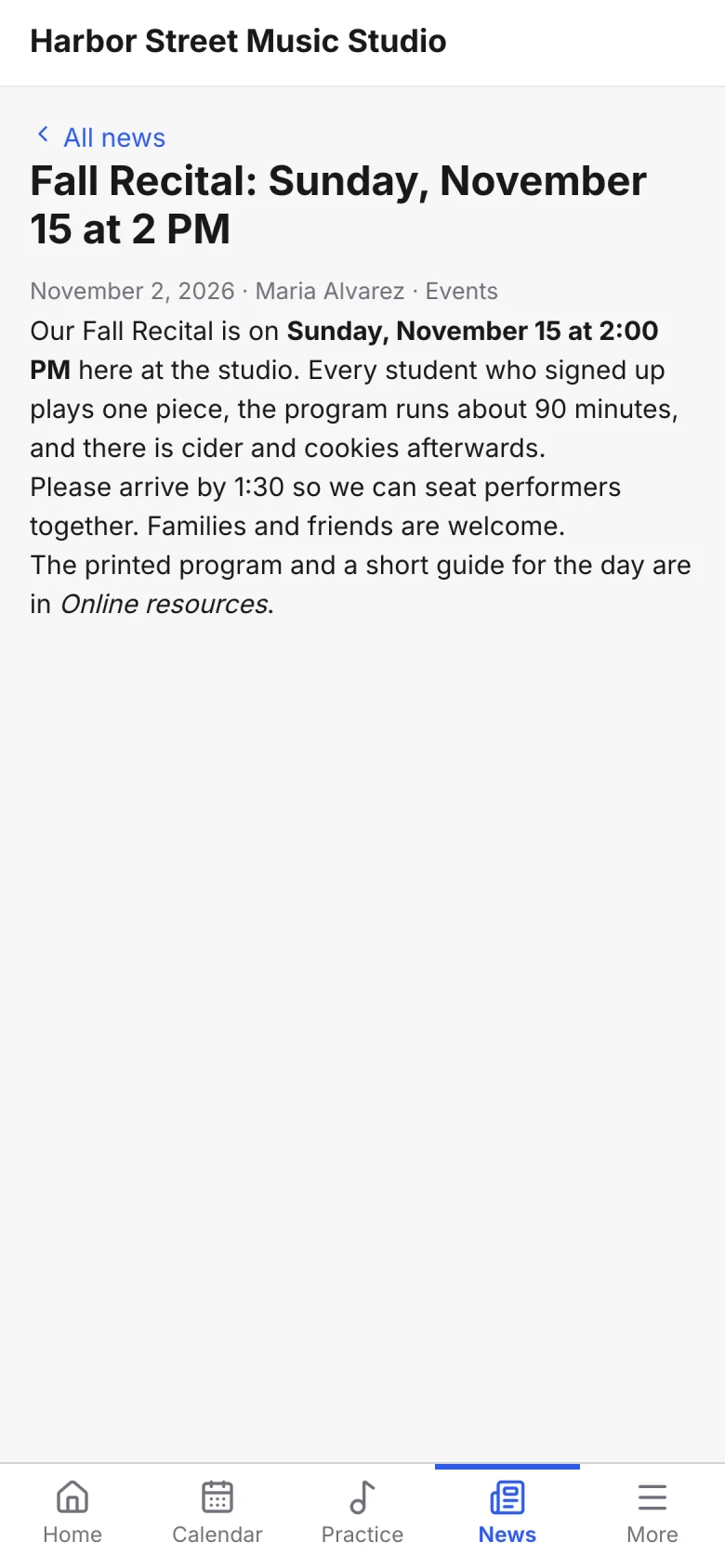
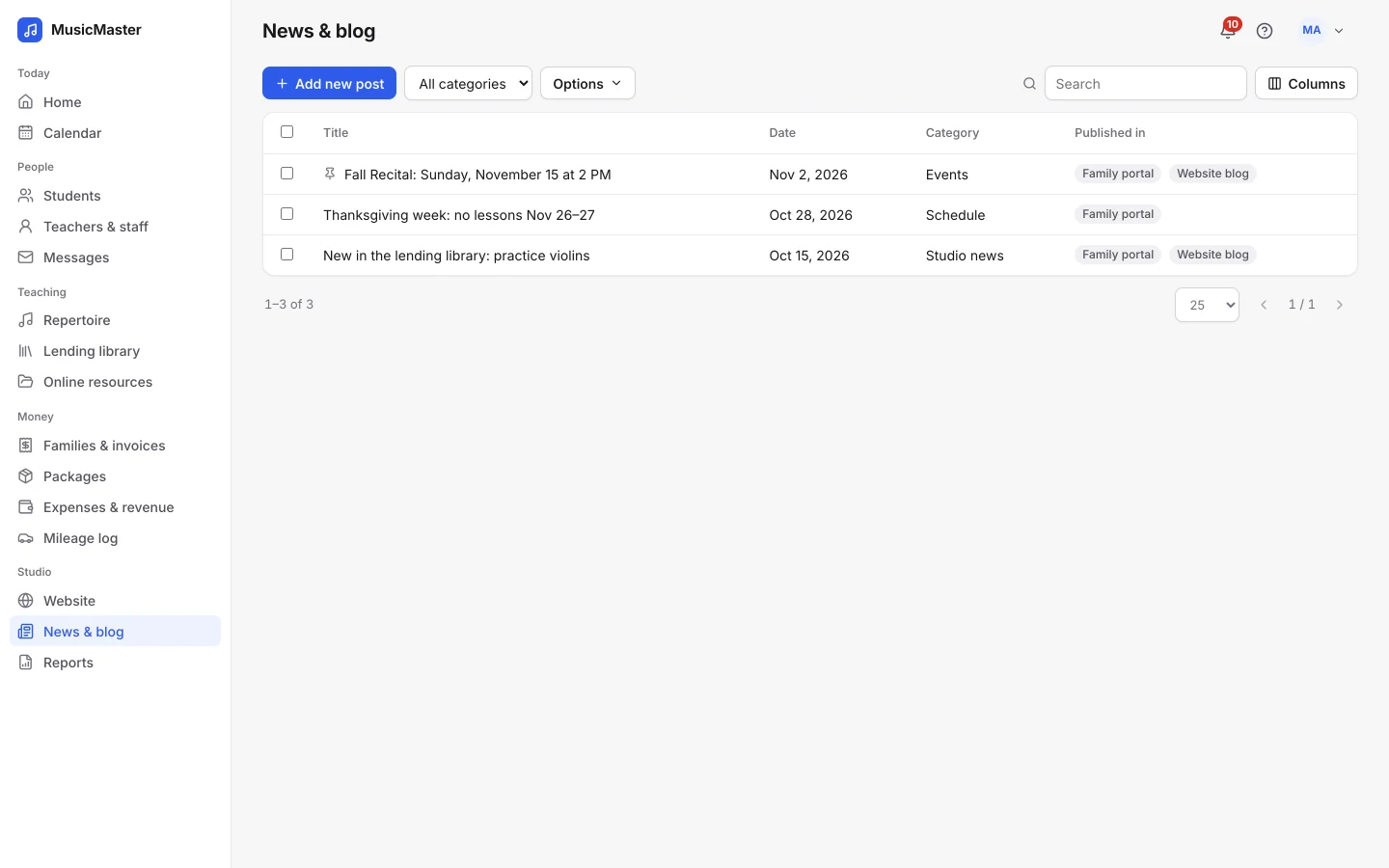
Publish a post to the family portal, the teacher portal or your website’s blog, and pin it to the top.
Write once, and each student or parent gets their own copy, with placeholders like FirstName, StudentName and TeacherName filled in. Send it now or schedule it for later.
Choose how many hours before a lesson reminders go out, by email and by text to families who allow it, from Sonely's own number at no extra cost. For anything else, Text message from my phone starts a text on your own phone.
Publish a post to the family portal, the teacher portal or your website’s blog, and pin it to the top.
Reminders go out before every lesson, by email or text, at the time you choose, so you don’t have to send them.
See what went out, when and to whom, and whether it was delivered, in the studio’s history and on each student’s page.
For anything else, contact us.
Yes, two ways. Lesson reminders and invoice notices go by text, from Sonely's own number and included in your plan, to contacts who allow texts. For anything else, Text message from my phone starts a text on your own phone.
No. Every person gets their own copy of the email, so nobody sees who else it went to.
Yes. Pick a date and time, and the message waits under Upcoming in your message history. Delete it before then to cancel it.
Formatted text, attachments of up to 20 MB each, and placeholders like FirstName, StudentName, ParentName, TeacherName and StudioName. Save the ones you send often as templates.
Announcements carry an unsubscribe link. Lesson reminders are set for each student and parent, and you can turn them on or off for many at once.
Your studio’s. Emails, texts and invoice PDFs follow the language you set: English, Español, Français, Deutsch, Nederlands, 日本語.
You get a notification with the reason. If an address keeps bouncing, Sonely stops sending to it until you resume it from the person’s details.