Weekly availability
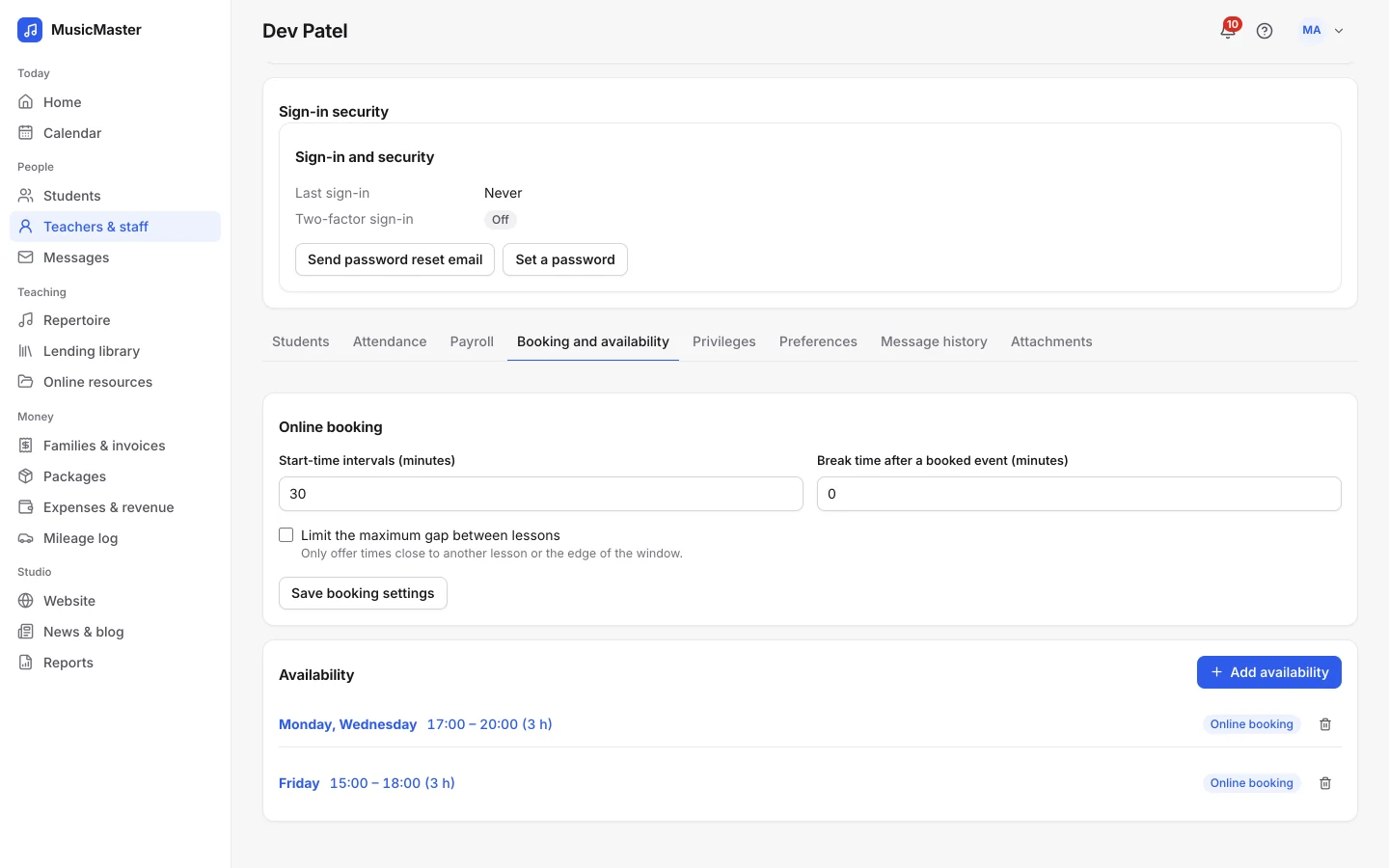
Each teacher sets the days and hours they teach, and where, in order of preference.
Add teachers and office staff, decide what each one can see and do, and let payroll add itself up from the lessons they teach.
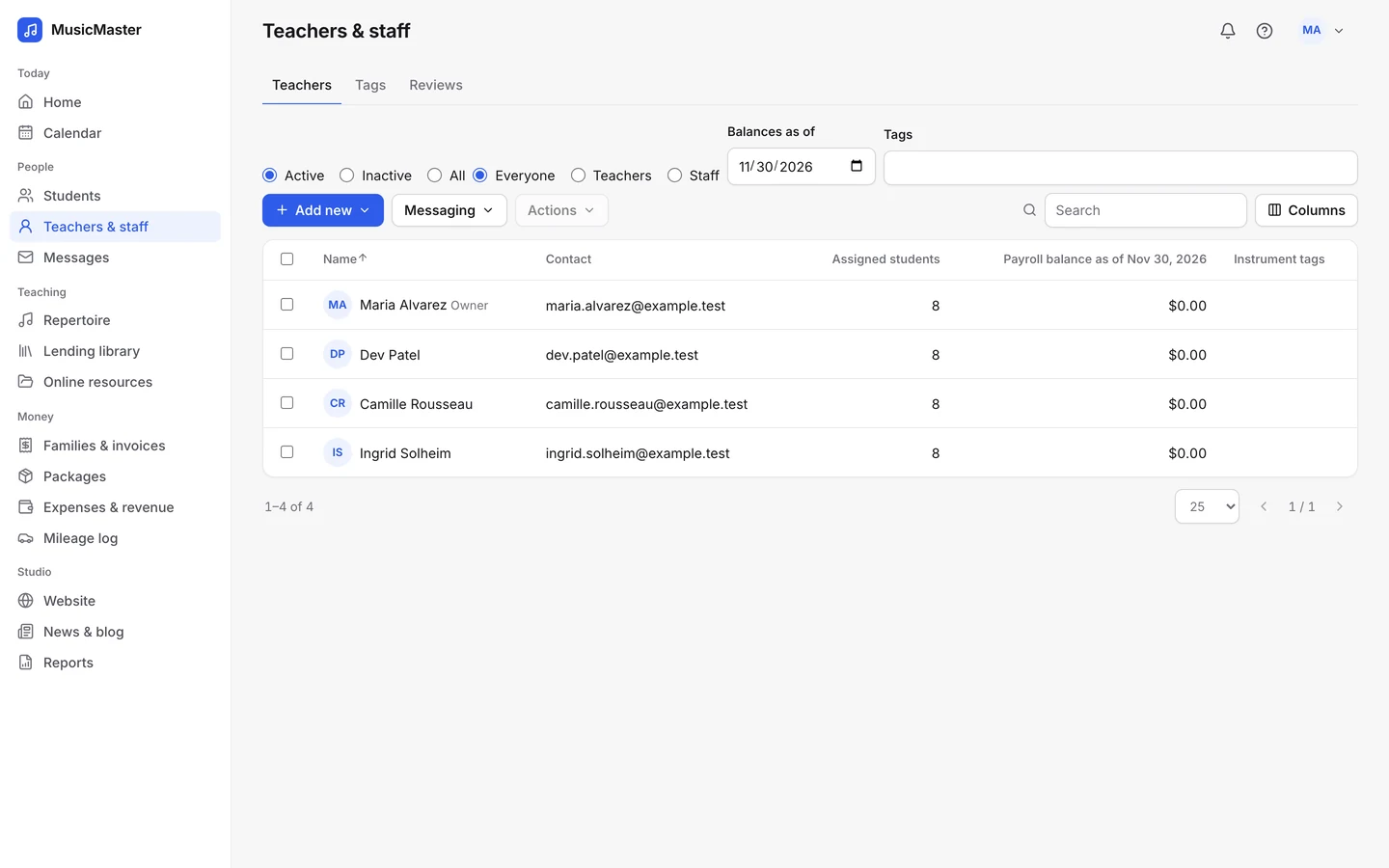
Teachers and staff
Add teachers and office staff, each with their own login.
Permissions
Choose what each person can see and change.
Payroll
Pay by the hour or a share of each lesson.
Availability
Weekly hours, open to online booking if you like.
Roles and permissions
The owner sees everything. Everyone else sees what you allow.
The whole studio: every teacher’s lessons, family accounts, payroll, reports and settings.
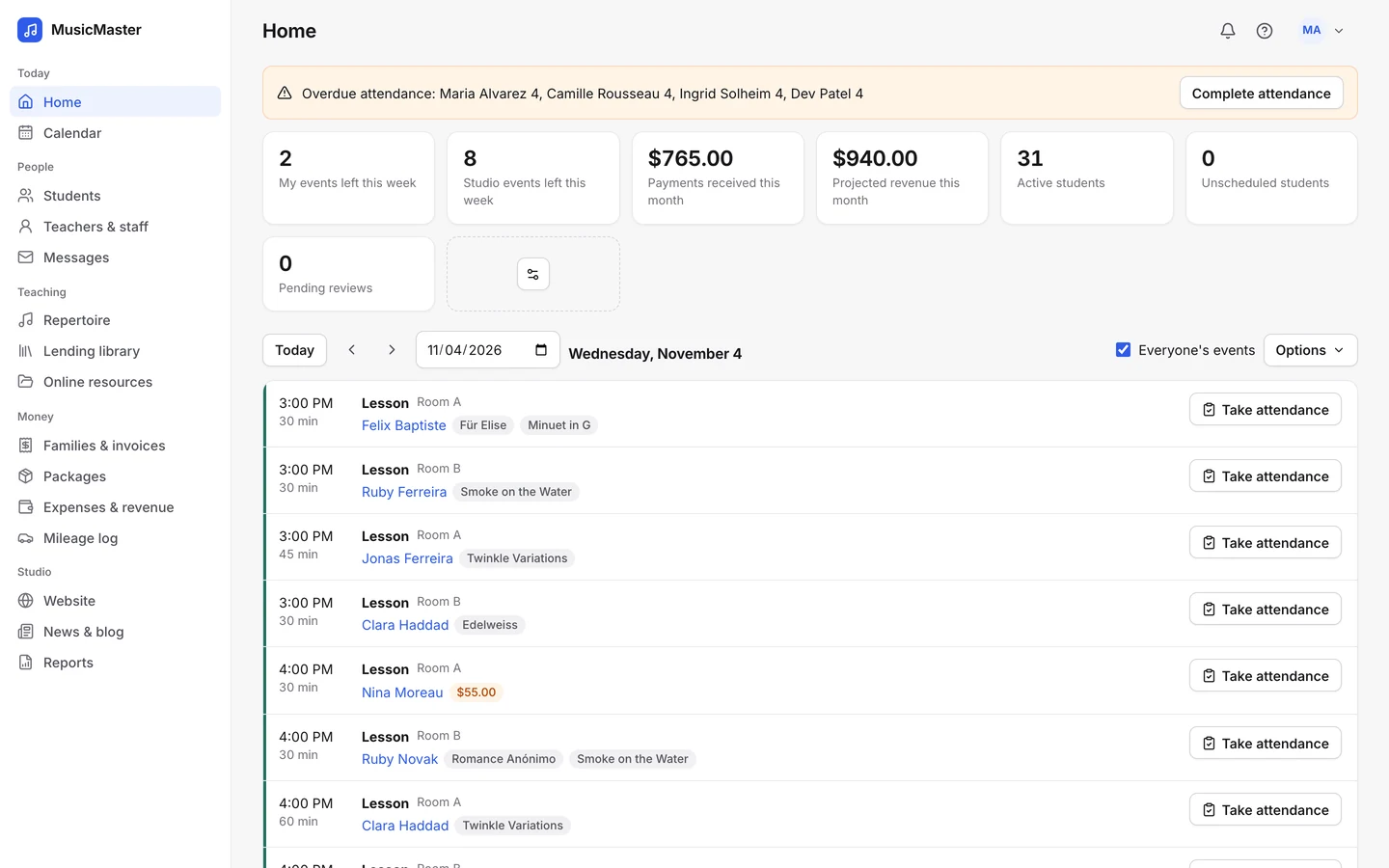
Their own lessons and students, attendance for the lessons they teach, and their own payroll if you allow it.
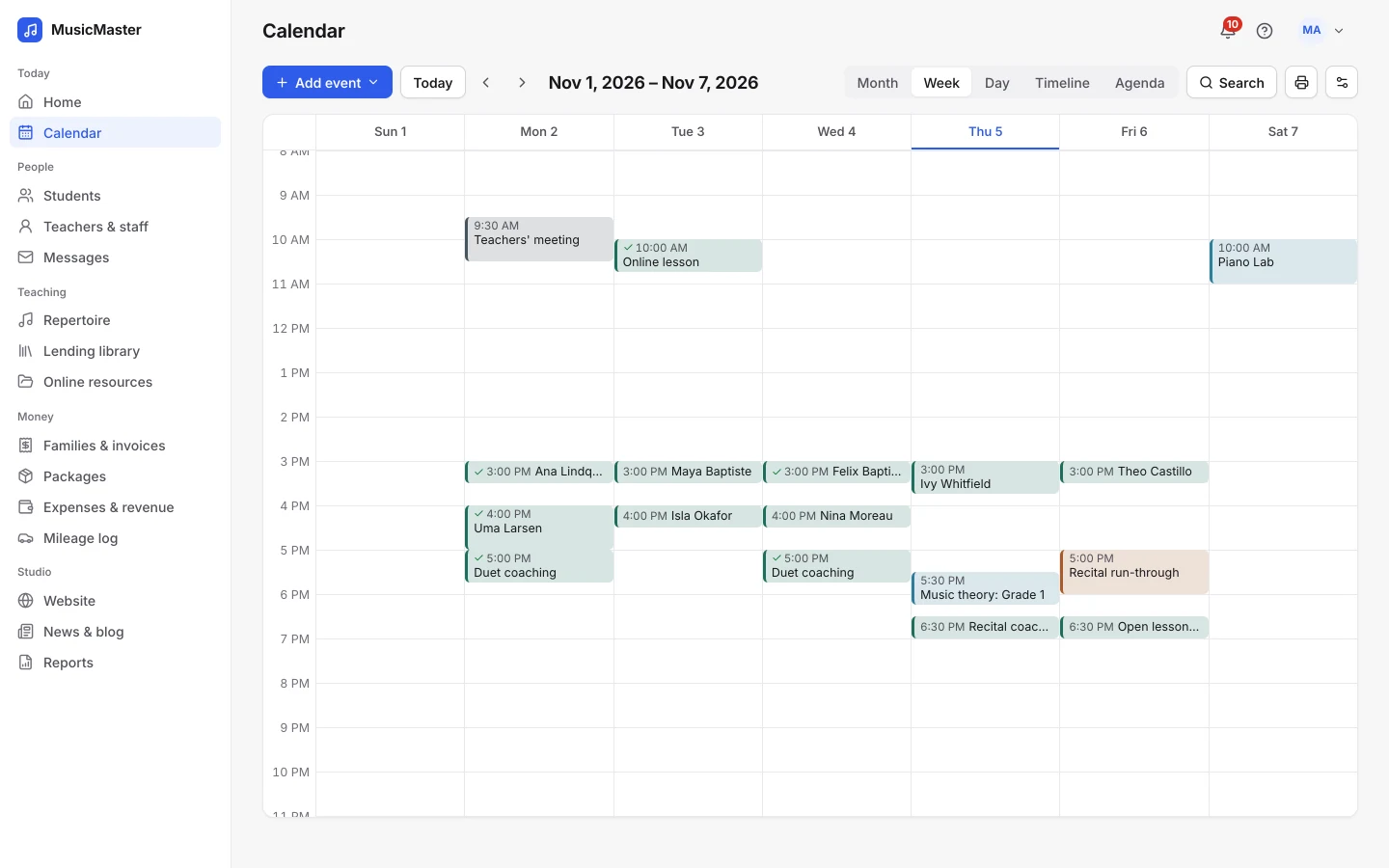
Admin logins without a calendar of their own, for the front desk: students, families and invoices, as you allow.
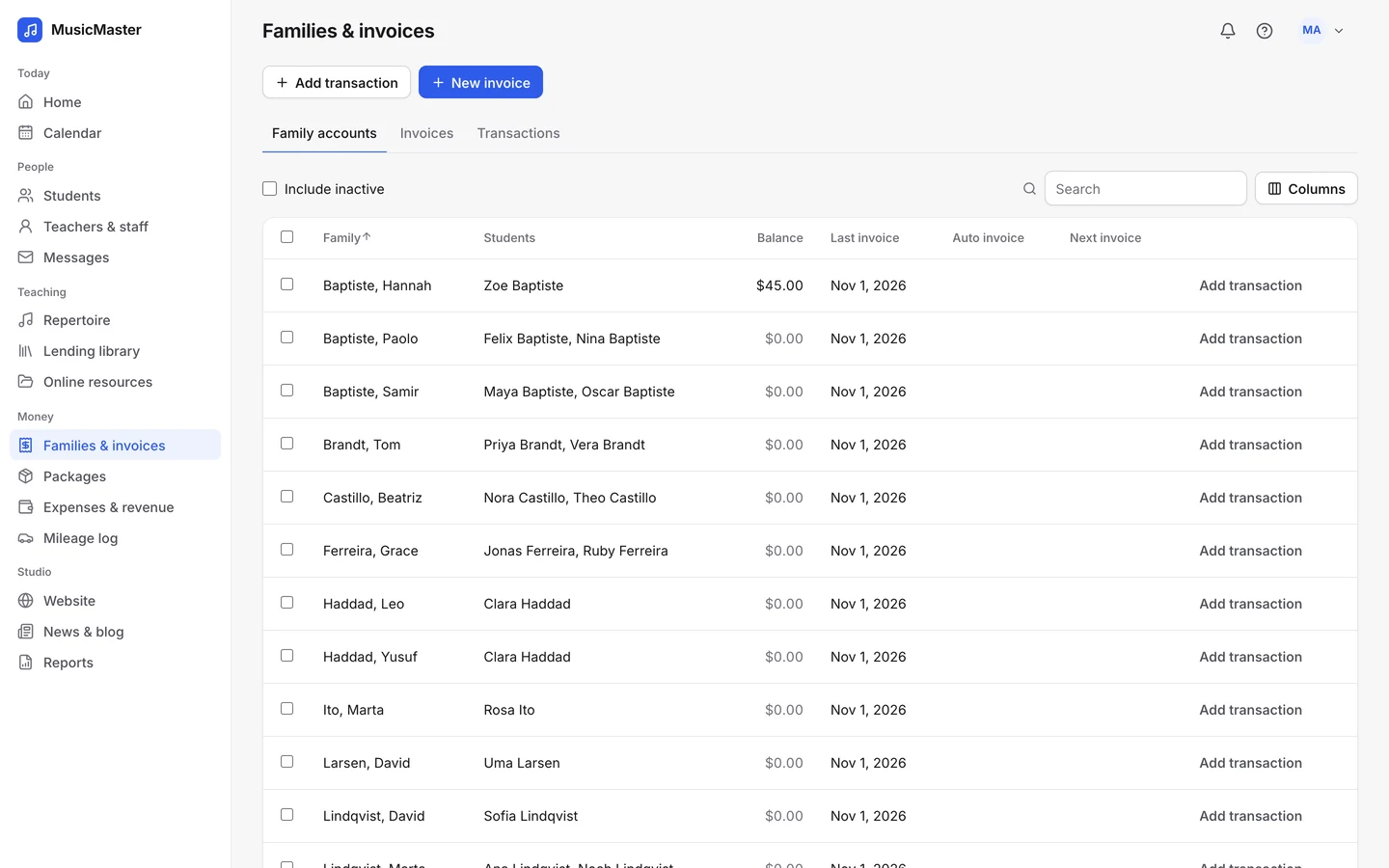
Teachers & payroll is in every plan. Each login uses one seat.
Teacher payroll
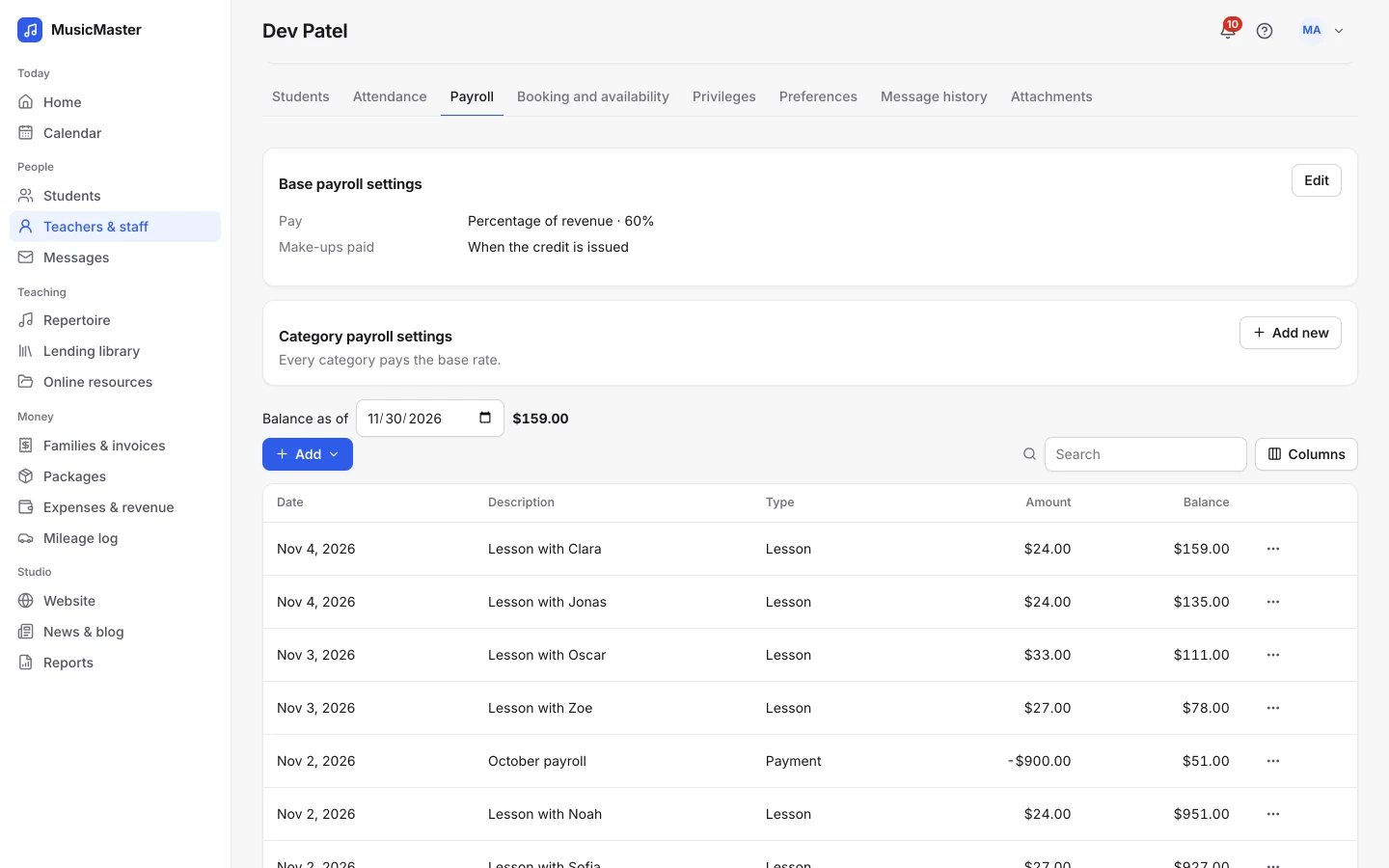
Every billed lesson adds a payroll entry for the teacher who taught it, so what you owe each teacher is always current.
A flat hourly rate, or a percentage of what each lesson earns.
Pay group classes, recitals or meetings differently.
Pay when a credit is issued or when the make-up is taught.
Availability
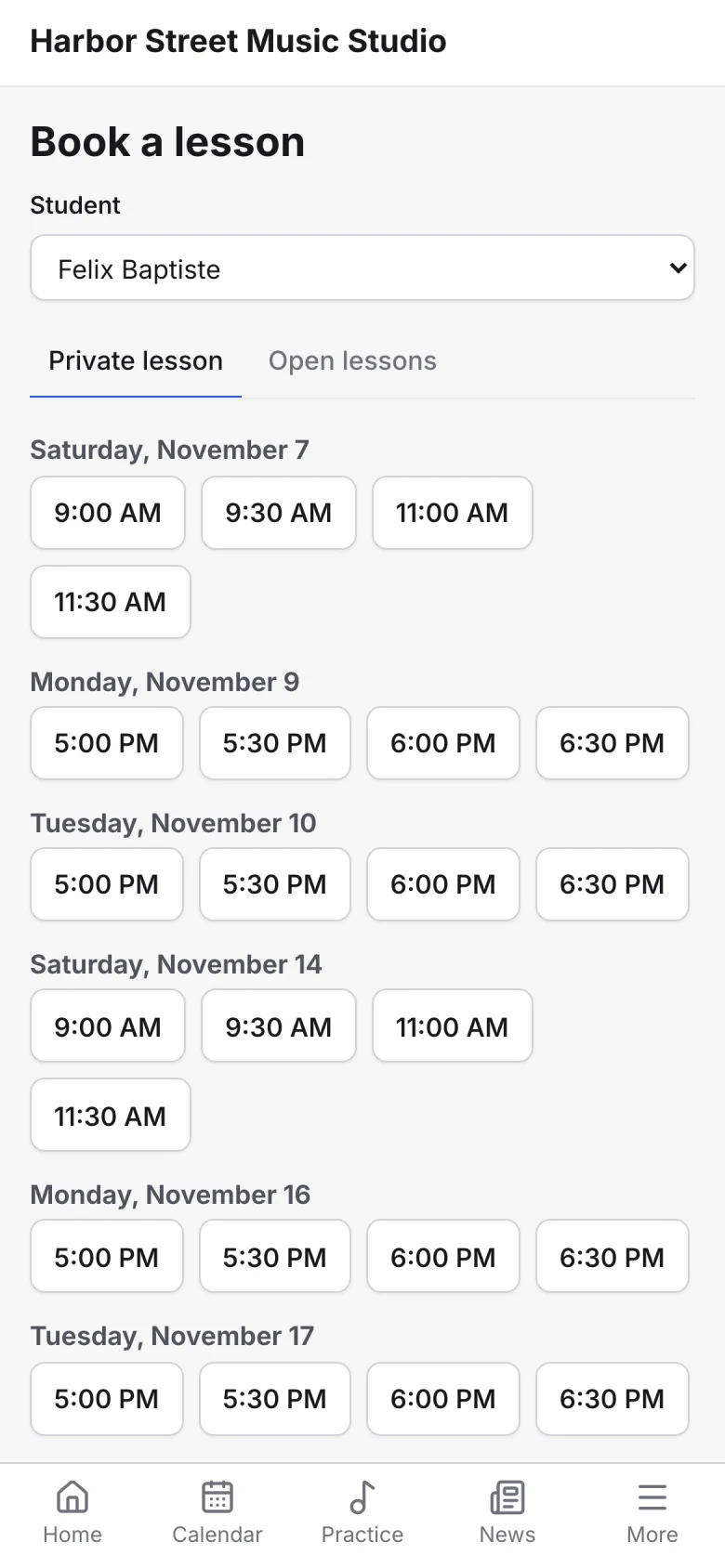
Weekly availability decides when families can book with each teacher.
Each teacher sets the days and hours they teach, and where, in order of preference.
Open any block of time to families, with start-time intervals, a break after each booked lesson and a limit on gaps between lessons.
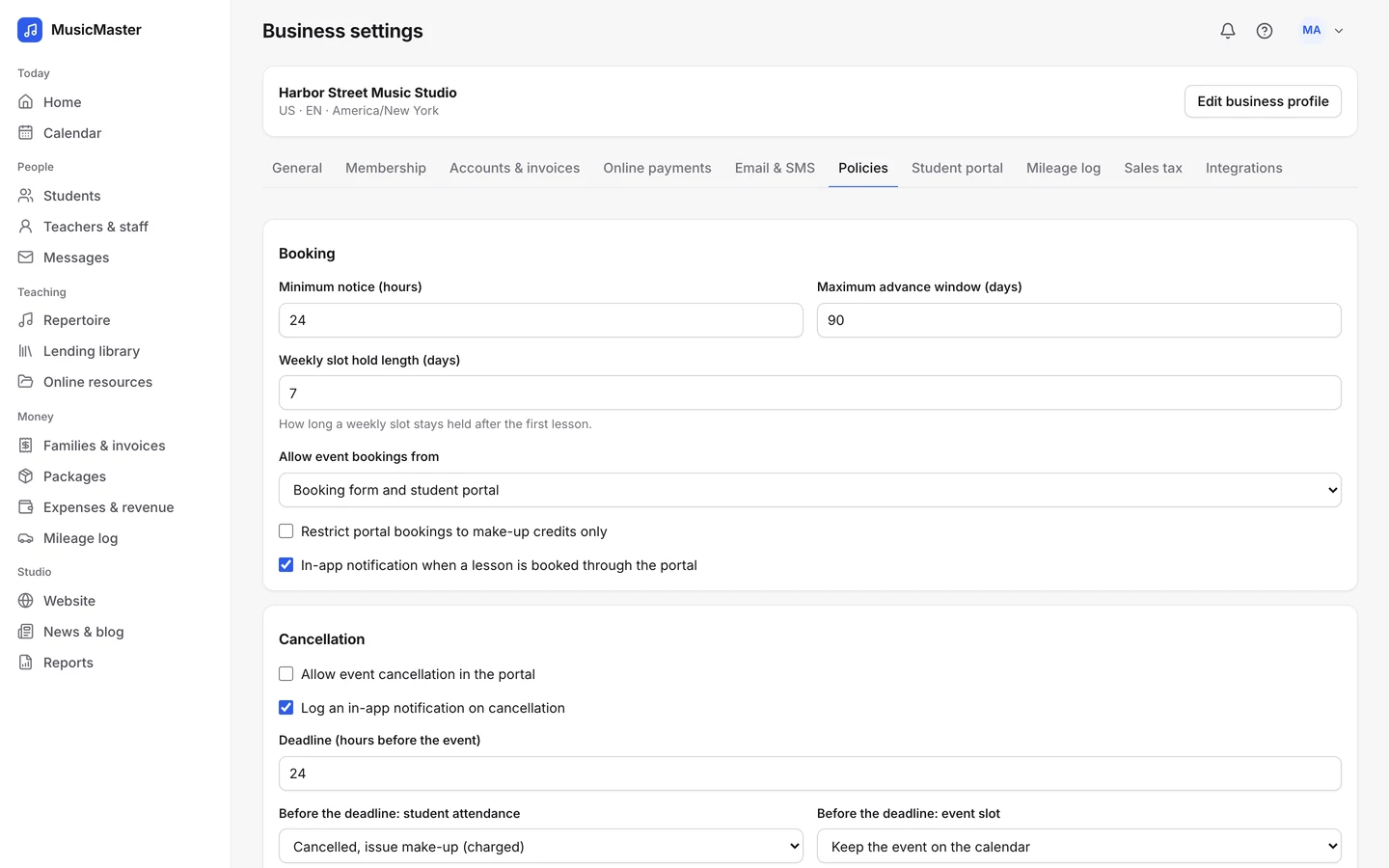
Set minimum notice and how far ahead families can book, for the whole studio.
Each teacher sets the days and hours they teach, and where, in order of preference.
Open any block of time to families, with start-time intervals, a break after each booked lesson and a limit on gaps between lessons.
Set minimum notice and how far ahead families can book, for the whole studio.
Substitutes
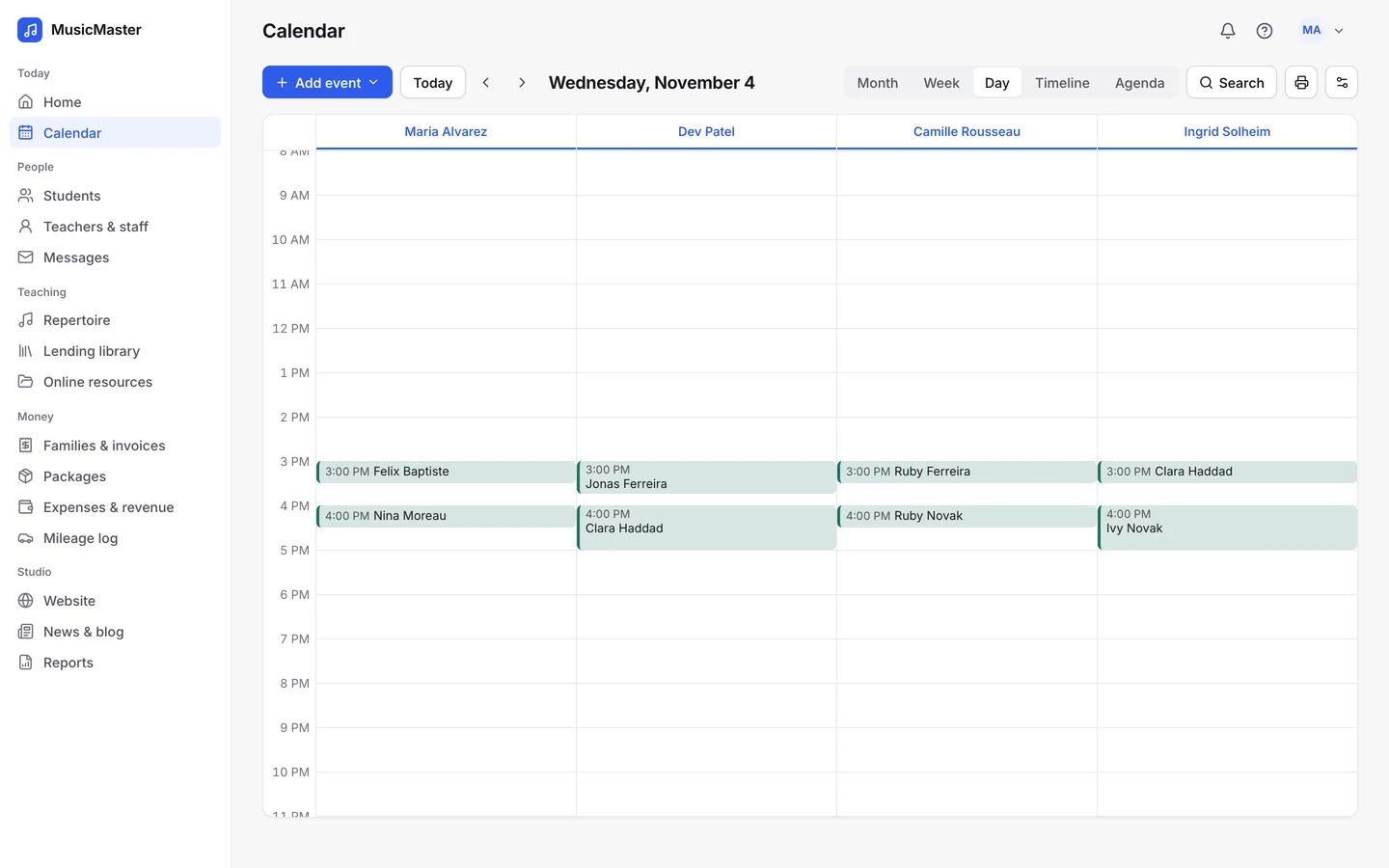
Give a lesson a substitute and Sonely sorts out who sees it and who is paid.
The lesson shows for the teacher and for the substitute.
Payroll goes to whoever taught, at their own rate.
Payroll report
Each teacher’s balance on any date, the payments you’ve made, and a report for your records.
Each teacher’s earnings over the dates you choose, as PDF or Excel.
Record a payment, extra income or a deduction. Payments go into your expenses too.
Teachers you allow can check their own payroll.
For anything else, contact us.
No. It works out what you owe each teacher and keeps the balance. You pay them your usual way and record the payment.
Payroll in Sonely is gross pay. Add deductions by hand if you need them, and give the Payroll report to your accountant or payroll service.
Set the teacher’s payroll to a flat hourly rate. Each billed lesson then adds the rate for its length: a 30-minute lesson at $30 an hour adds $15.
Yes. Choose percentage of revenue, for example 60%, and each billed lesson adds that share of its price before sales tax.
Every teacher, admin or staff login uses a seat. Students and families don’t. See pricing.
Yes. Each teacher can edit their own availability, and the owner can set it for anyone.

Look around a sample studio with four teachers, their students and their lessons.
Open the demo studio
Ask us anything about running your studio on Sonely. Real people read and answer.
Contact us about Sonely
Every update we ship, in one place. See what changed in each release.
Read the changelog