Sonely for music schools
Equip your teachers and run your school from one place
Give every teacher what they need for their students, and keep families, schedules and invoices in one account.
Give every teacher what they need to teach on their own.
Teachers see their own lessons, take attendance, write notes and track each student's pieces, without waiting on the front desk.

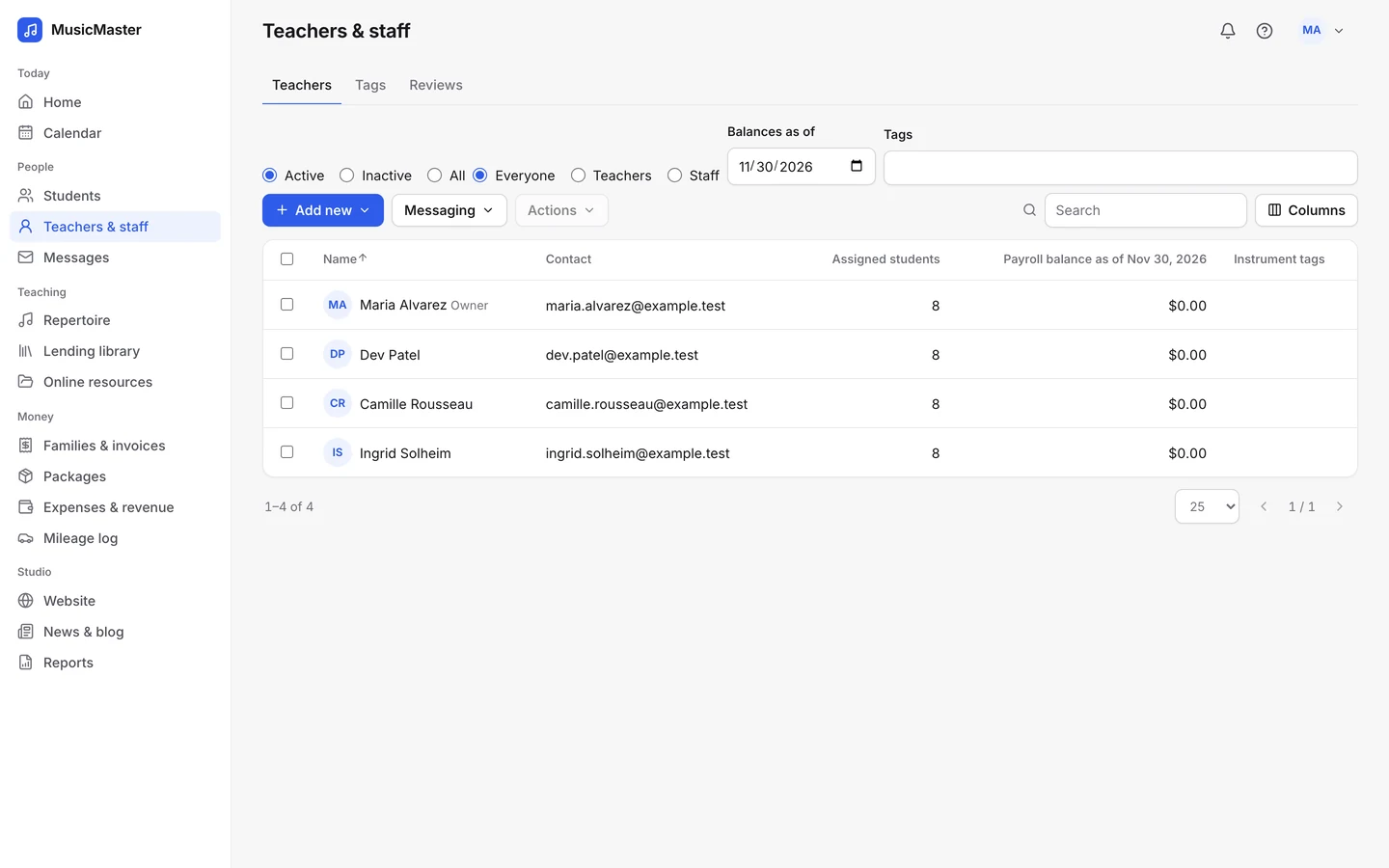
You choose what each person can see.
Give each teacher and staff member the access their work needs. One teacher sees only their own lessons; another can also see other teachers' schedules, record payments or run reports.
Your office manager might only need families and invoices, while every teacher needs the calendar.
End the scramble when a teacher is out.
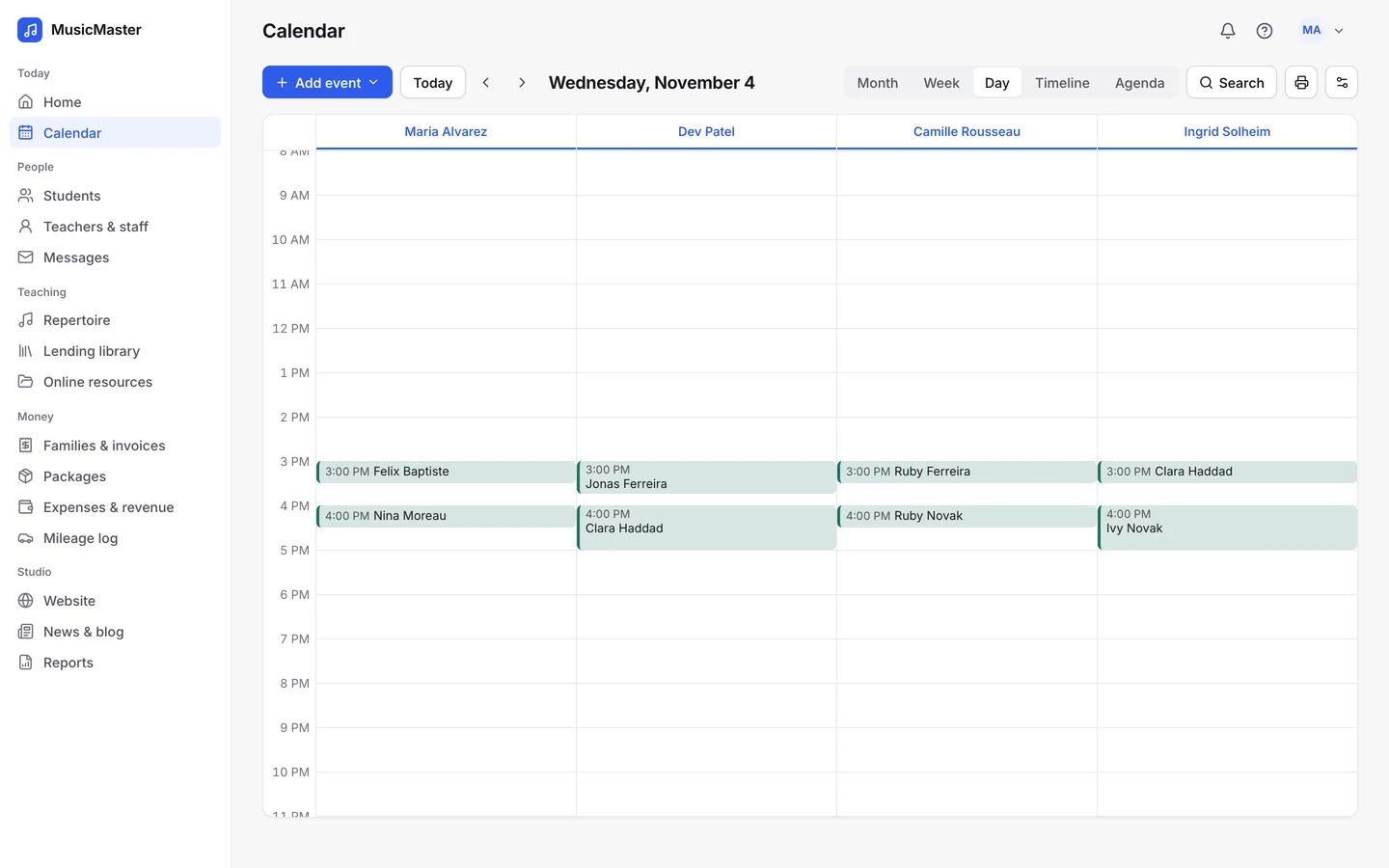
Give any lesson a substitute. It shows on both teachers' calendars, and payroll goes to the teacher who taught.
Conflict detection warns you before a teacher, a student or a room is booked twice.
A school runs on its teachers. We built Sonely so each of them sees their own day at a glance, and the office sees everyone's.
The Sonely team
Makers of Sonely
Work from the same records.
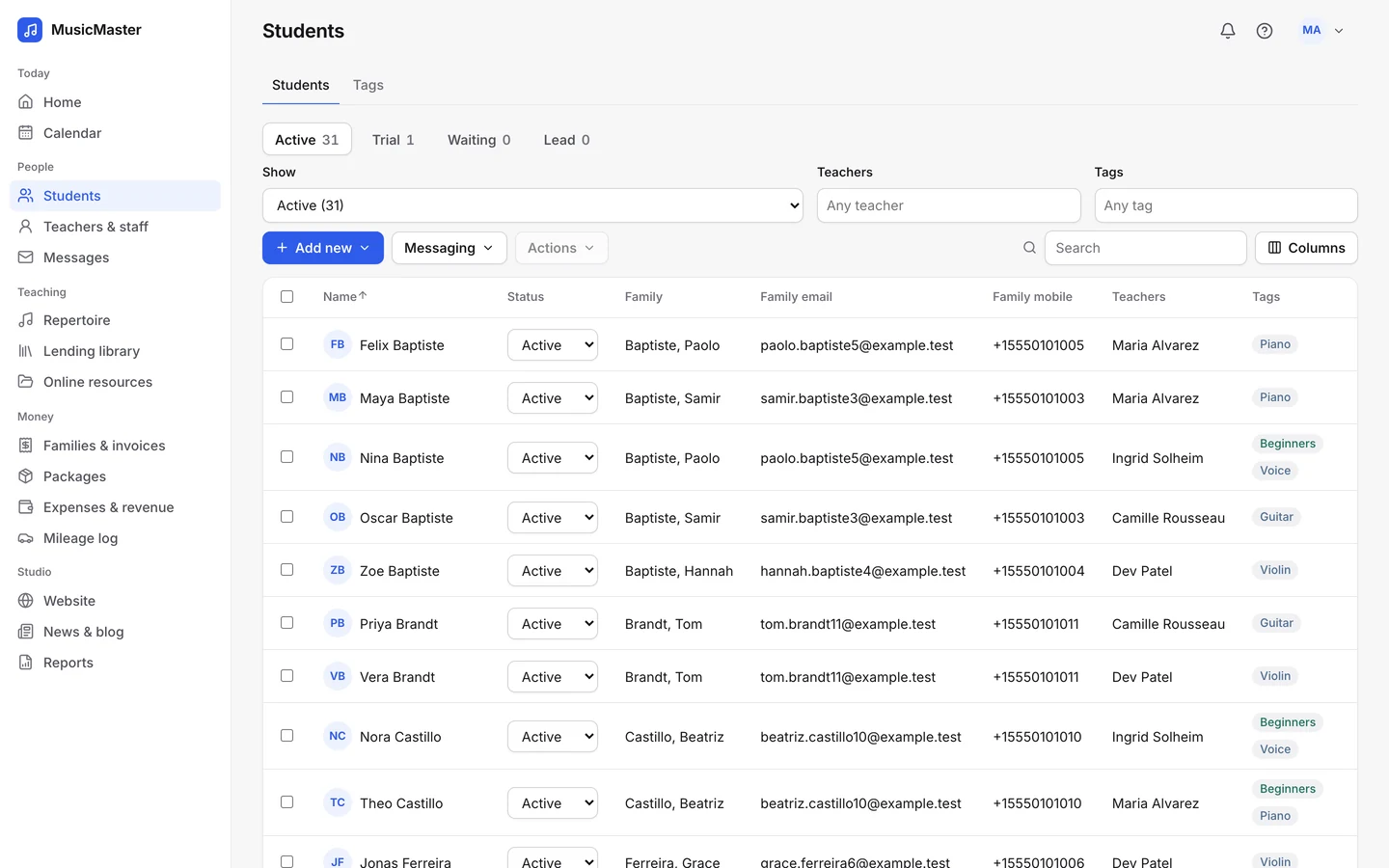
Instead of a spreadsheet per teacher, everyone works from the same students, families and calendar.
Tag students by instrument, class or level, then message, invoice or assign pieces to a whole tag at once.
And whenever anyone needs help, they can ask us.
Every teacher and staff member can read the guides and write to support. Anyone can open the demo studio and look around first.

Make it easy for families to stay close to your school.
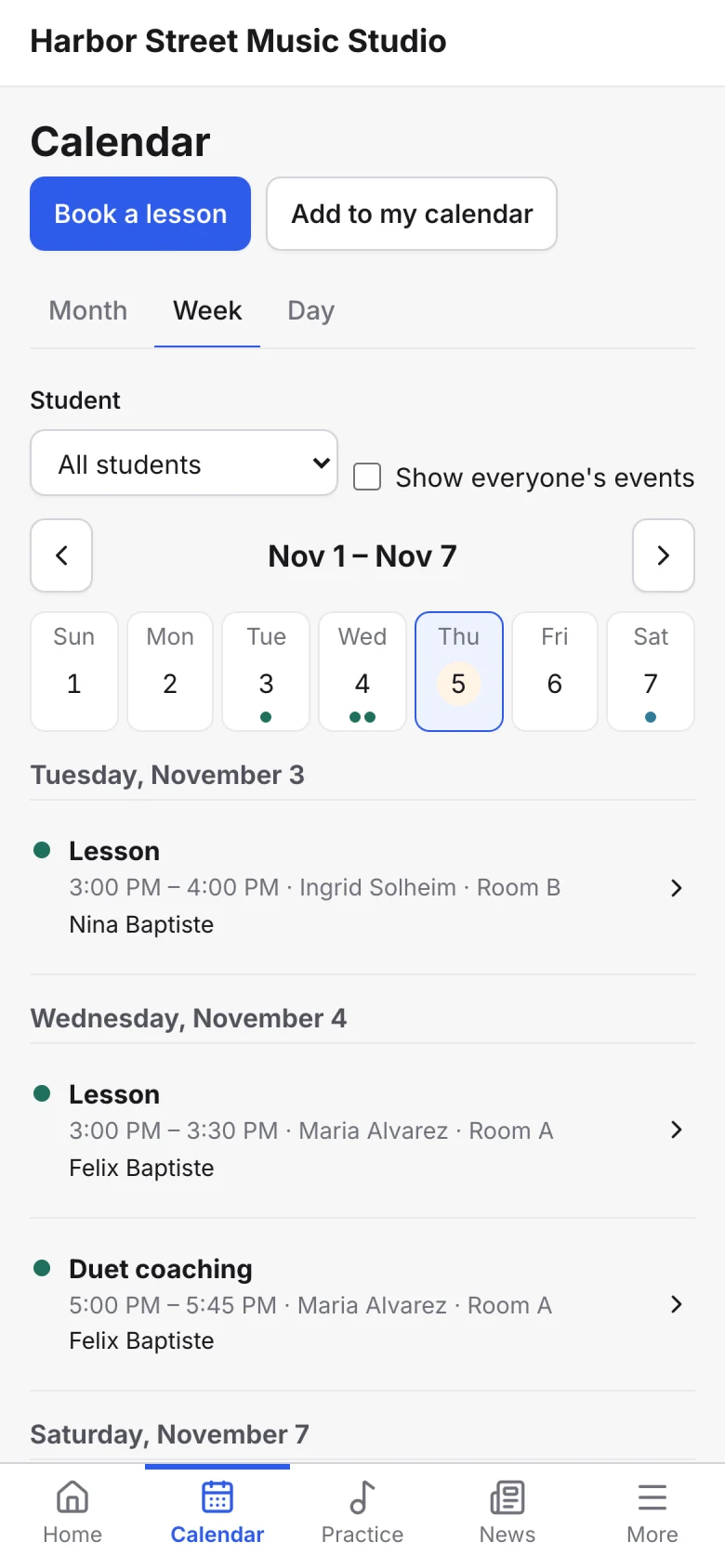
Sonely is where your staff do the work behind the scenes. The family portal is where parents and students see their lessons, pay and practice.
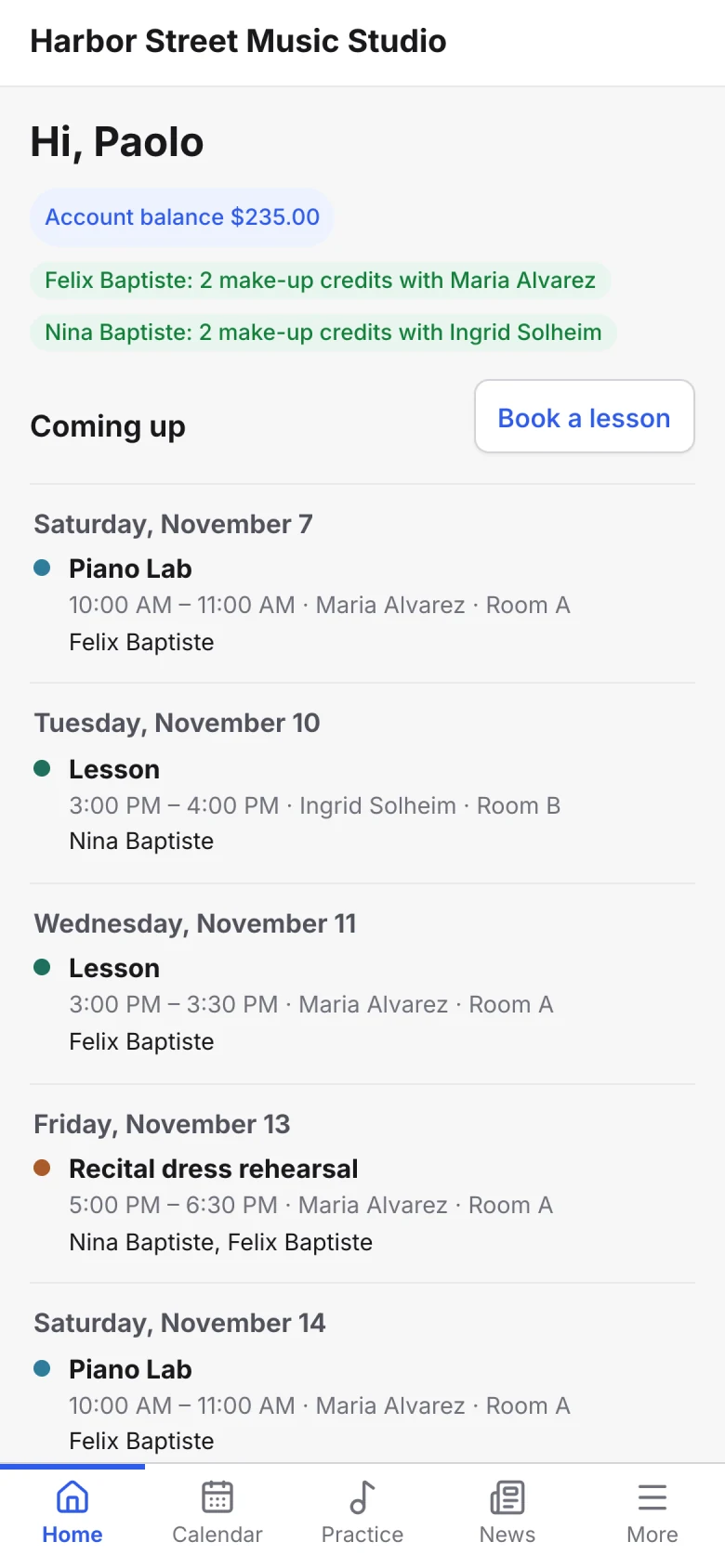
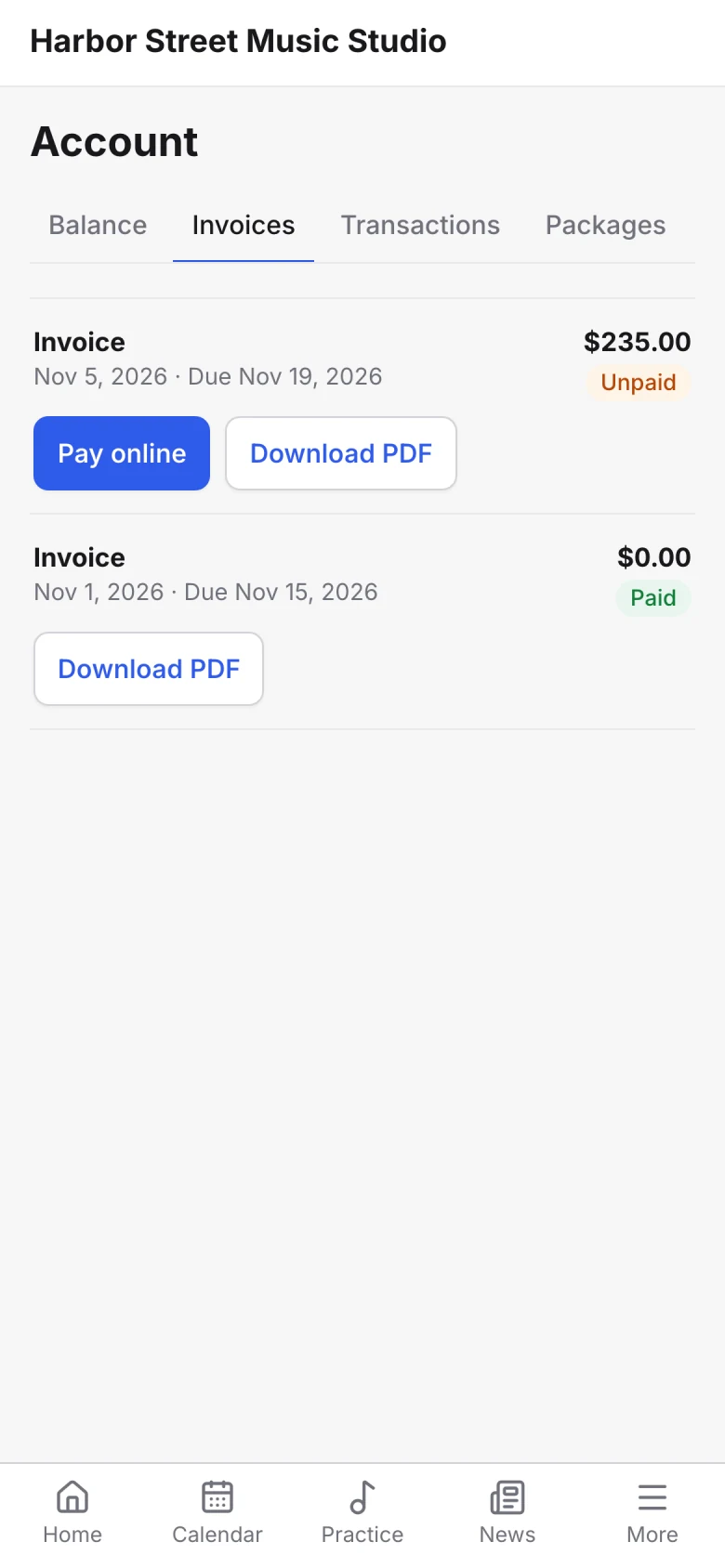

One place for news
Post news to the family portal and pin what matters to the top.

A place to book and pay
Families book open lessons, cancel within your rules and pay invoices online.

A way to practice at home
Students log practice, follow their repertoire and open the files teachers share.
Keep students from slipping away.
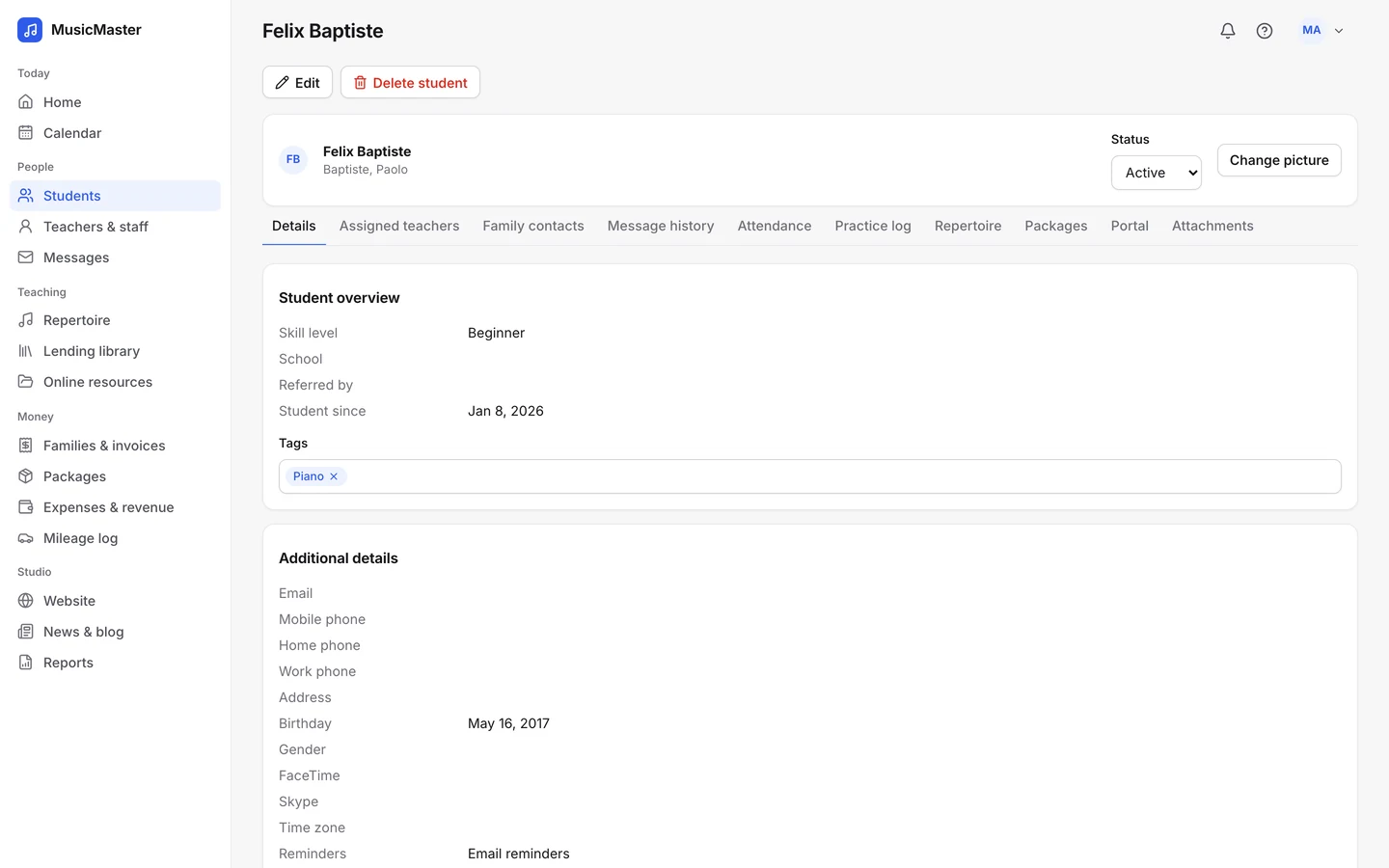
Statuses for Lead, Trial, Waiting, Active and Inactive show where each student stands, and sign-ups from your website can arrive as leads.
The Student retention report shows who joined, who stayed and who stopped in any period.
Find what you need to make decisions
When lessons, attendance and payments live together, the numbers add up on their own.
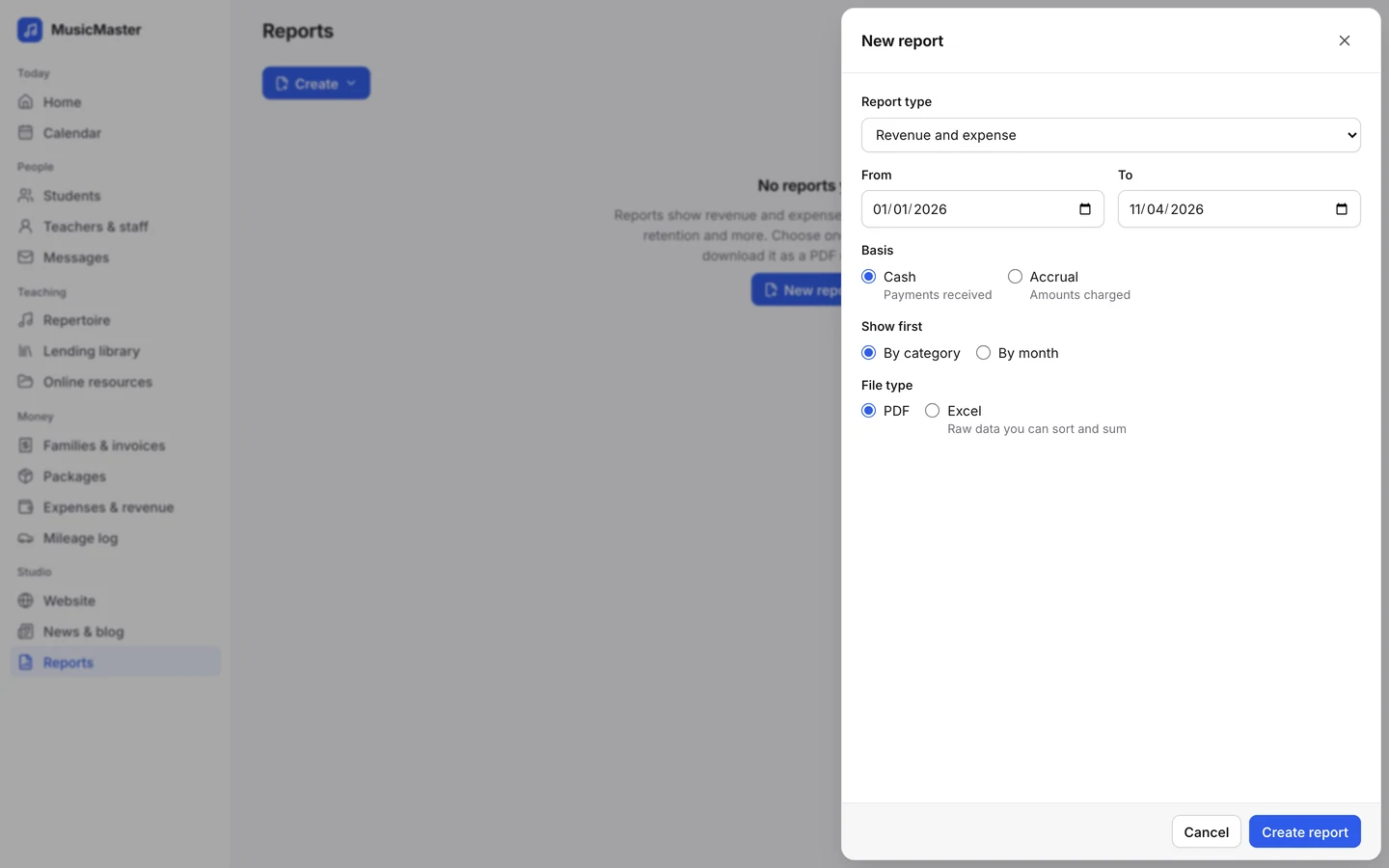
Track what matters to your school.
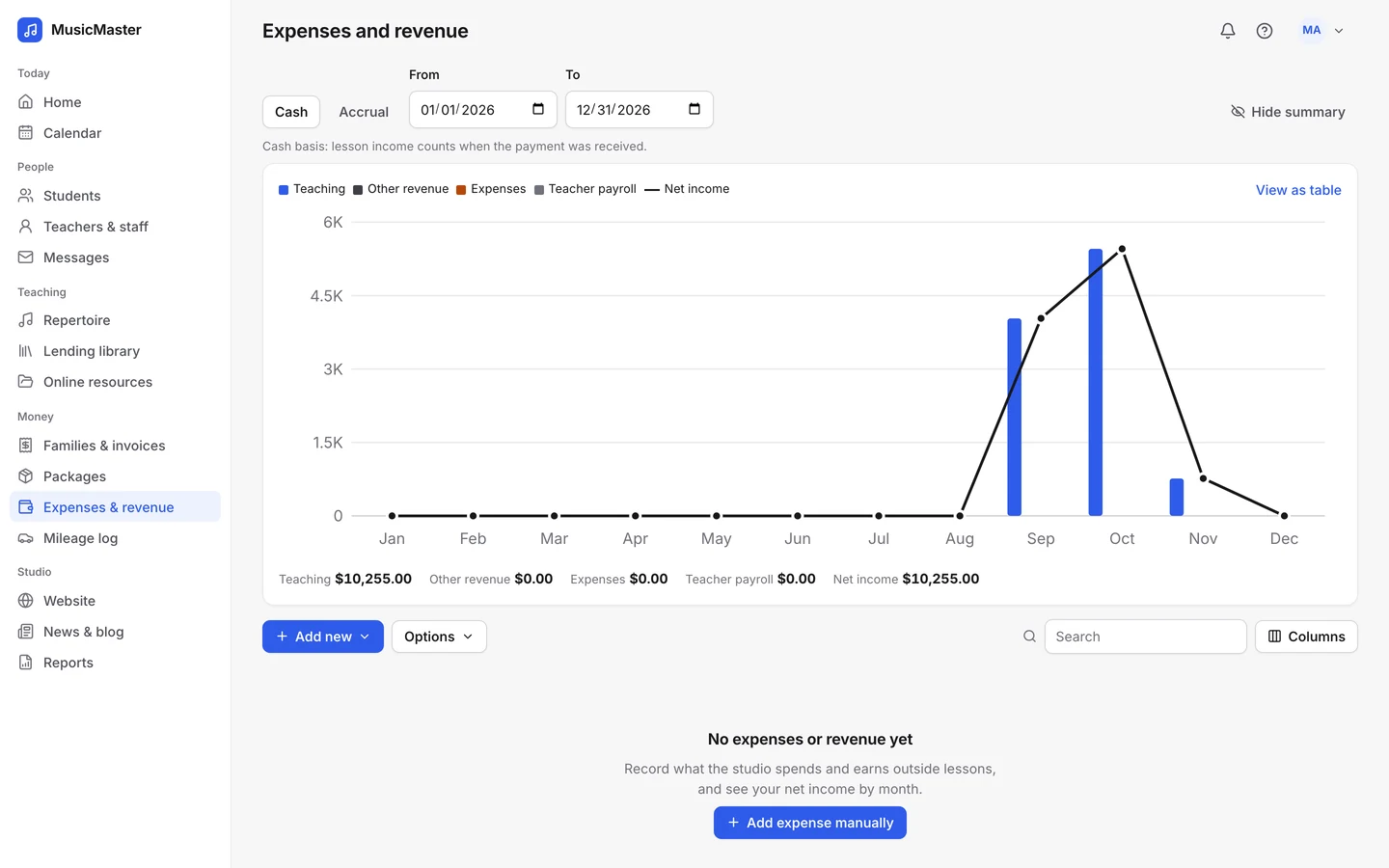
Attendance, lessons taught, billable hours, family balances, payroll, retention and revenue: download any of them as a report in PDF or Excel.
Find it when you need it.
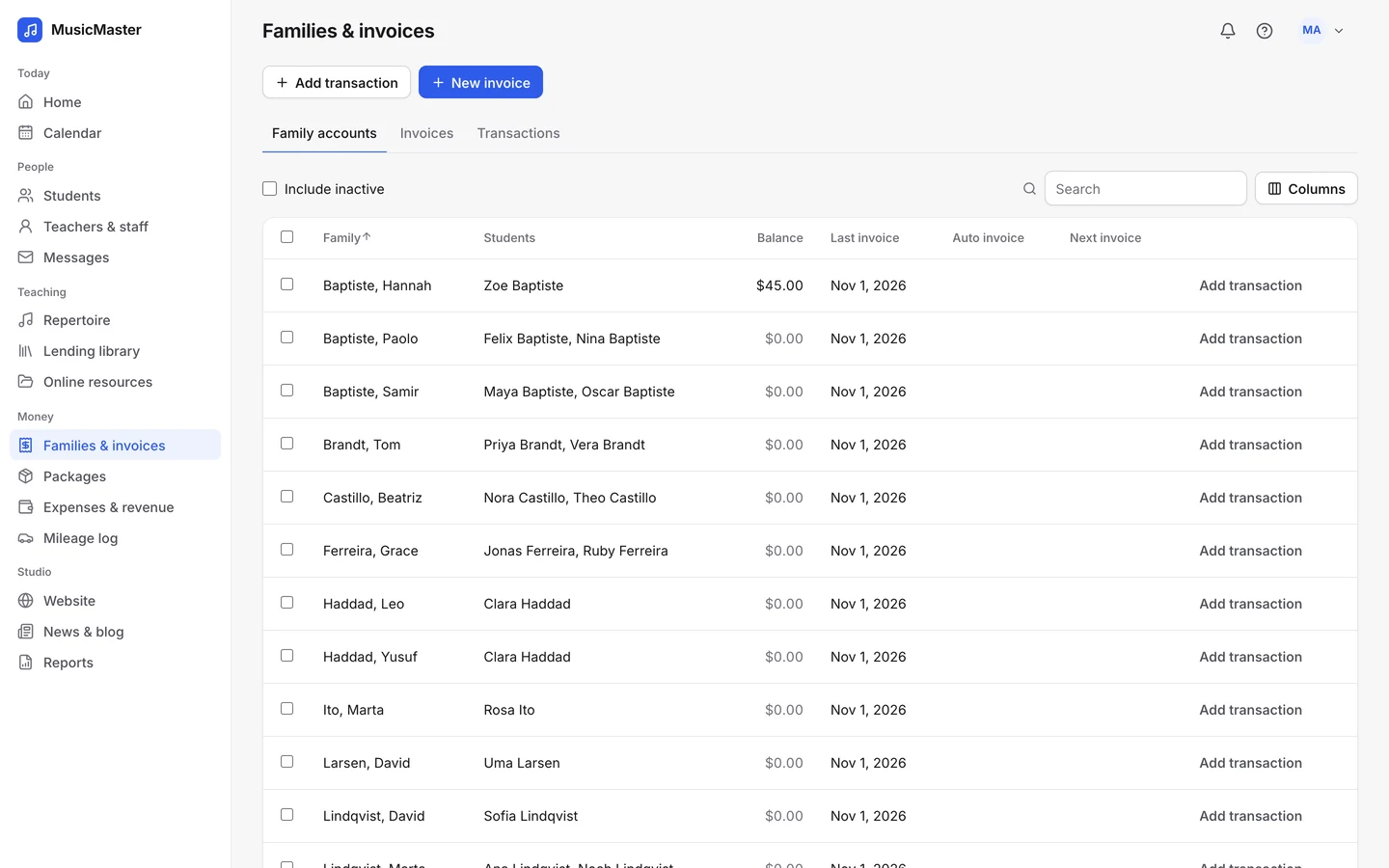
Instead of piecing spreadsheets together, look up any family's balance and invoices in one place, and search the calendar by teacher, student, category or location.
Trust that the numbers are current.
Charges follow the attendance your teachers record, and payments post as families pay. Reports are up to date the moment you run them.
Teachers take attendance, families pay online, and the office stops retyping the same information into three places.
The Sonely team
Makers of Sonely
Core features
Sonely has many features. These are the ones a music school uses most.
See the whole school at a glance
Day view by teacher
One column per teacher, so the office sees who's free.
Reports
Revenue, attendance, retention and more, as PDF or Excel.
Student statuses
Lead, Trial, Waiting, Active and Inactive.
Keep families informed
Email and SMS
Message students, parents or a whole tag at once.
Lesson reminders
By email, and by text for families who allow it.
News
Post to the family portal, the teacher portal or your blog.
Handle sign-ups and bookings
Sign-up forms
New sign-ups land on your list as leads or students.
Online booking
Families book from each teacher's availability.
Trial lessons
Make the first lesson free or set its price.
Record every lesson
Ten statuses
Billed, not billed, or earning a make-up credit.
Bulk attendance
Mark a whole day's lessons at once.
Lesson notes
Notes for families and private notes for teachers.
Pay teachers fairly
Hourly or a share
A flat hourly rate or a percentage of revenue.
Rates by category
Different pay for group classes or recitals.
Payroll report
What each teacher is owed for any period.
Get paid on time
Auto-invoicing
Each family invoiced every week or month.
Online payments
Card and bank payments through Stripe or PayPal.
Late fees
Added automatically after the days you set.
Teach between lessons
Practice log
Students log minutes with a timer and uploads.
Repertoire
Assign pieces and track each student's progress.
Lending library
Lend books and instruments; see what's overdue.
Protect your school's data
Permissions
Choose what each teacher and staff member can see.
Two-factor sign-in
A code from an authenticator app at sign-in.
Card details stay out
Held by your payment processor, never by Sonely.
Use the devices you already have
Any phone browser
Families use the portal without installing an app.
Calendar feeds
Lessons in Google Calendar, Outlook or Apple Calendar.
Your own website
Templates, blocks and your own domain.
Try it with your whole team
Add every teacher free for your first 30 days, with no card needed. Your students are unlimited.
Sign up free
Follow the getting started guide
Moving to a new system takes some planning. The guide takes you through it one step at a time.
Get started with Sonely
Learn about each feature
Every feature has its own page, with what it does and how it fits the rest.
See the features