One account per family
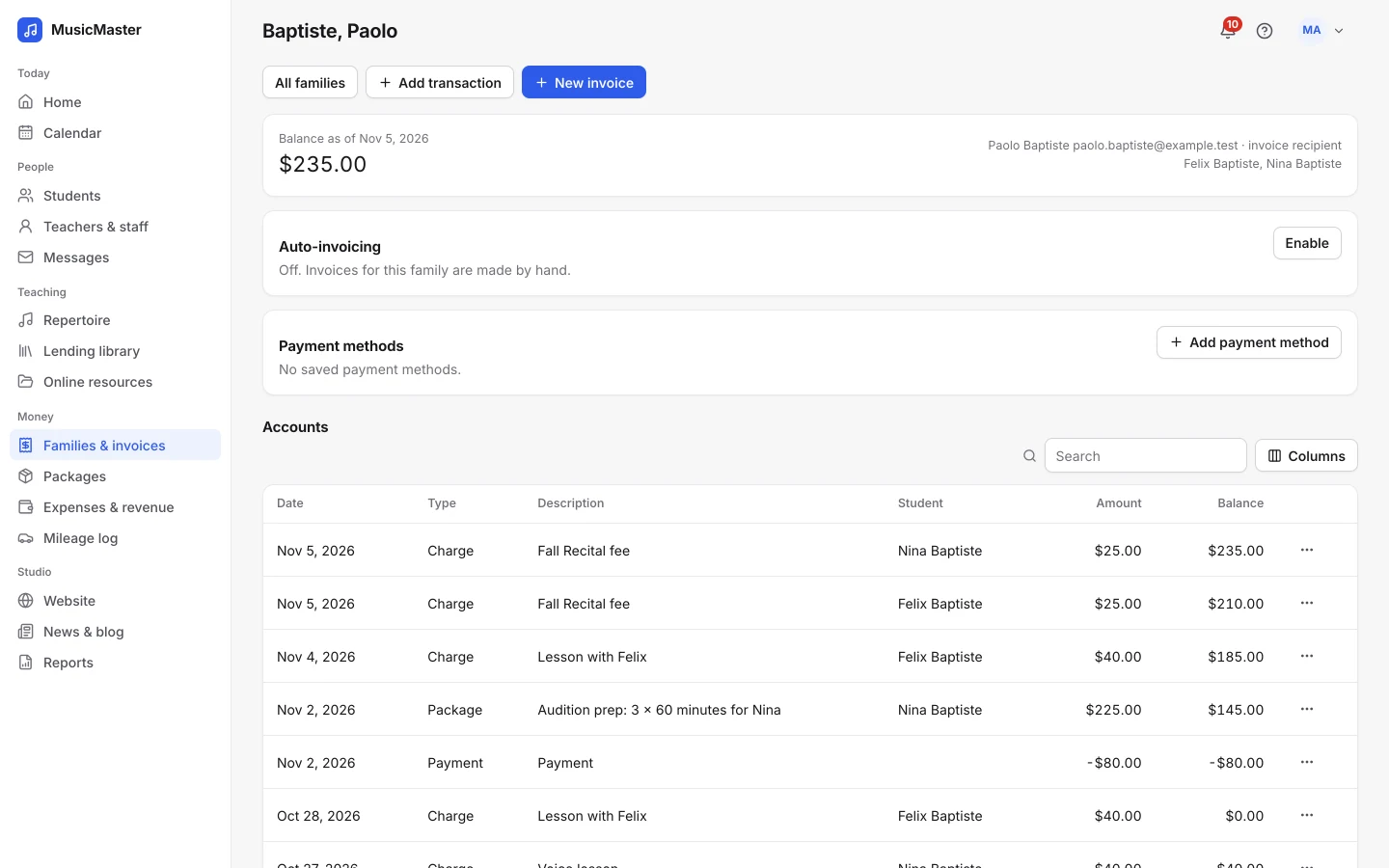
Siblings who learn at different locations share one family account, one balance and one invoice.
Sonely for multi-location schools
Wherever your teachers teach, Sonely keeps your schedule, your families and your invoices together in one account.
Works with
the tools you already use
However many places you teach, keep one list of students and families, one calendar and one set of invoices.
Give each location its own name, color and address, so teachers and families always know where the lesson is.
Scheduling by location
See what's happening at every location at once, or only at one.

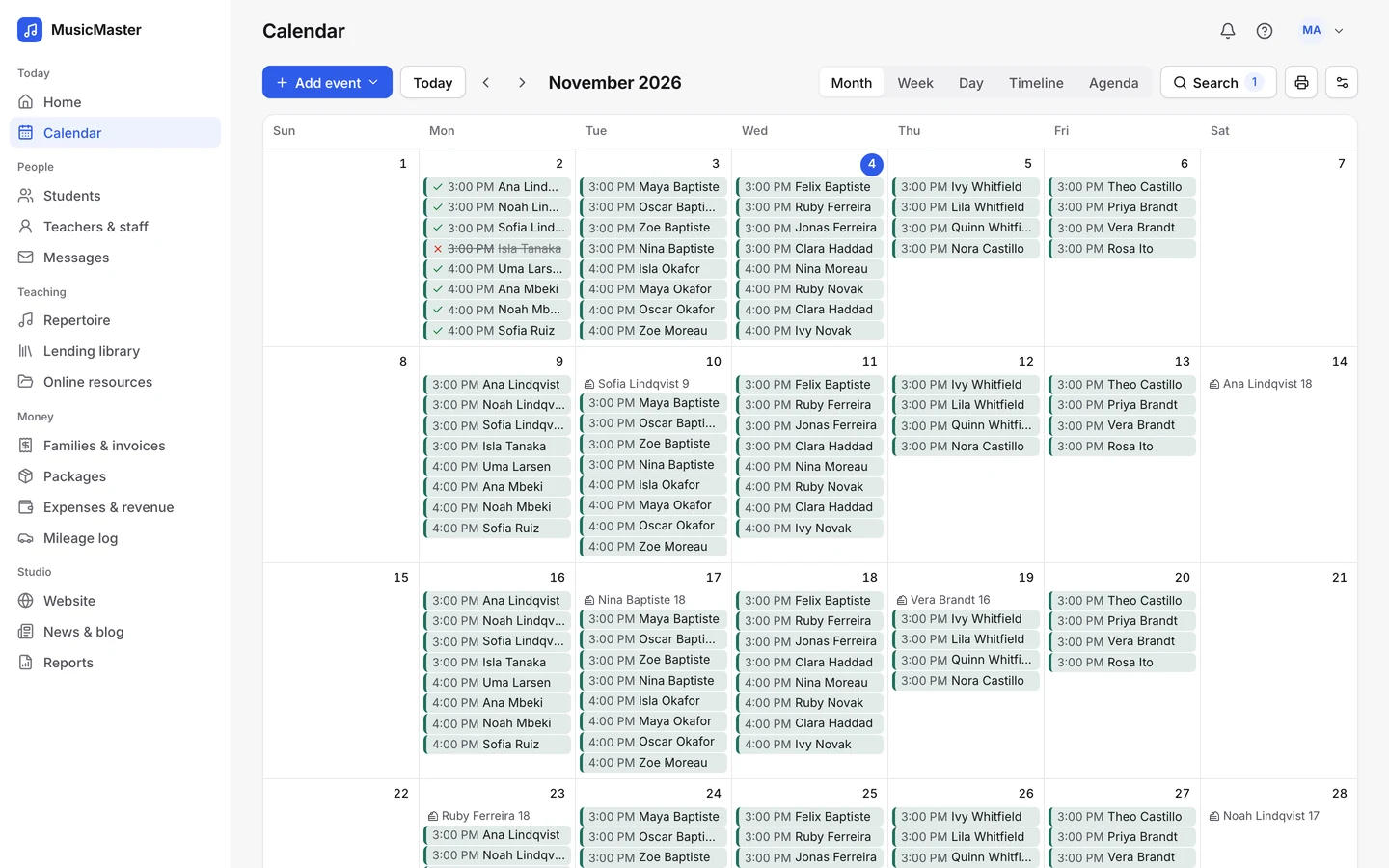
Color the calendar by location instead of teacher or category.

Show one location's lessons, or one teacher's at that location.

Conflict detection warns when a room is already in use.
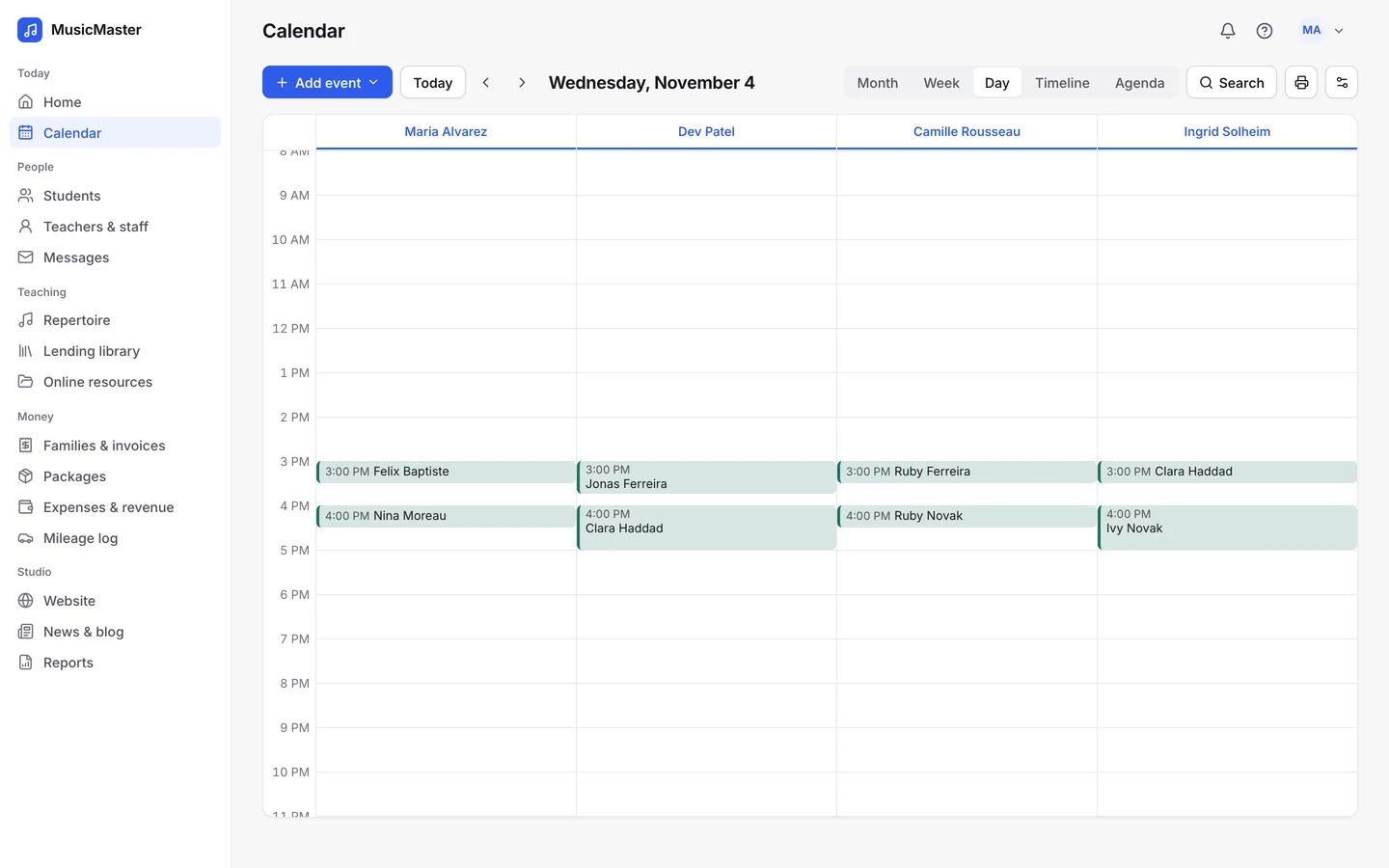
Location is part of every lesson in Sonely, so a school with three addresses runs like a school with one.
Billing across locations
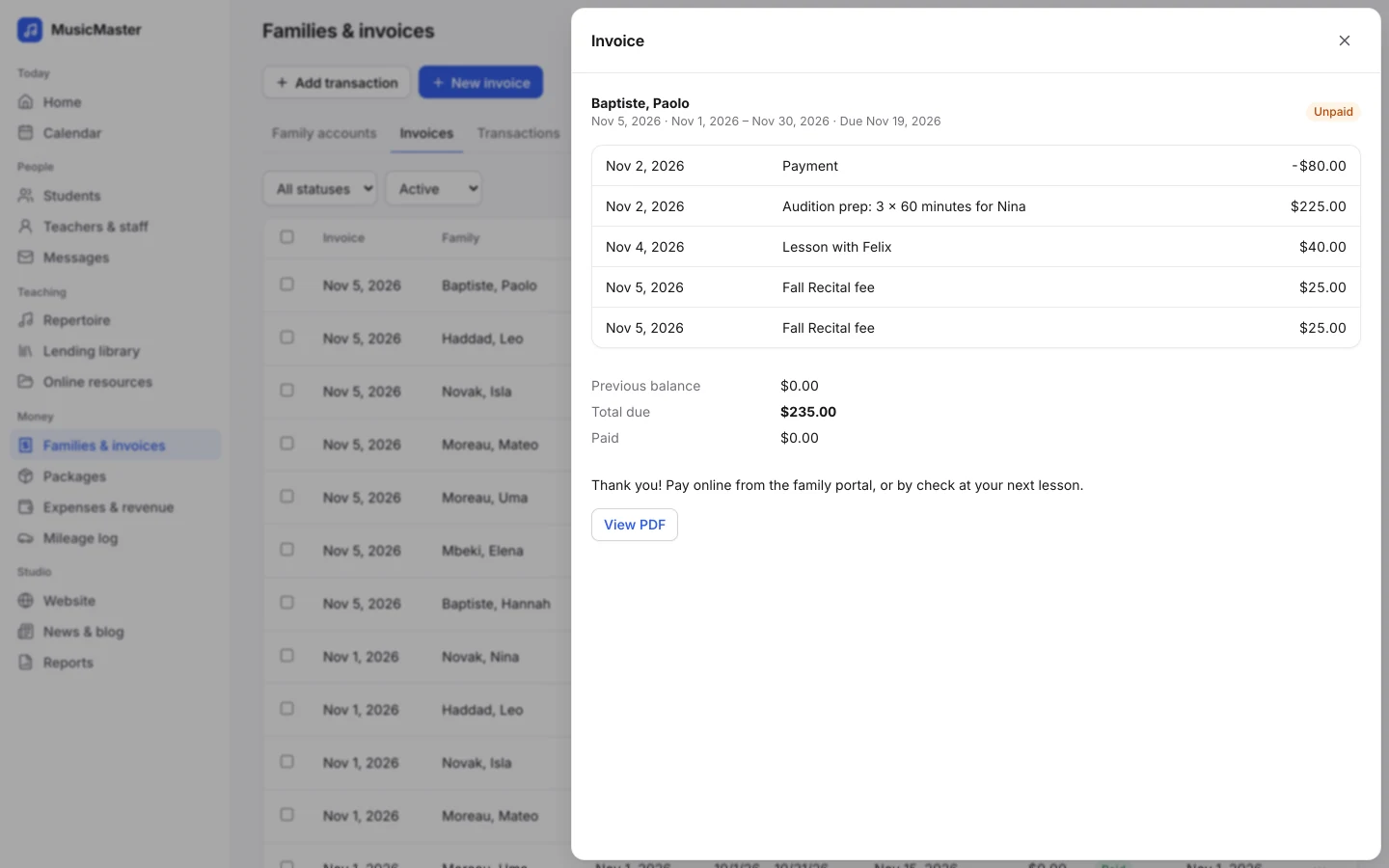
Families with students at different locations still get one account and one invoice.
Siblings who learn at different locations share one family account, one balance and one invoice.
Turn on locations on invoices, and families see where each lesson took place.
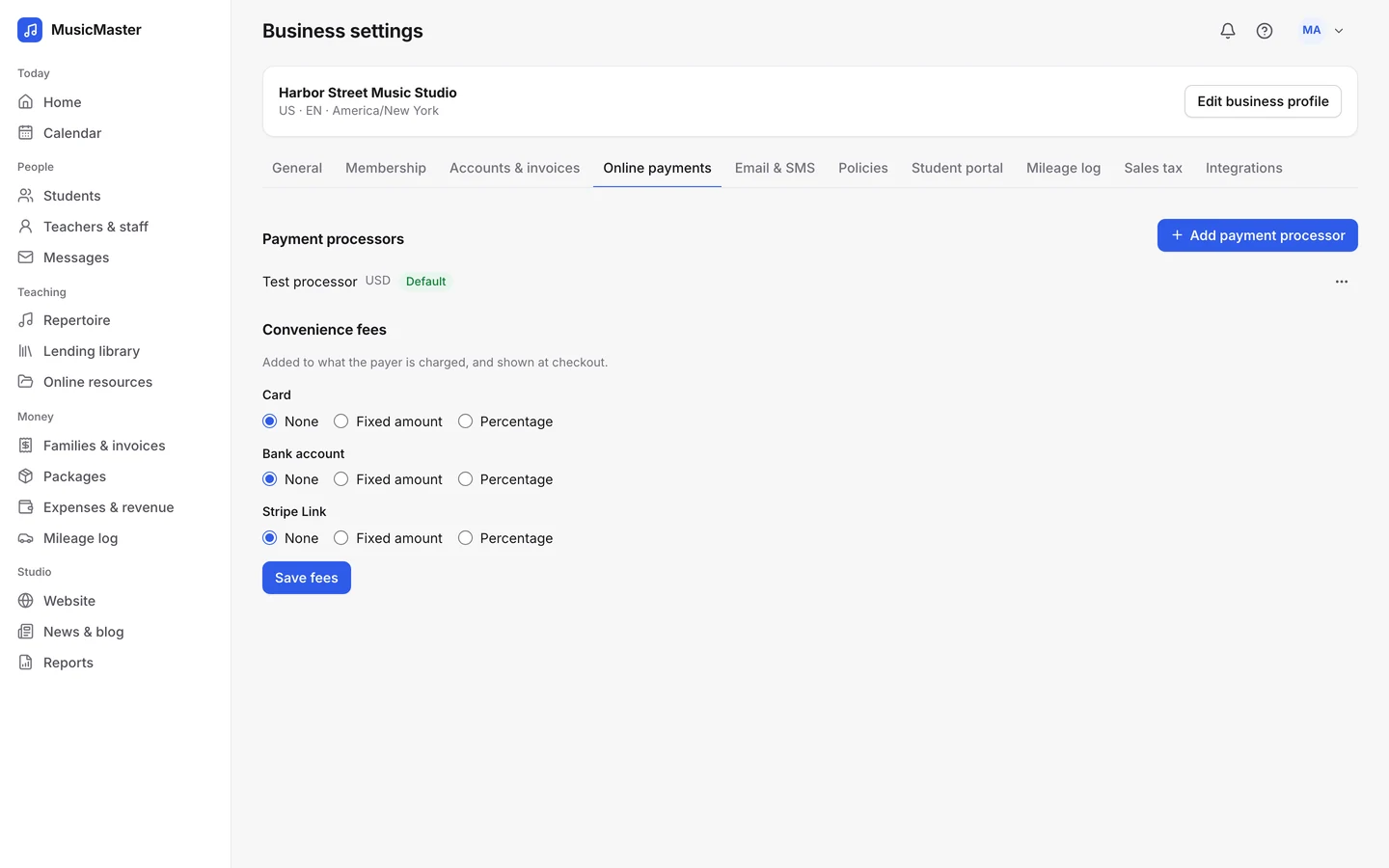
Connect your Stripe or PayPal account once, and families at every location pay online through it.
Siblings who learn at different locations share one family account, one balance and one invoice.
Turn on locations on invoices, and families see where each lesson took place.
Connect your Stripe or PayPal account once, and families at every location pay online through it.
Students at every location
Keep track of every student, wherever they learn.
Every student and family is in one list, with their status, teachers and tags. A student who moves to another location keeps their history.
Give each location's students a group tag, and you can message, invoice or assign pieces to all of them at once.
The Student retention report shows who joined and who stopped in any period, across your whole school.
Every student and family is in one list, with their status, teachers and tags. A student who moves to another location keeps their history.
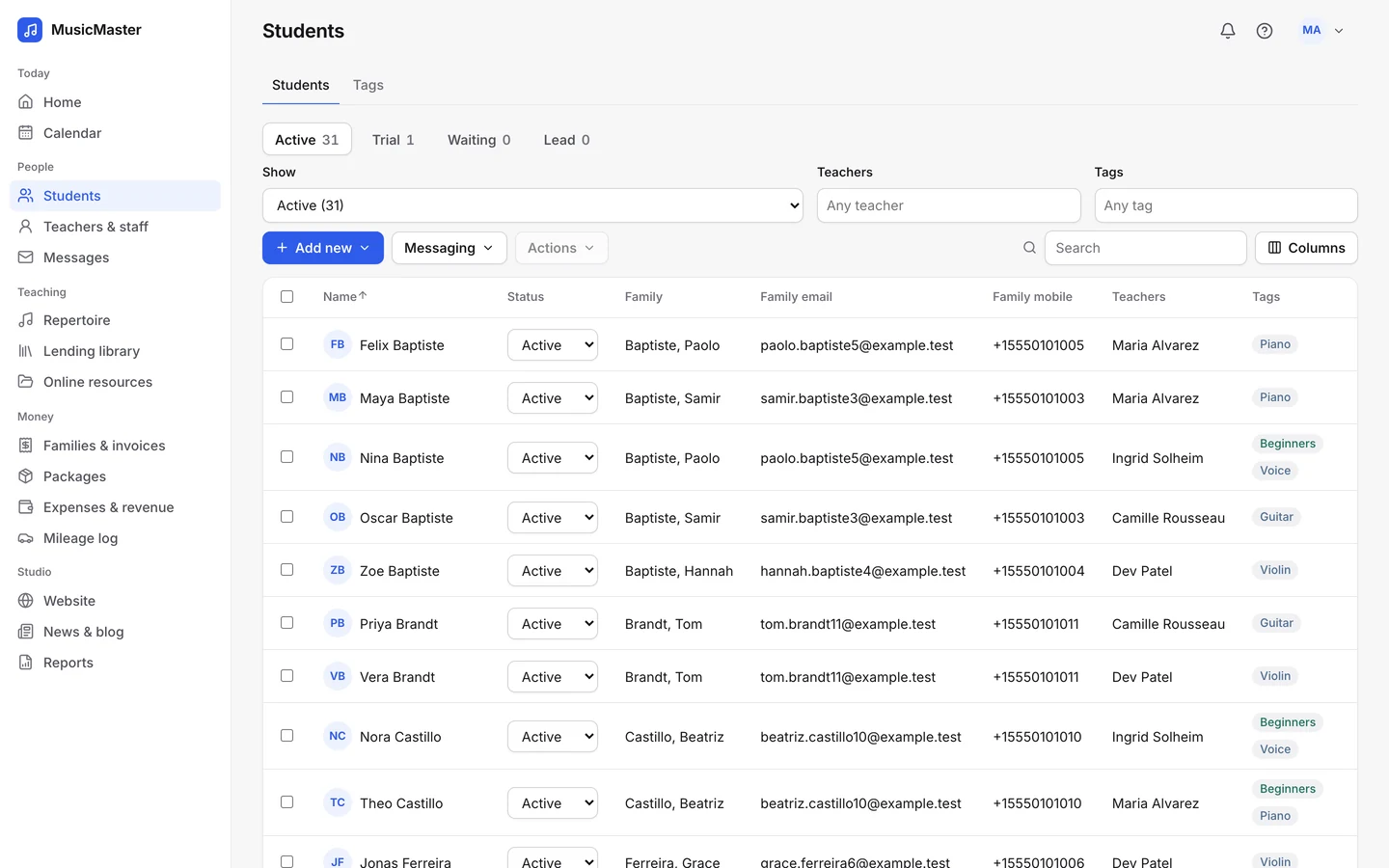
Give each location's students a group tag, and you can message, invoice or assign pieces to all of them at once.
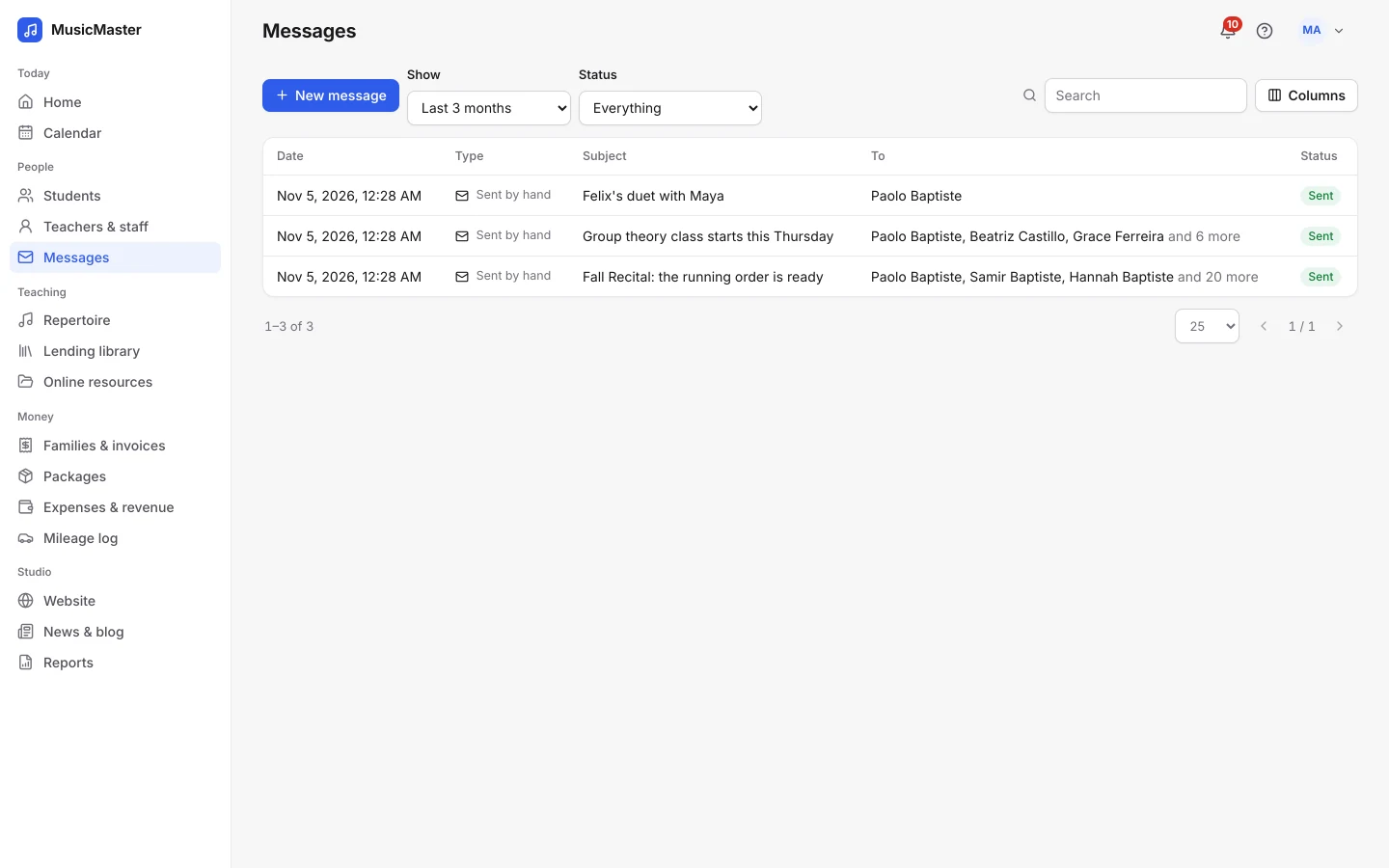
The Student retention report shows who joined and who stopped in any period, across your whole school.
Teachers at every location
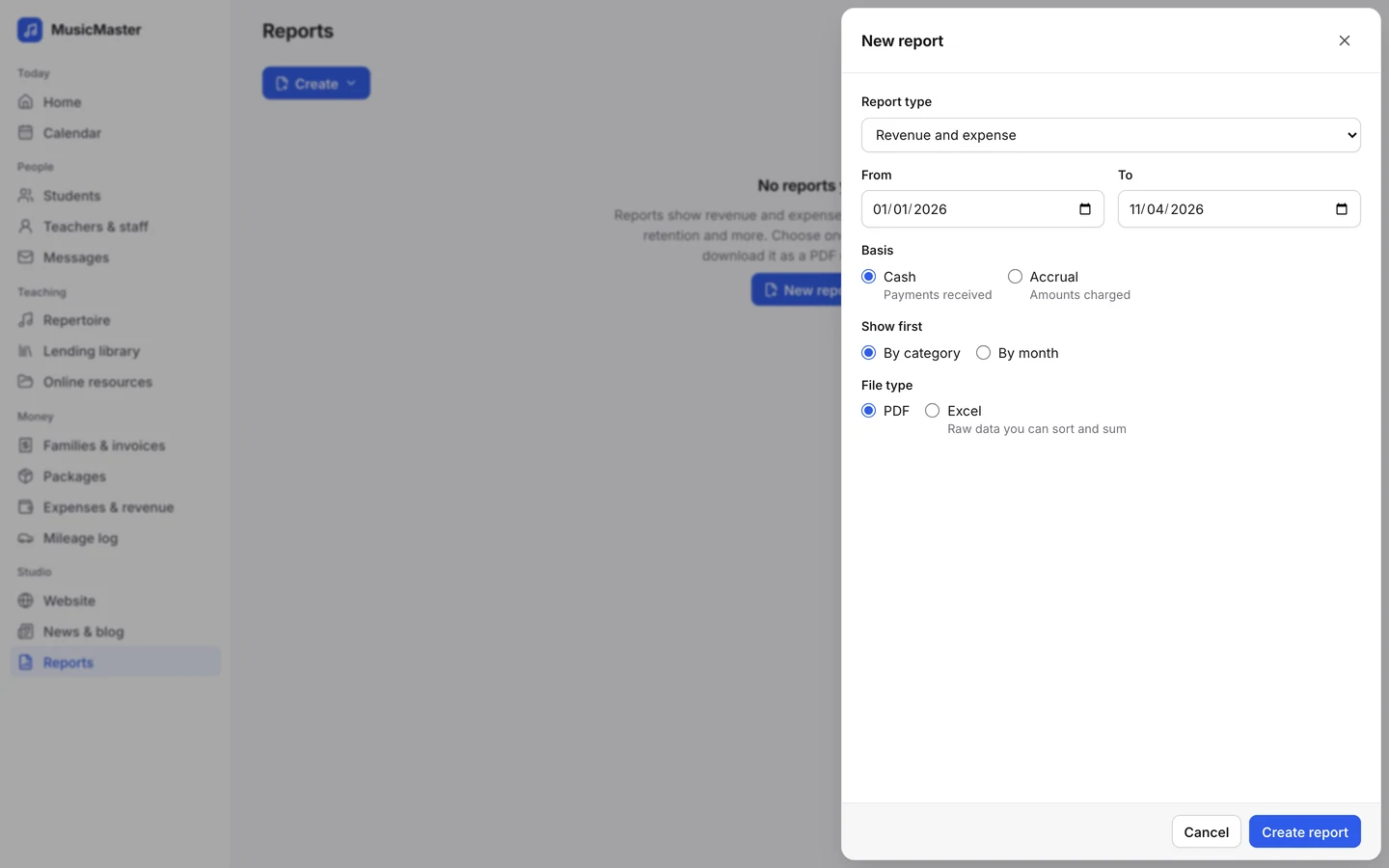
Teachers add their weekly availability with the locations they teach at, in order of preference. Online booking offers the first one that's free.
Family portal
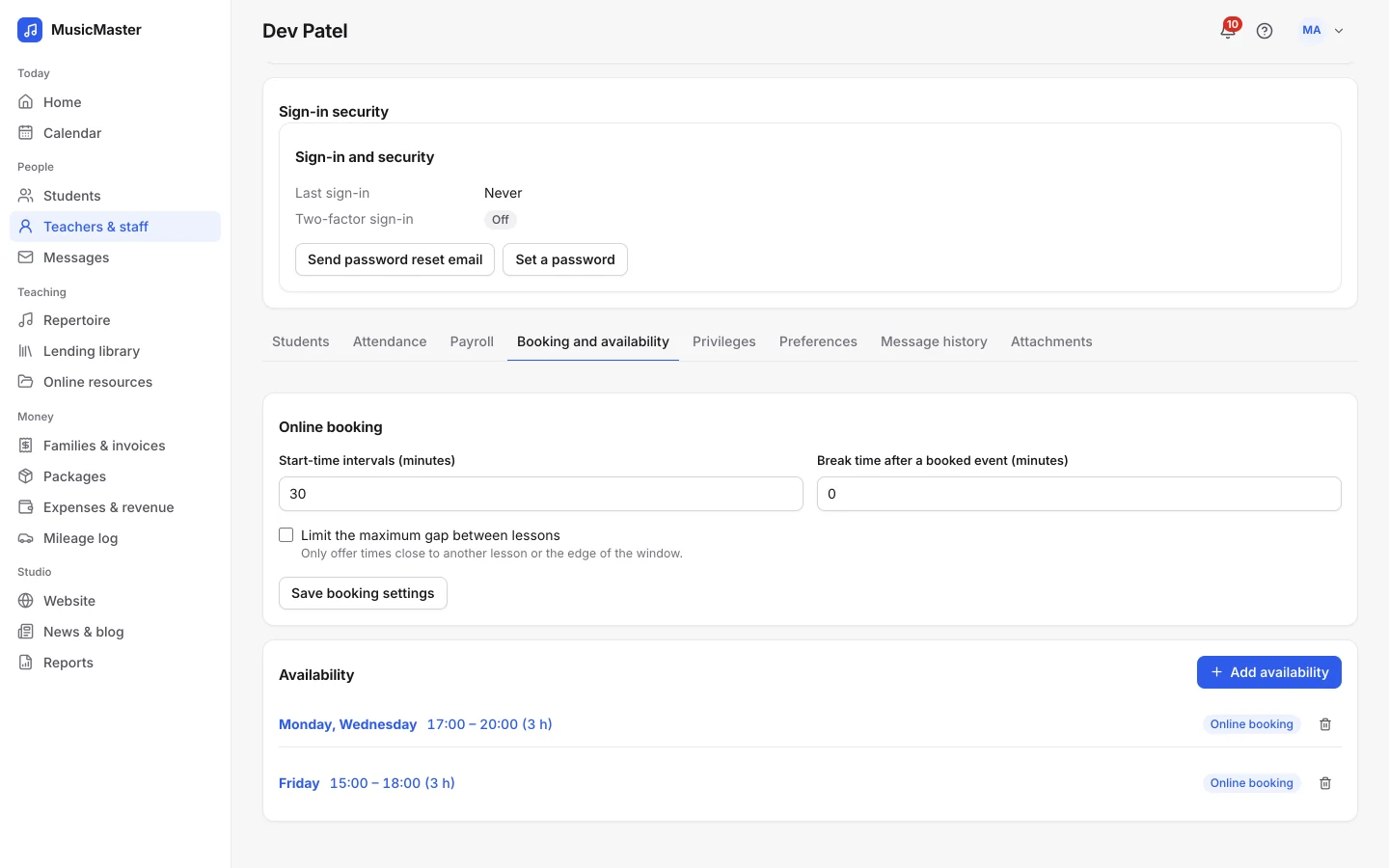
Families see their own lessons, teachers and invoices, wherever they take lessons.
The portal calendar shows each lesson with its location, and you can color it by location.
Families book from teachers' availability and from open lessons, within your booking rules.
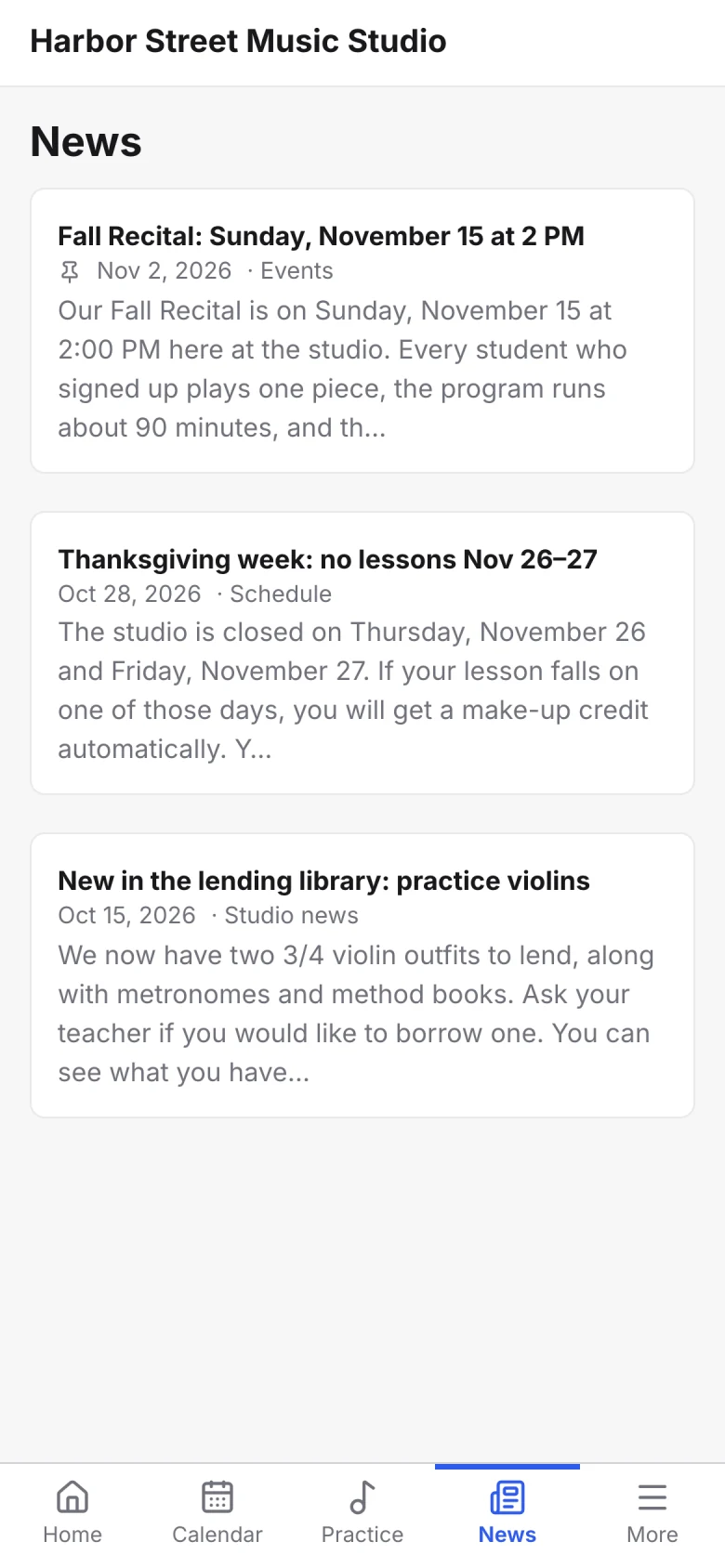
Post news to the family portal and pin what matters. Keep staff updates on the teacher portal.
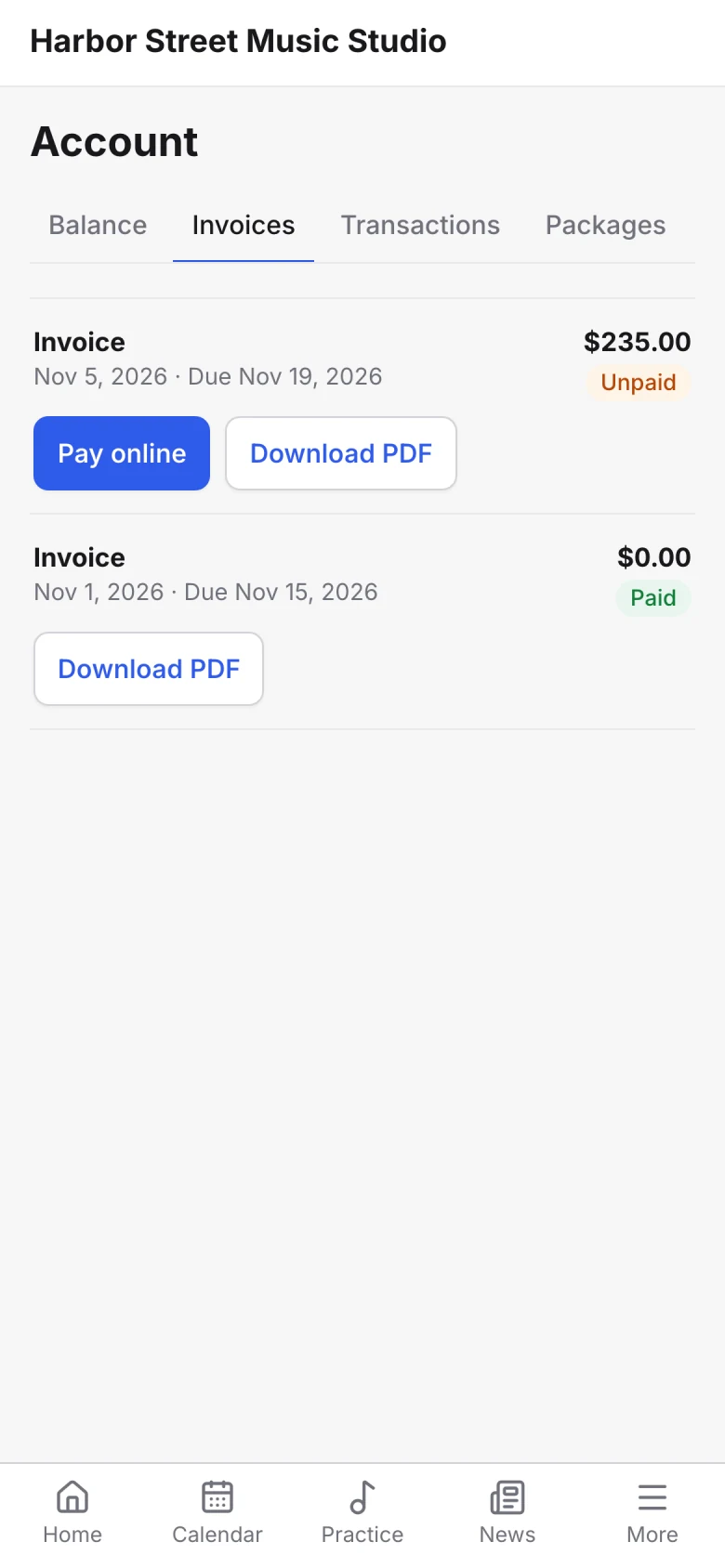
Families see their balance and invoices and pay online.
The portal calendar shows each lesson with its location, and you can color it by location.
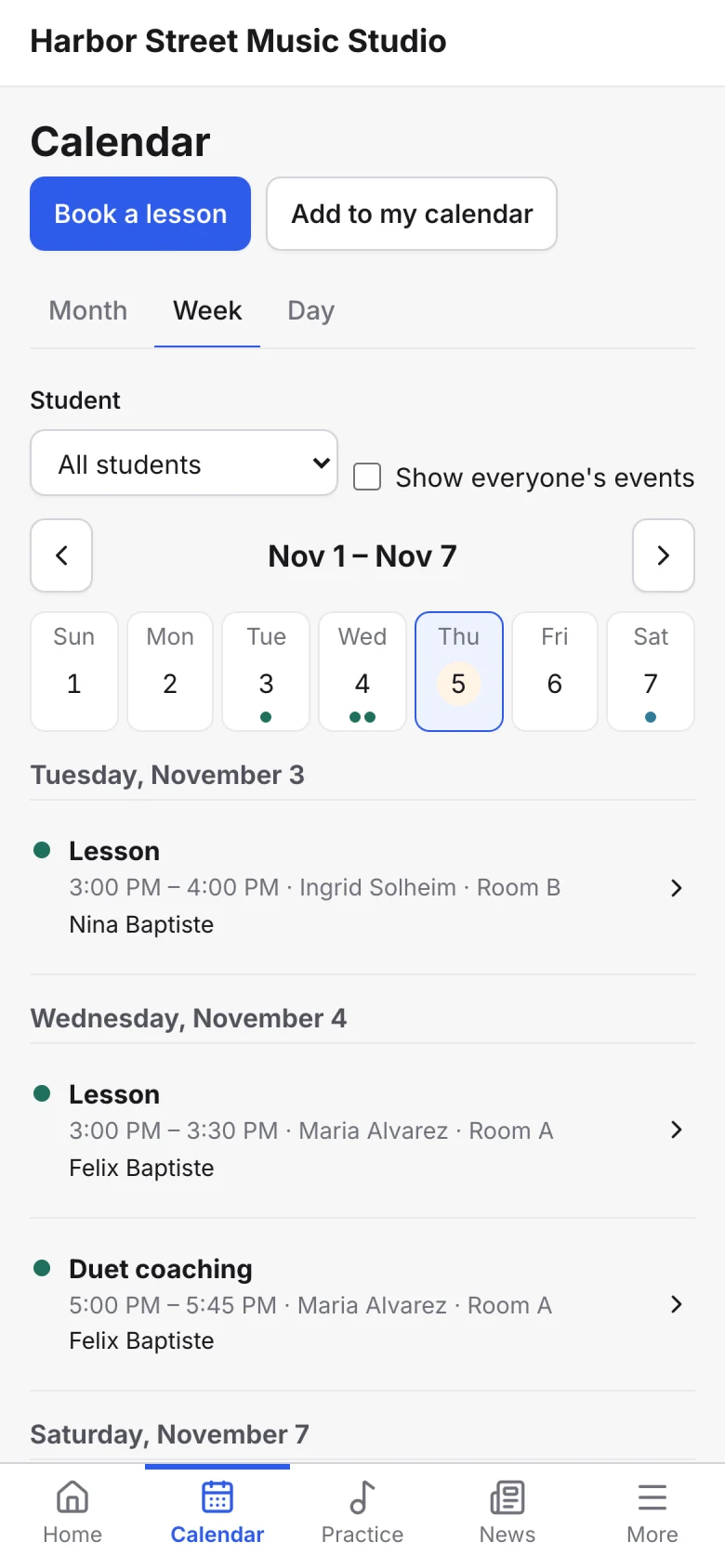
Families book from teachers' availability and from open lessons, within your booking rules.
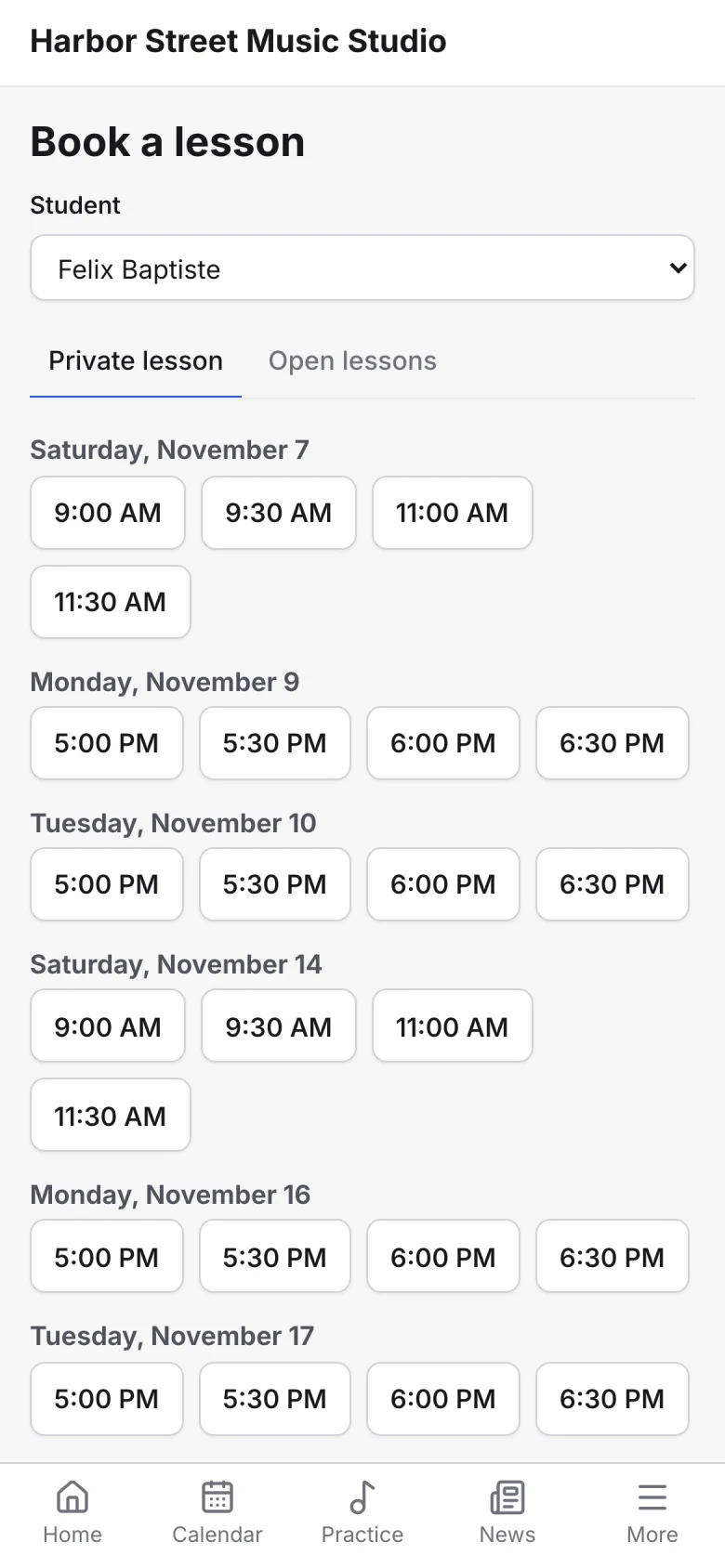
Post news to the family portal and pin what matters. Keep staff updates on the teacher portal.
Families see their balance and invoices and pay online.
Teachers who work at two locations see one calendar with all their lessons, each one marked with where it is.
Shared across locations
Give teachers at every location the same tools and materials.
Cover a lesson with another teacher. It shows on both calendars, and payroll goes to whoever taught.
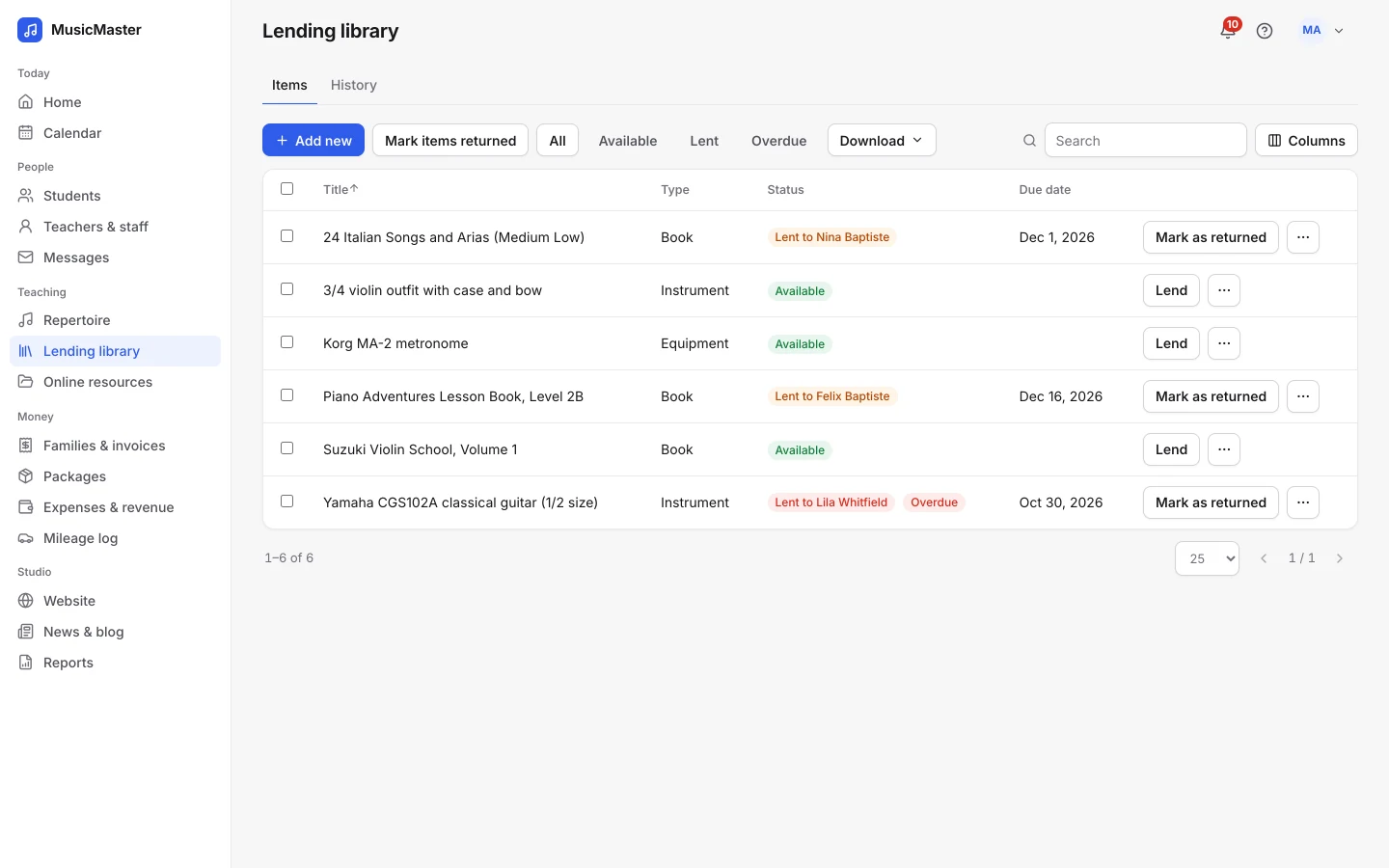
Put sheet music, recordings and videos in the shared space for every teacher, and give each teacher a space of their own.
Track instruments and books lent from any location, and see what's overdue.
Shared templates help every teacher write lesson notes the same way.
Cover a lesson with another teacher. It shows on both calendars, and payroll goes to whoever taught.
Put sheet music, recordings and videos in the shared space for every teacher, and give each teacher a space of their own.
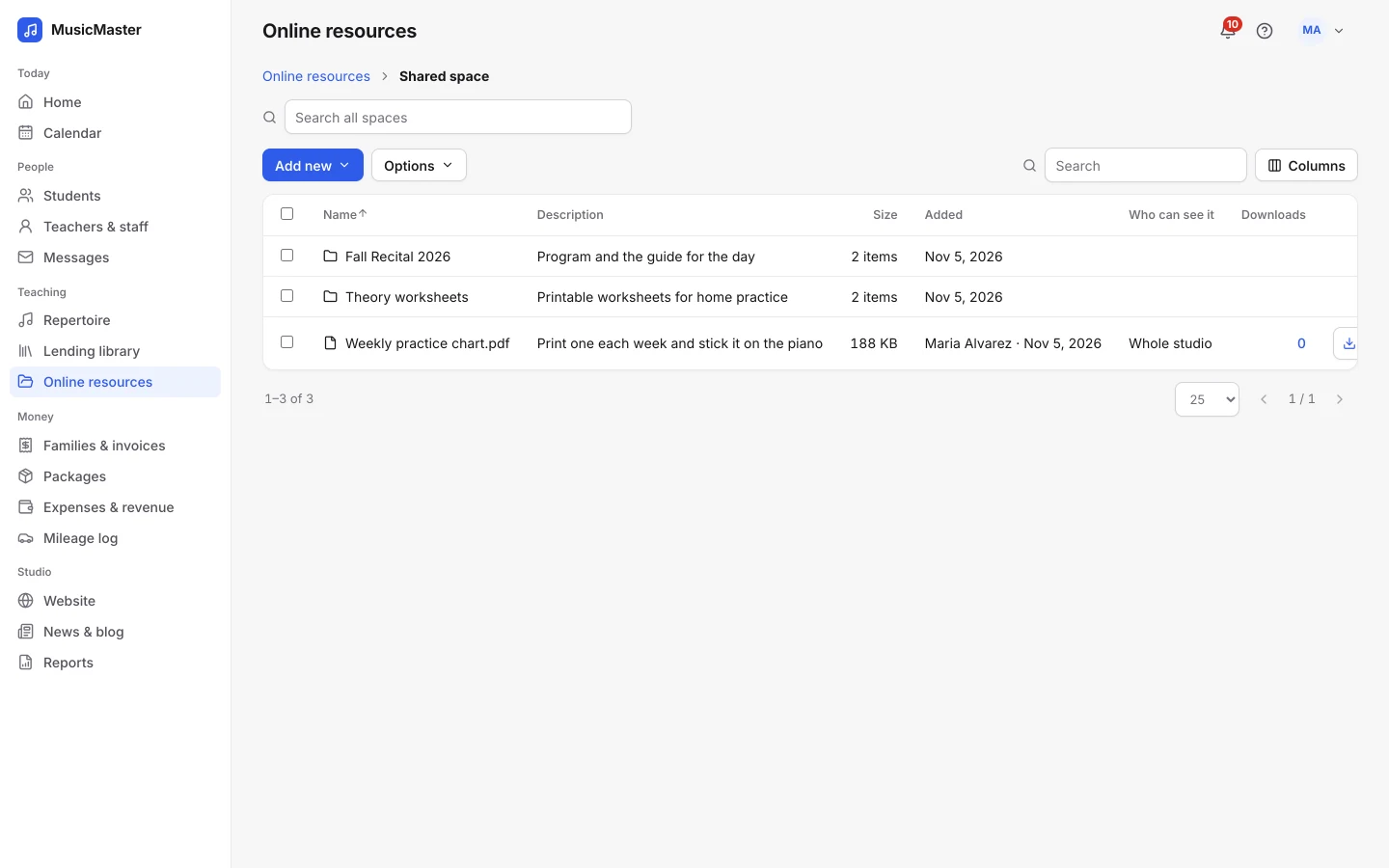
Track instruments and books lent from any location, and see what's overdue.
Shared templates help every teacher write lesson notes the same way.
Integrations
Connect Sonely to your other tools with read-only or read-write API keys, usable from tools like Zapier, and signed webhooks for events such as a new student or a payment.
See the developer docs
Every location works from the same records, so nobody keeps a spreadsheet of their own.
What schools with more than one location use most.
For more questions, contact us.
No. Reports cover your whole school, filtered by dates and, for some reports, by teacher or category. To see one location's lessons, search the calendar by location.
No. Permissions are set per person, not per location. For each teacher you choose whether they see only their own lessons or other teachers' too, and whether they can record payments, see invoices or run reports.
Yes. Every family signs in to the same portal for your school, with your name and brand color, and sees their own lessons with each one's location.
No. A school connects one Stripe account and one PayPal account, and families at every location pay through them. Invoices can show the location of each lesson.
Yes. Turn on multiple time zones and each teacher can set their own. Staff who handle invoices or expenses stay on the school's time zone.
One teacher is free, and each extra teacher, admin or staff login is a paid seat. The number of locations doesn't change the price, and students are unlimited. See pricing.
Look around a sample studio with students, lessons and invoices already in place.
Open the demo studio
Ask us anything about running your studio on Sonely. Real people read and answer.
Contact us about Sonely
Every update we ship, in one place. See what changed in each release.
Read the changelog