One place for families to book, pay and practice
Families see their lessons, book and cancel within your rules, pay invoices, log practice and read your notes, from any phone or computer. You decide what they see.
Jump to: Portal tour
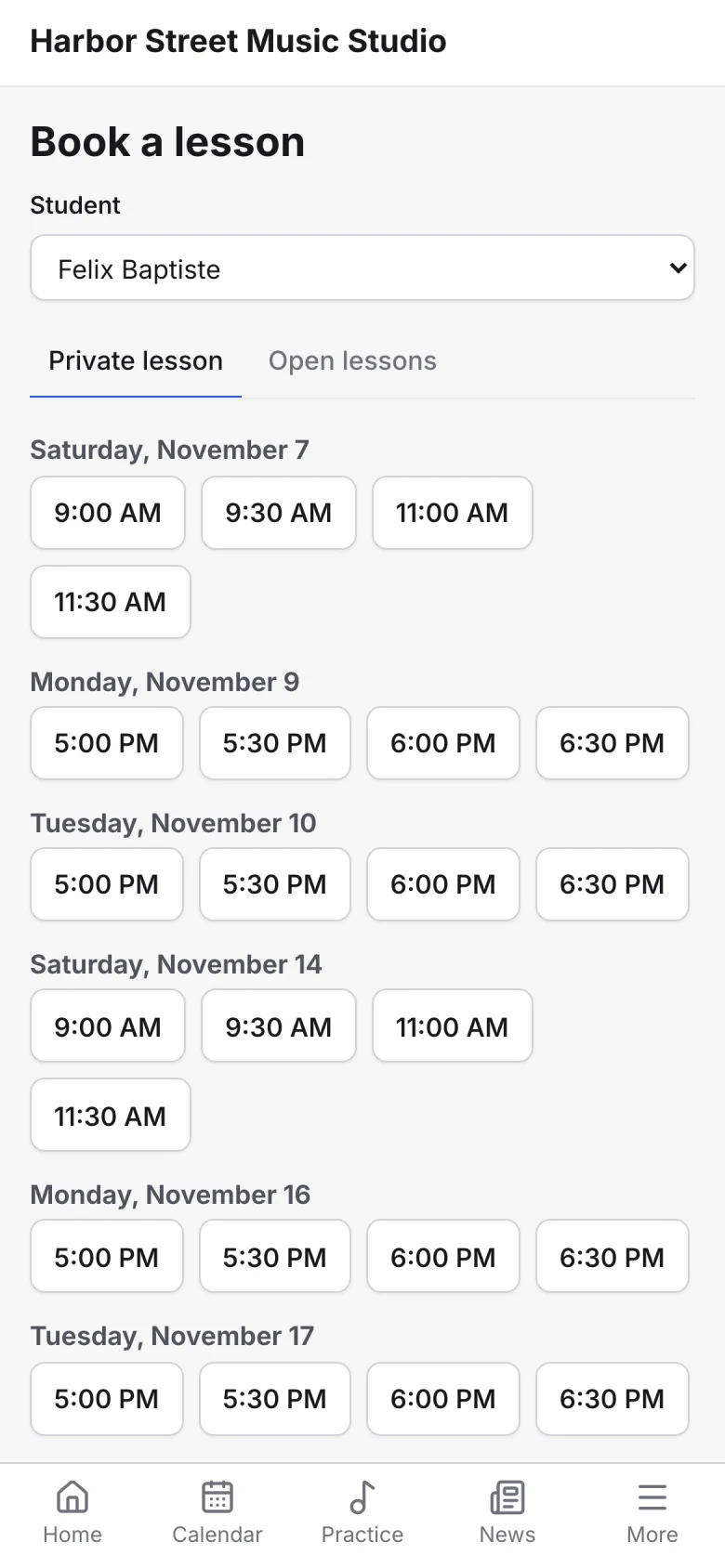
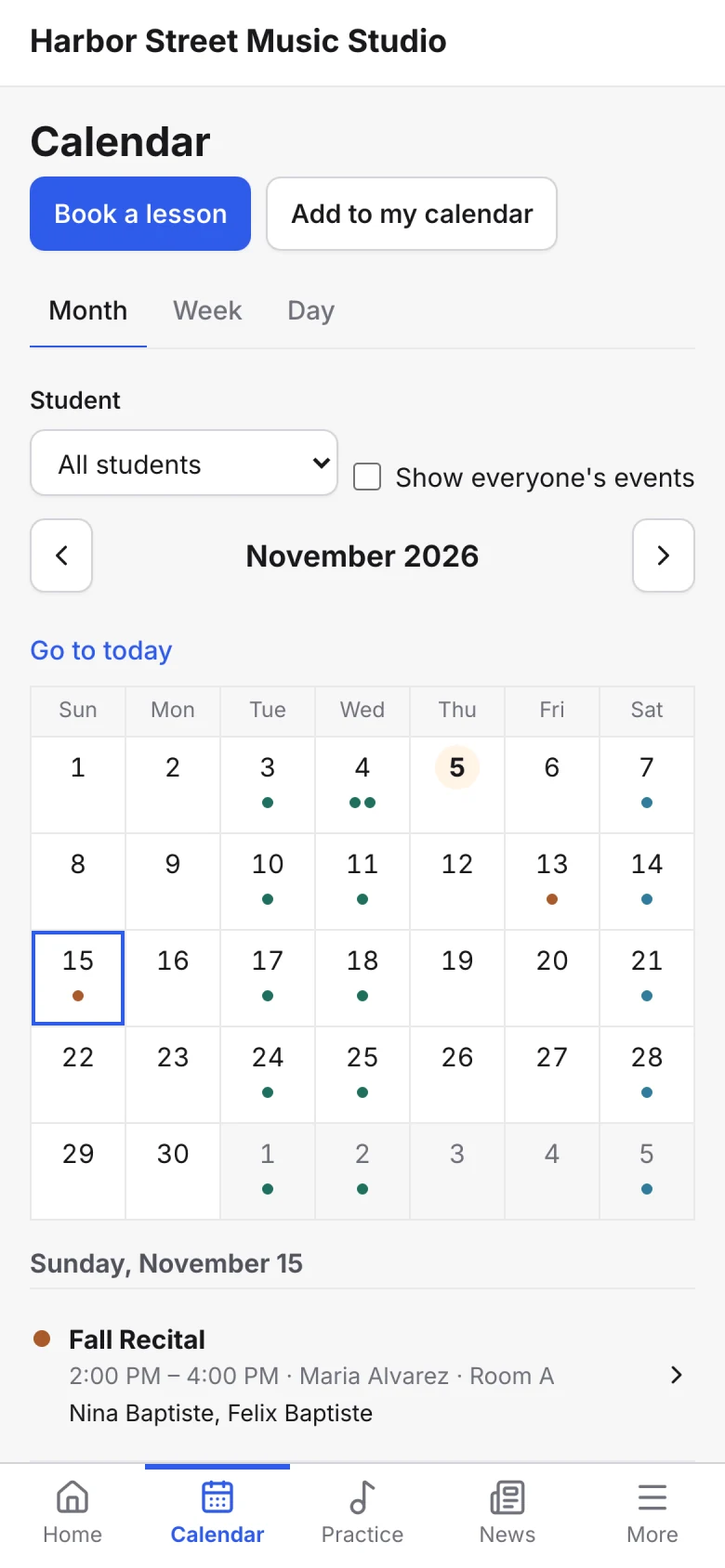
Families book a private lesson from a teacher’s free times or join an open lesson, and cancel within your rules.
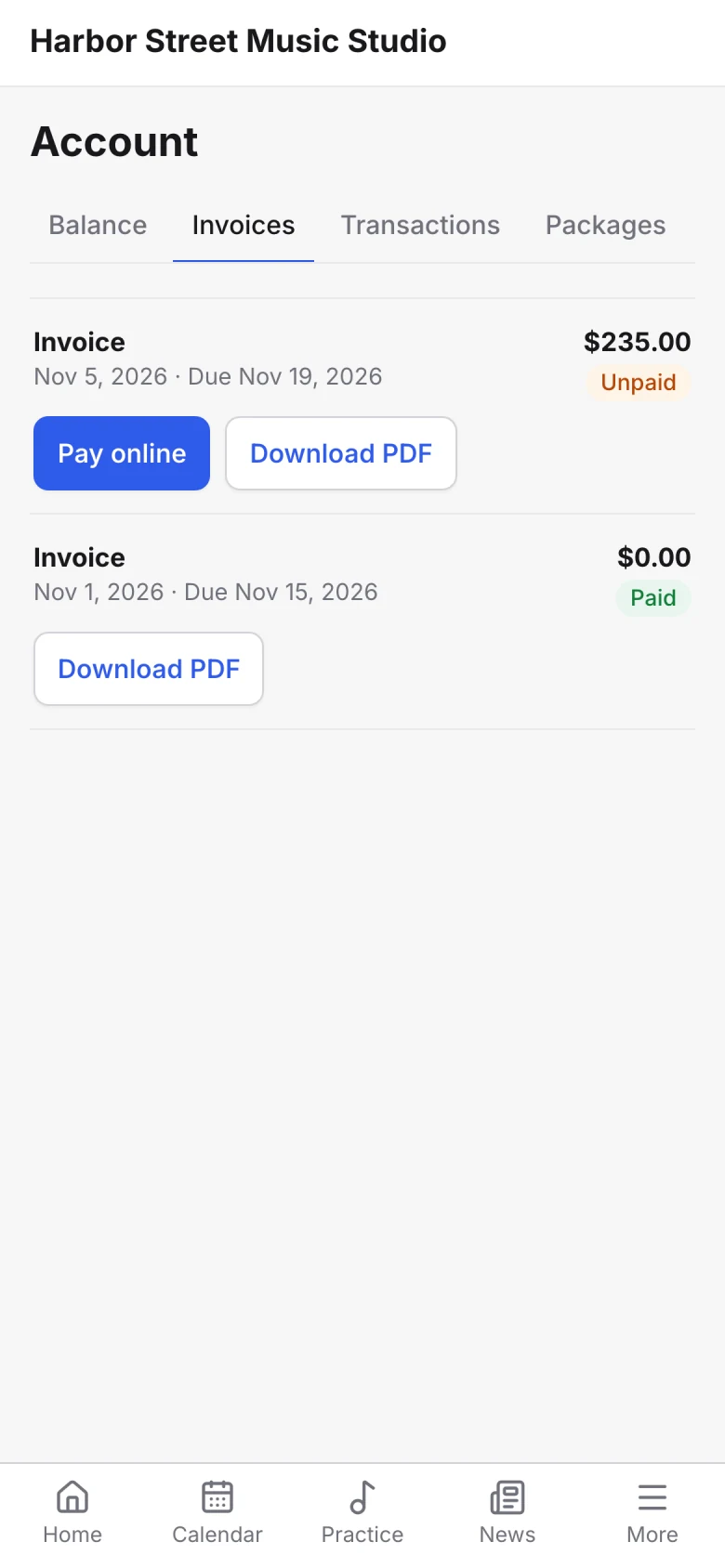
Parents see what they owe, download invoices and pay online by card or bank, or save a method for auto-pay.
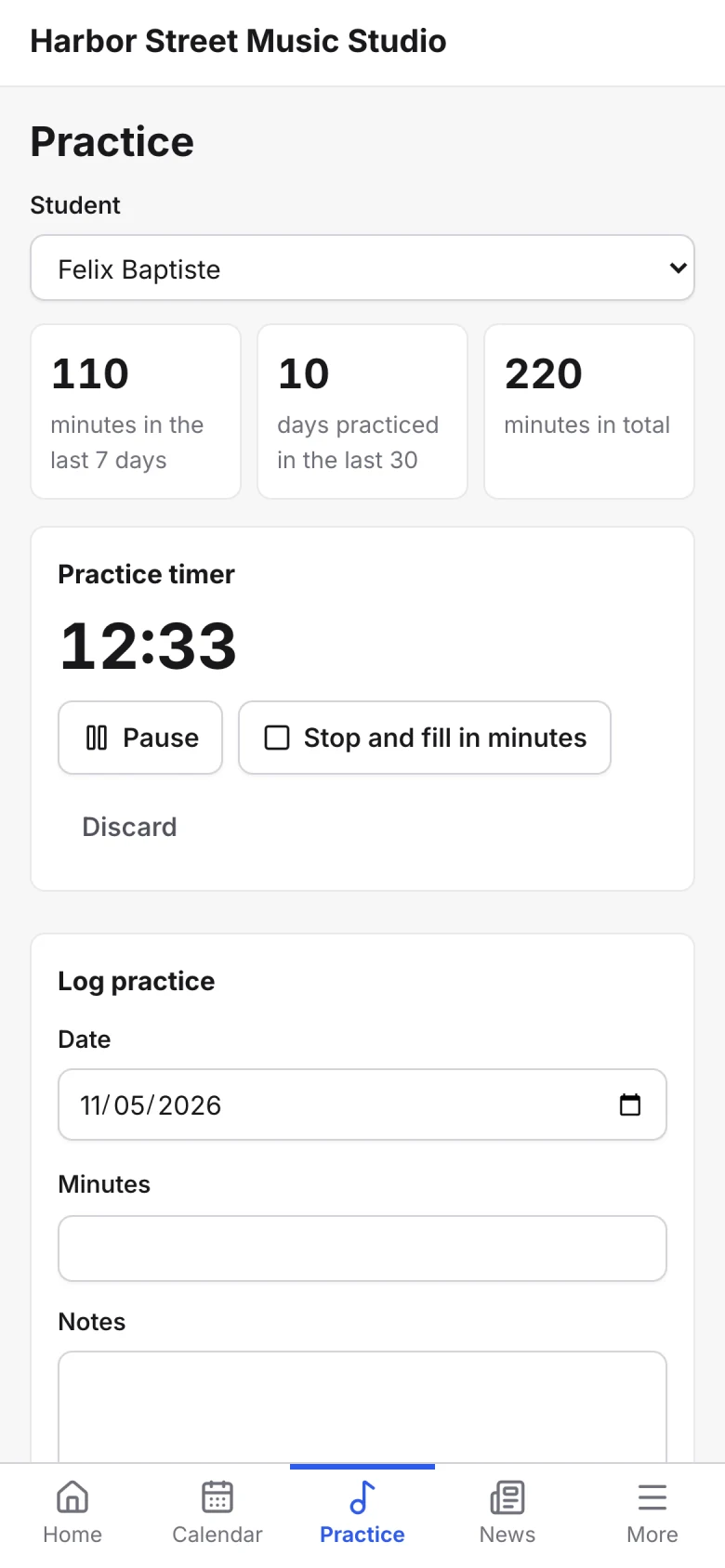
Students log practice with a timer, add notes and attach recordings for their teacher.
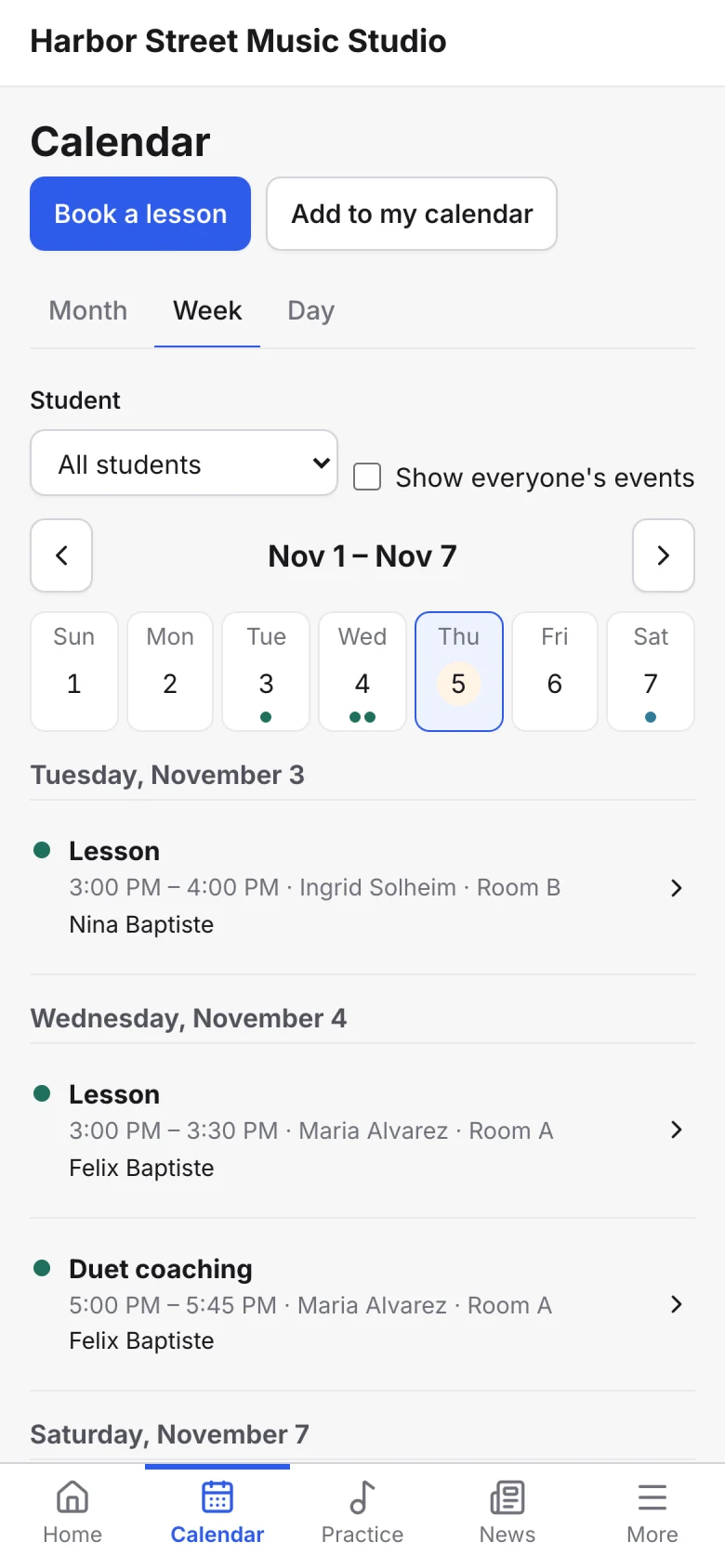
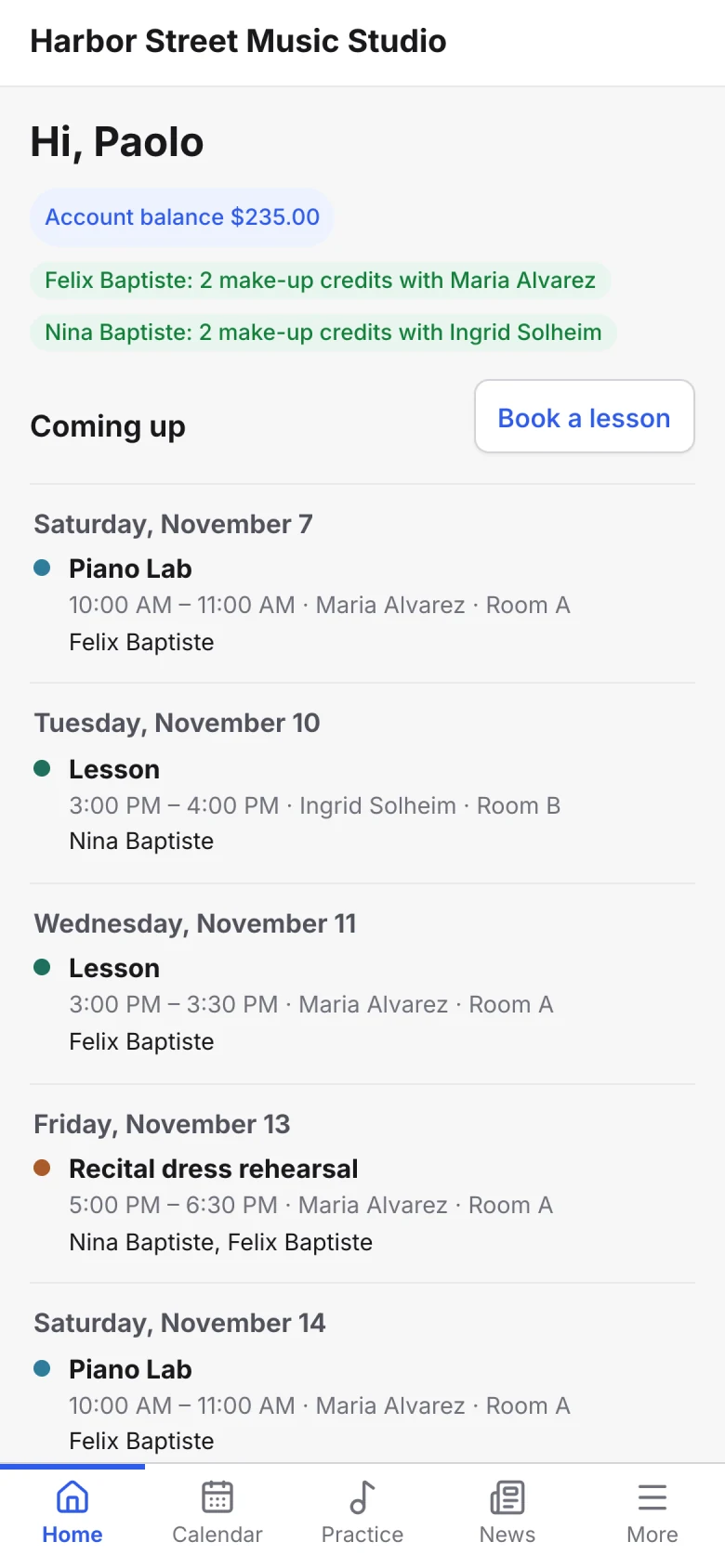
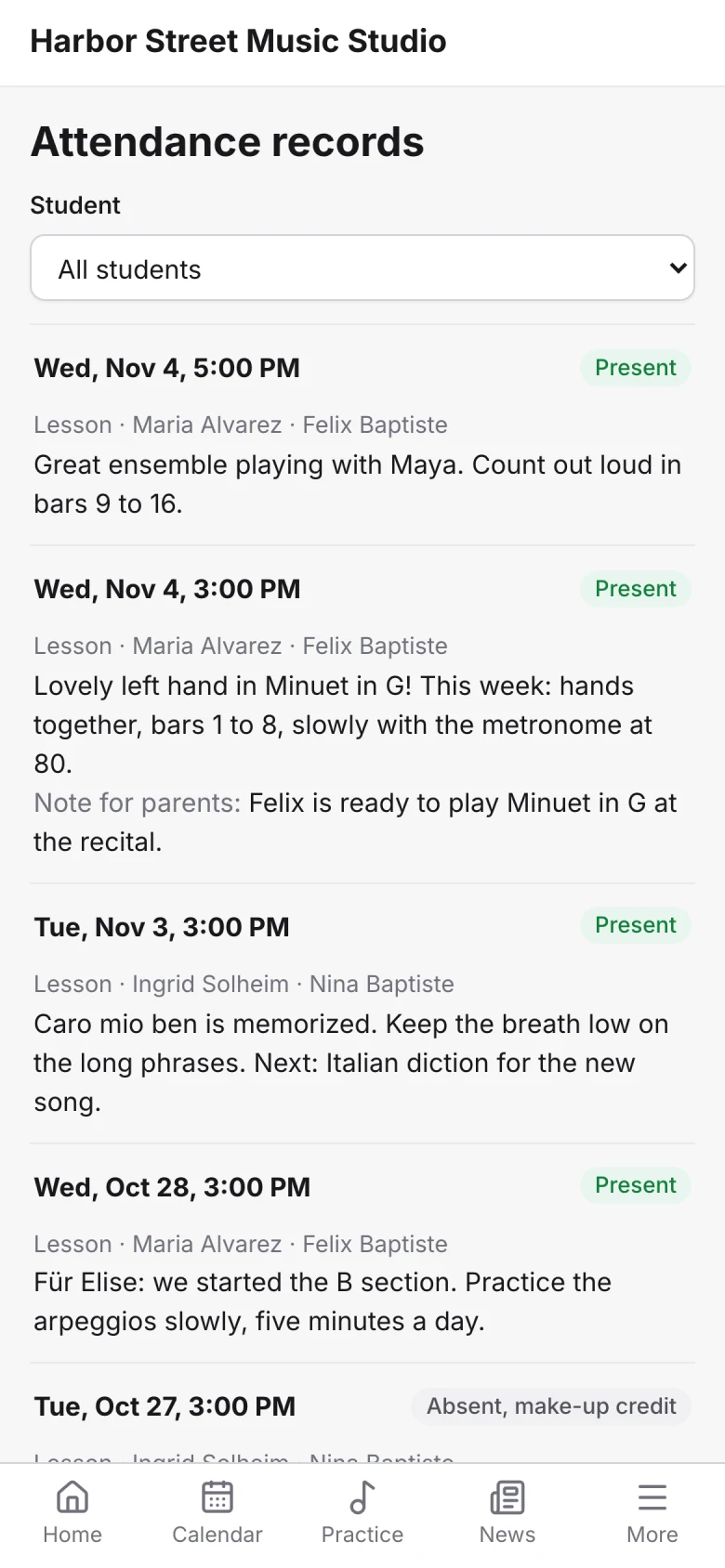
Every past lesson with its attendance and your notes, and every coming one on the calendar.
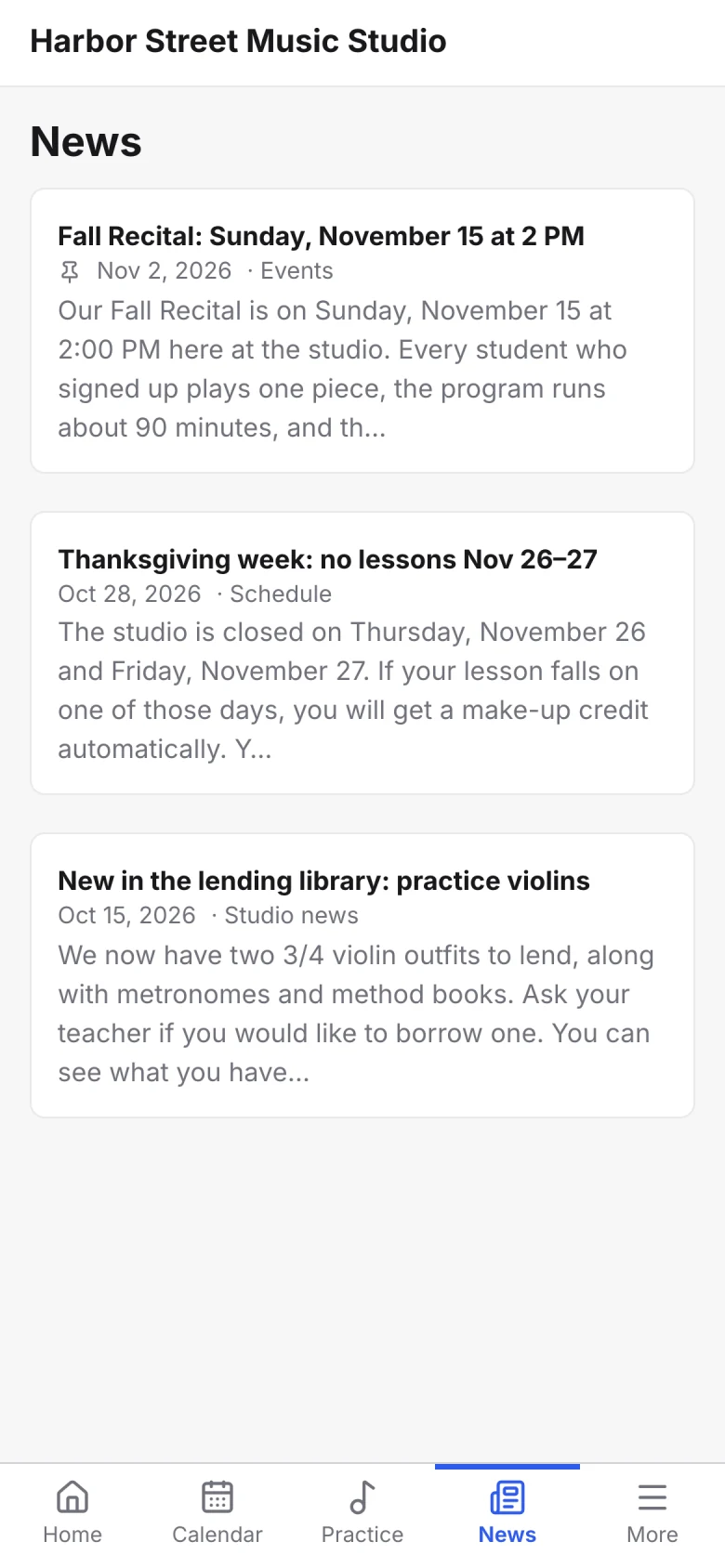
Studio news, with the important posts pinned to the top.

Portal setup
Open your portal in four steps
No app store, no developers, no design work.
- Choose your brand colour
- Pick the landing page
- Set what families see
- Send logins to families
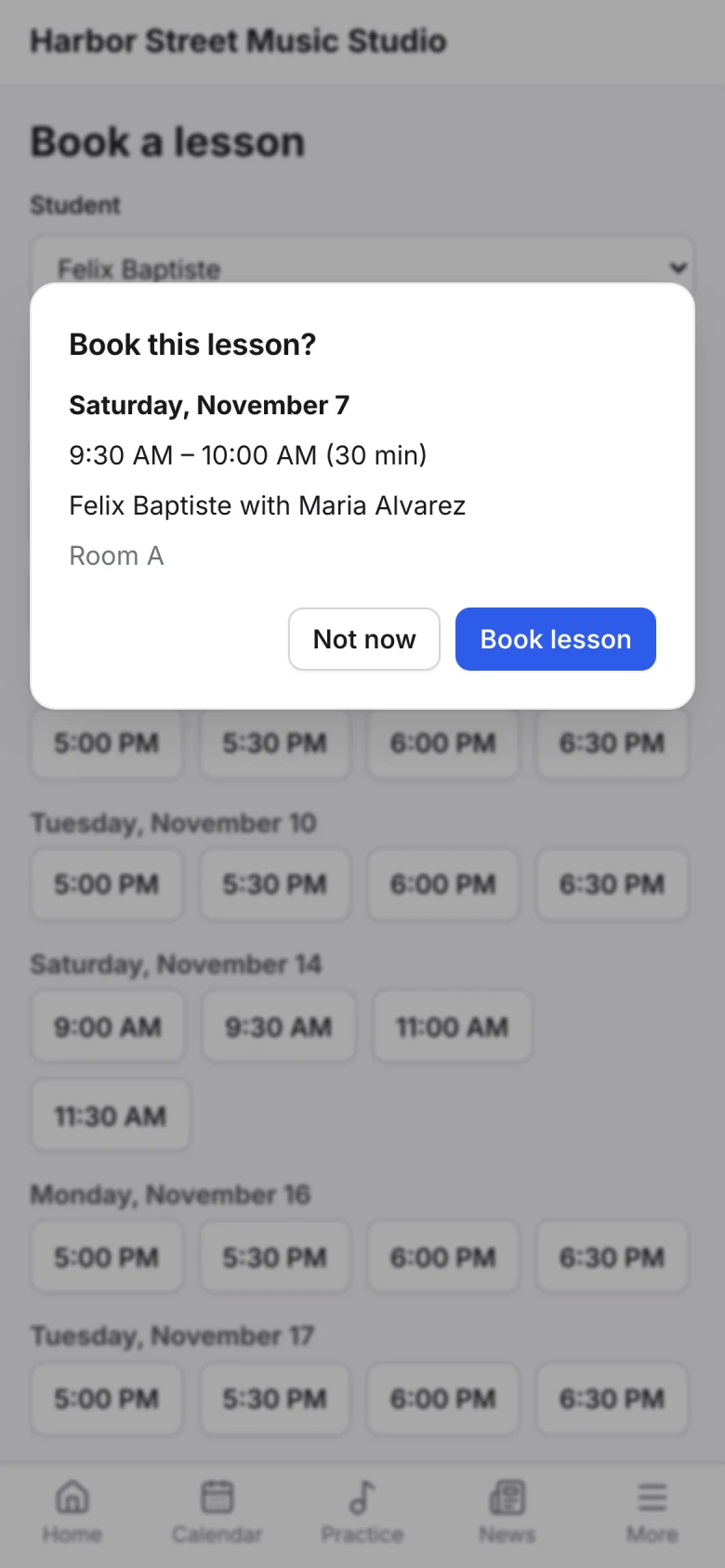
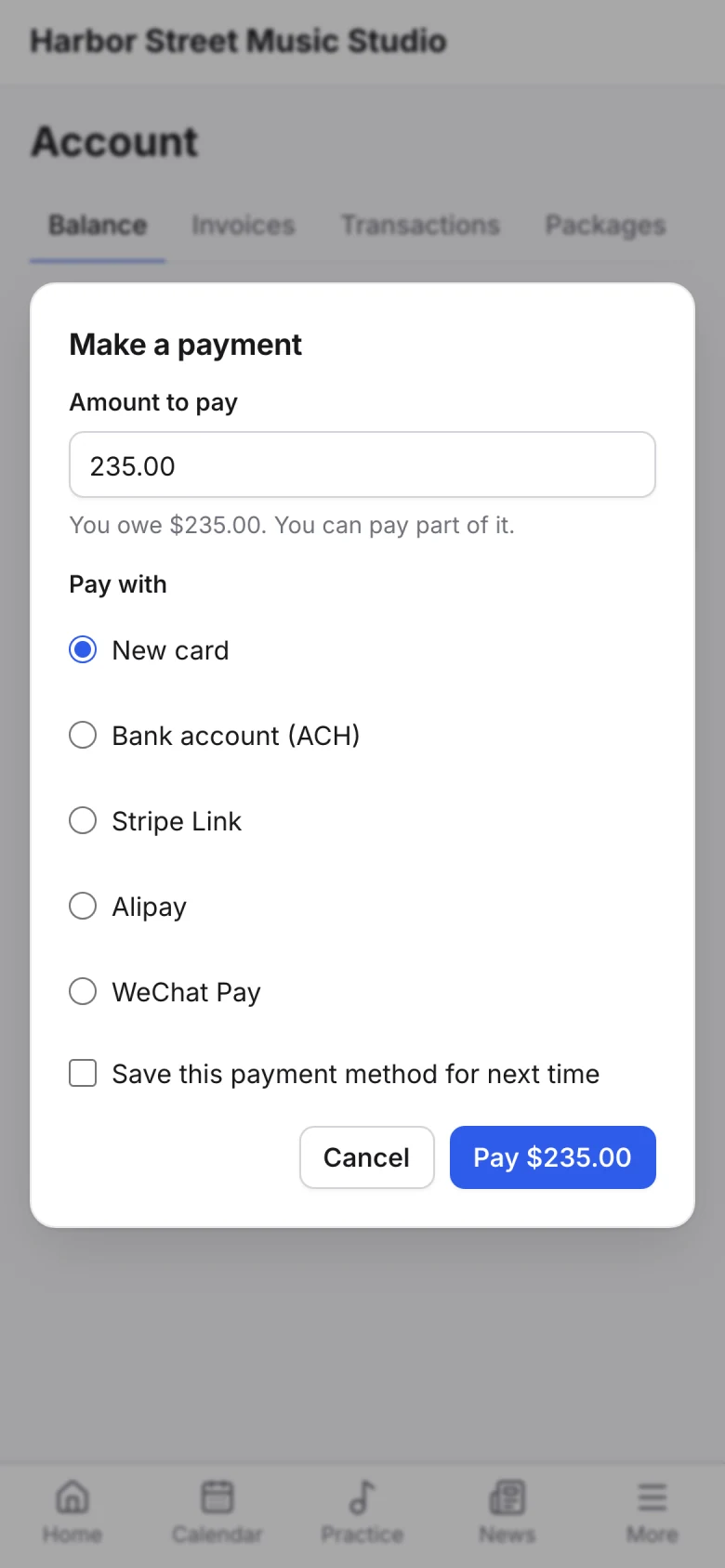
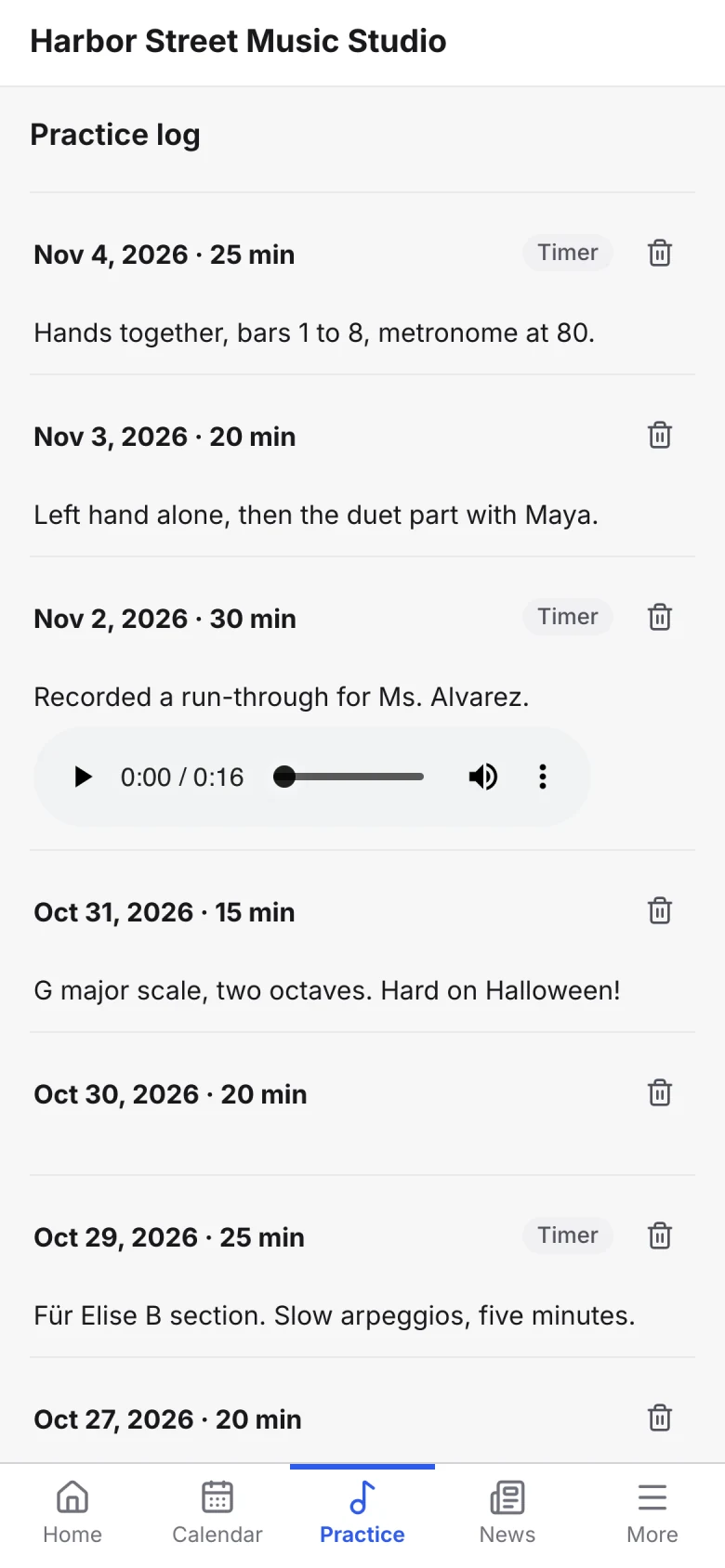
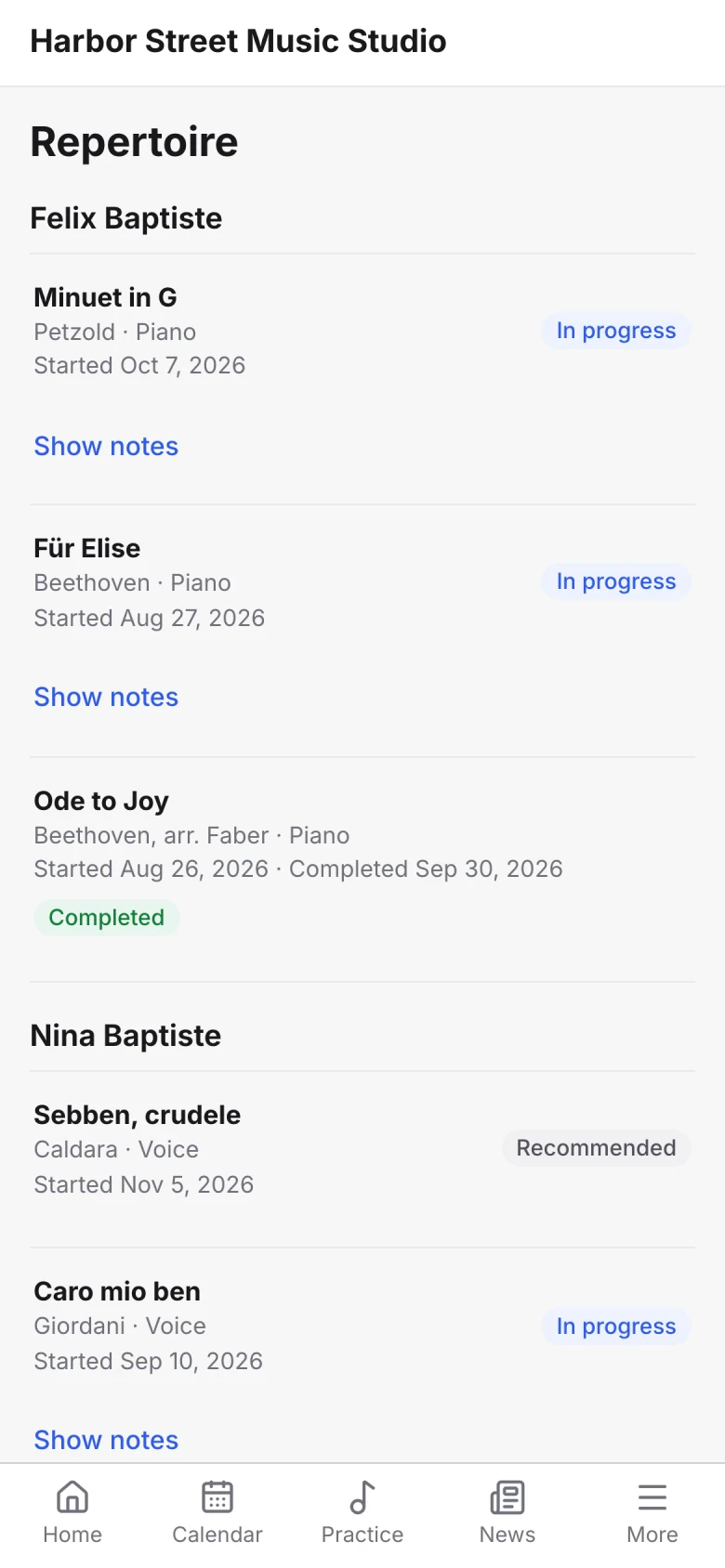
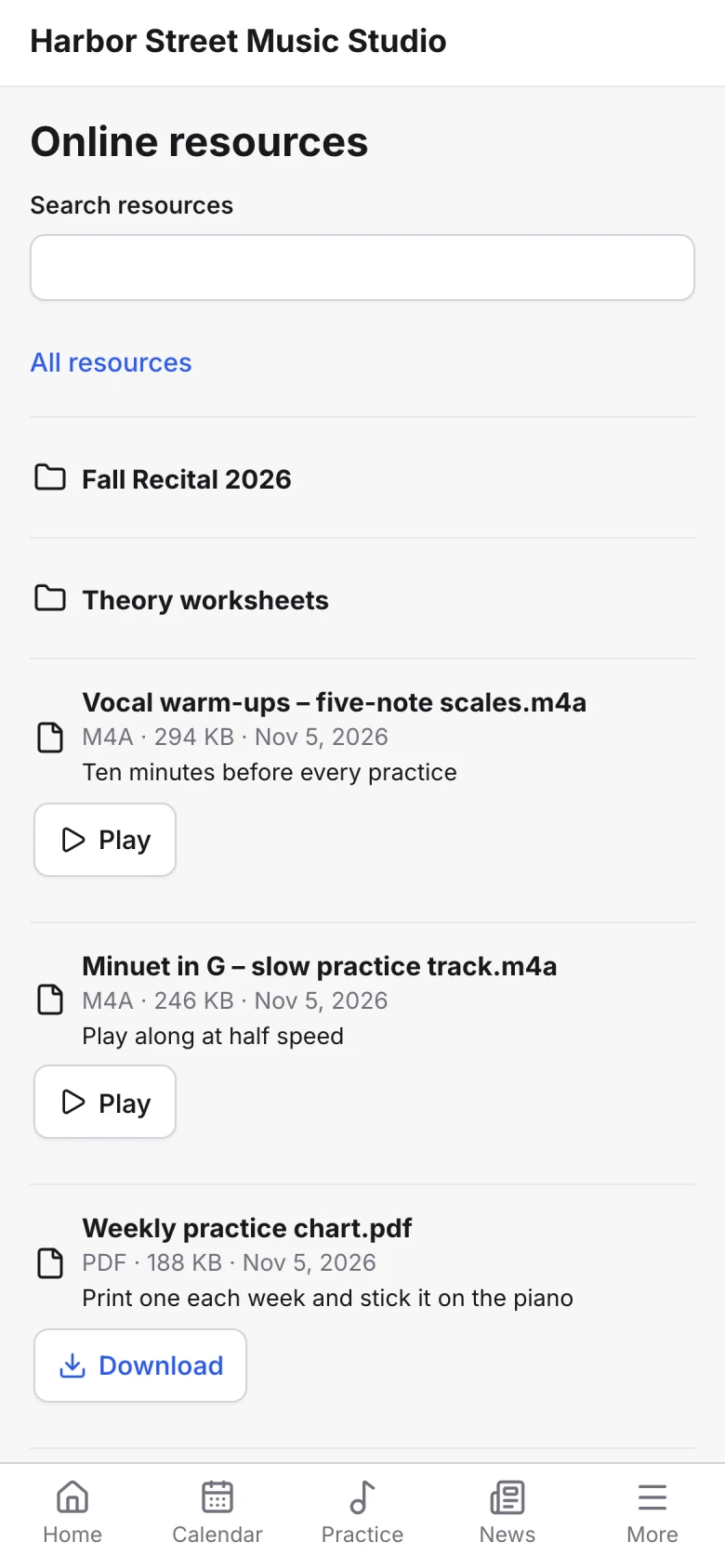
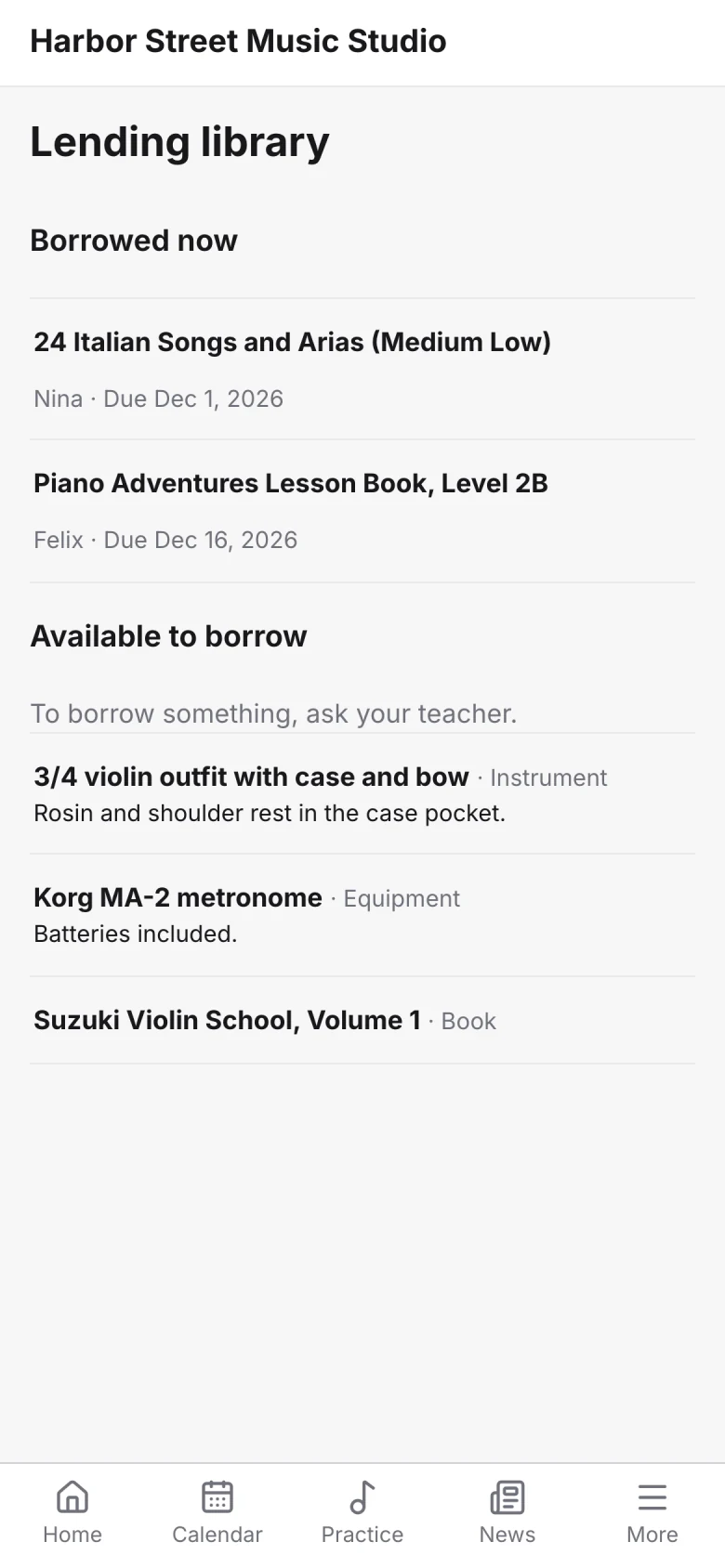
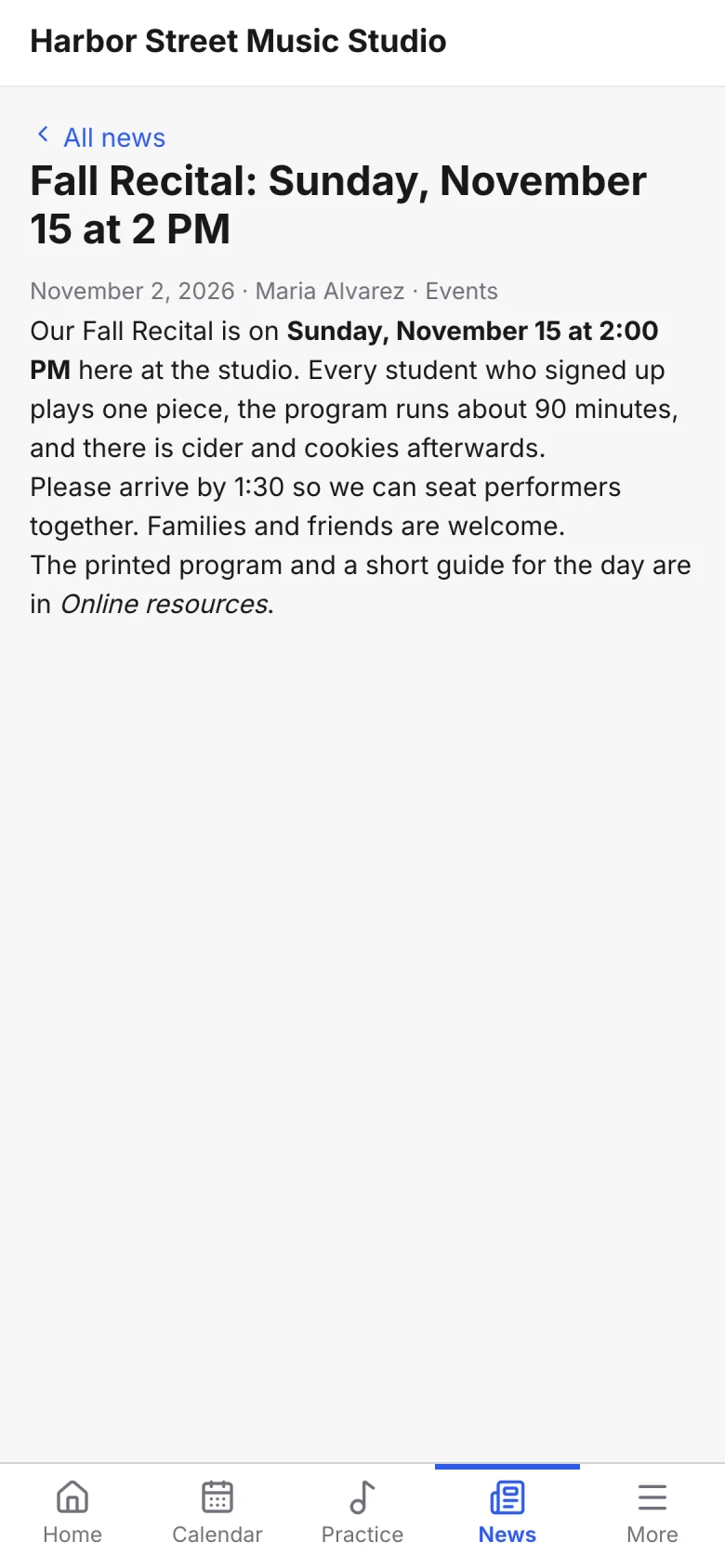
Parents see this week’s lessons, what they owe and what to practice without having to text the teacher.
In the family portal
Always in step
Everything you manage shows up in the portal
Change a lesson, post news or send an invoice in Sonely, and families see it the next time they look.
Changed in Sonely…
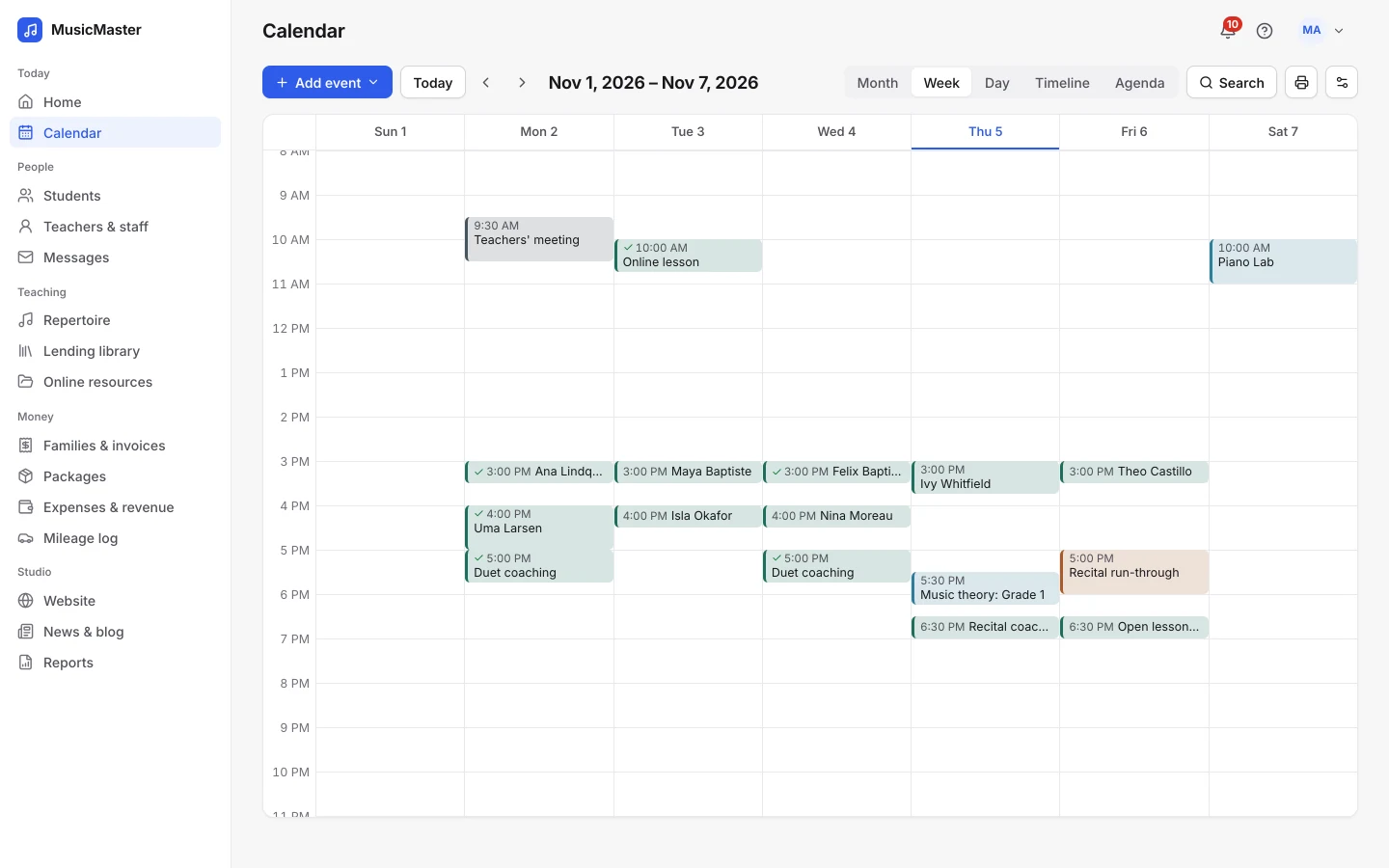
…shows up in the family portal
A cancellation before your deadline turns into a make-up credit on its own, and one after it is charged, just as your policy says.
Cancellations in the portal
Your studio, not ours
Your studio’s name on every screen.
The portal shows your studio’s name and brand colour, not Sonely’s. It works in any phone’s or computer’s browser, so there’s no app for families to find and download.
Choose your studio’s language from 6: English, Español, Français, Deutsch, Nederlands, 日本語. The portal, emails and invoices follow it.
Built in
Everything families need, built in.
Here’s what’s in the family portal, and what isn’t.
| Features | Sonely |
|---|---|
| Your studio’s name and brand colour | |
| Your own app in the app stores | Works in any phone’s browser |
| Book private lessons from teachers’ free times | |
| Book open lessons and classes | |
| Cancel within your policy | |
| See and use make-up credits | |
| Pay invoices online | |
| Save a card or bank account for auto-pay | |
| Practice log with a timer and uploads | |
| Repertoire and lesson notes | |
| Attendance records | |
| Online resources and lending library | |
| Studio news | |
| Reviews of teachers | |
| You choose what each family sees and does |
The family portal comes with every plan.
Every family gets the portal at no extra cost. You pay for teacher, admin and staff logins; families and students are unlimited.
Every family, every student
Included
See pricingFrequently asked questions about the family portal
For anything else, contact us.
No. The portal works in any phone’s or computer’s browser. Families sign in with the link you send them.
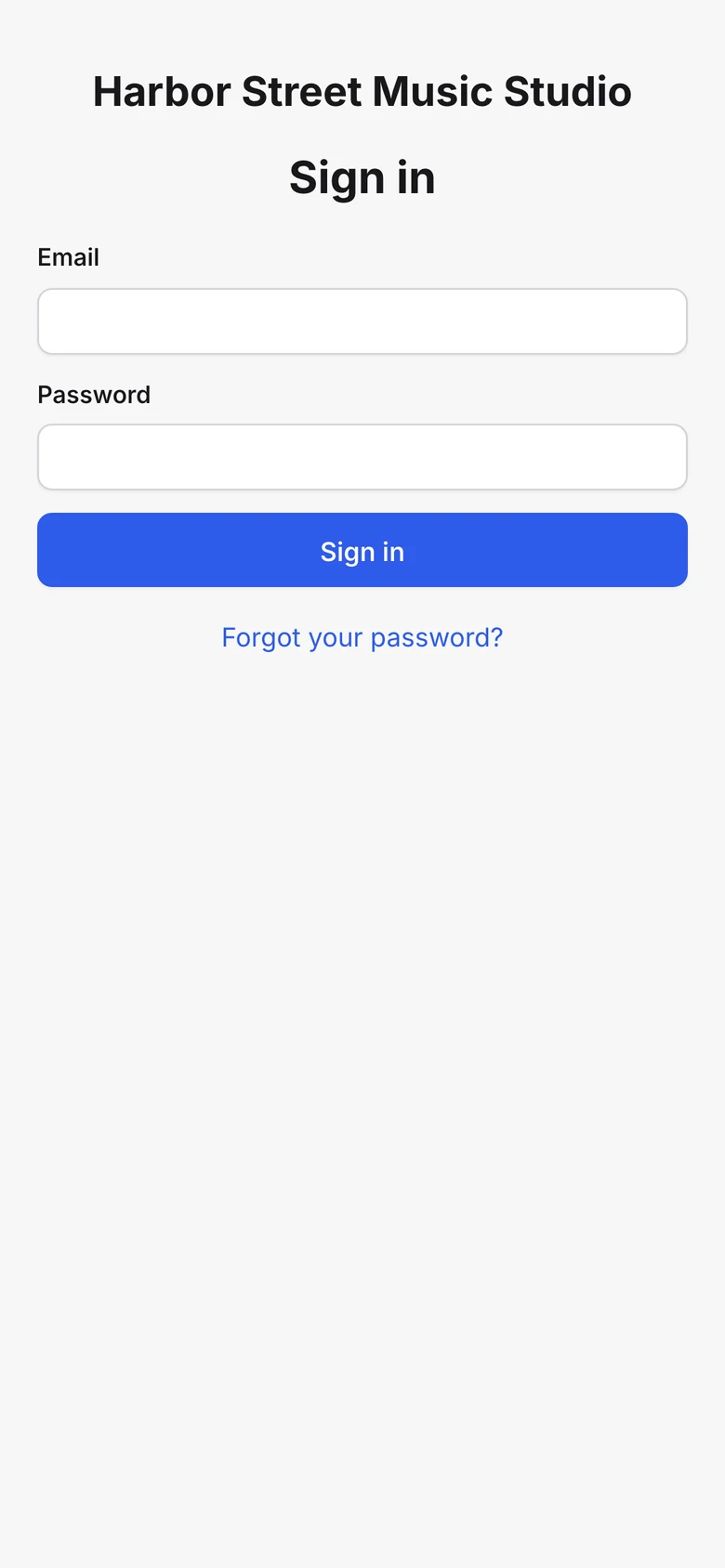
Send a login from a student’s page, or to many families at once from the students list. Each person gets an email to set their own password.
Yes. You decide whether parents see accounts and invoices, make-up credits, teachers’ contact details, other attendees and the contact list, and whether each family can book and cancel.
Yes. A parent’s login shows every child in the family. A student’s own login shows only their own lessons, without the family’s accounts.
Yes, once you connect Stripe or PayPal. Parents can pay an invoice, pay part of their balance if you allow it, and save a payment method for auto-pay.
The portal follows your studio’s language: English, Español, Français, Deutsch, Nederlands, 日本語.
If you allow it. They see your policy, and what will happen, before they confirm: a make-up credit before your deadline, for example, or a charge after it.