Sonely for online teachers
Teach anywhere, run your studio in one place
Lesson links, booking, a family portal and online payments that work across time zones, so students can learn with you from wherever they live.
Your students might live in three time zones. Sonely can show each family their lessons in their own.
The Sonely team
Makers of Sonely
Every feature, free for one teacher.
Set up your online studio without paying anything, and with no card. If you add teachers, each extra seat is paid, and your students are unlimited.
Sign up free
Make the lesson link the easy part.
Every online lesson carries its link, so nobody hunts through emails five minutes before it starts.
One link for every lesson.
Save your Zoom, Google Meet, Teams or other meeting link on your profile once. Give a lesson an online location and the link goes with it. If a substitute teaches, students get the substitute's link.
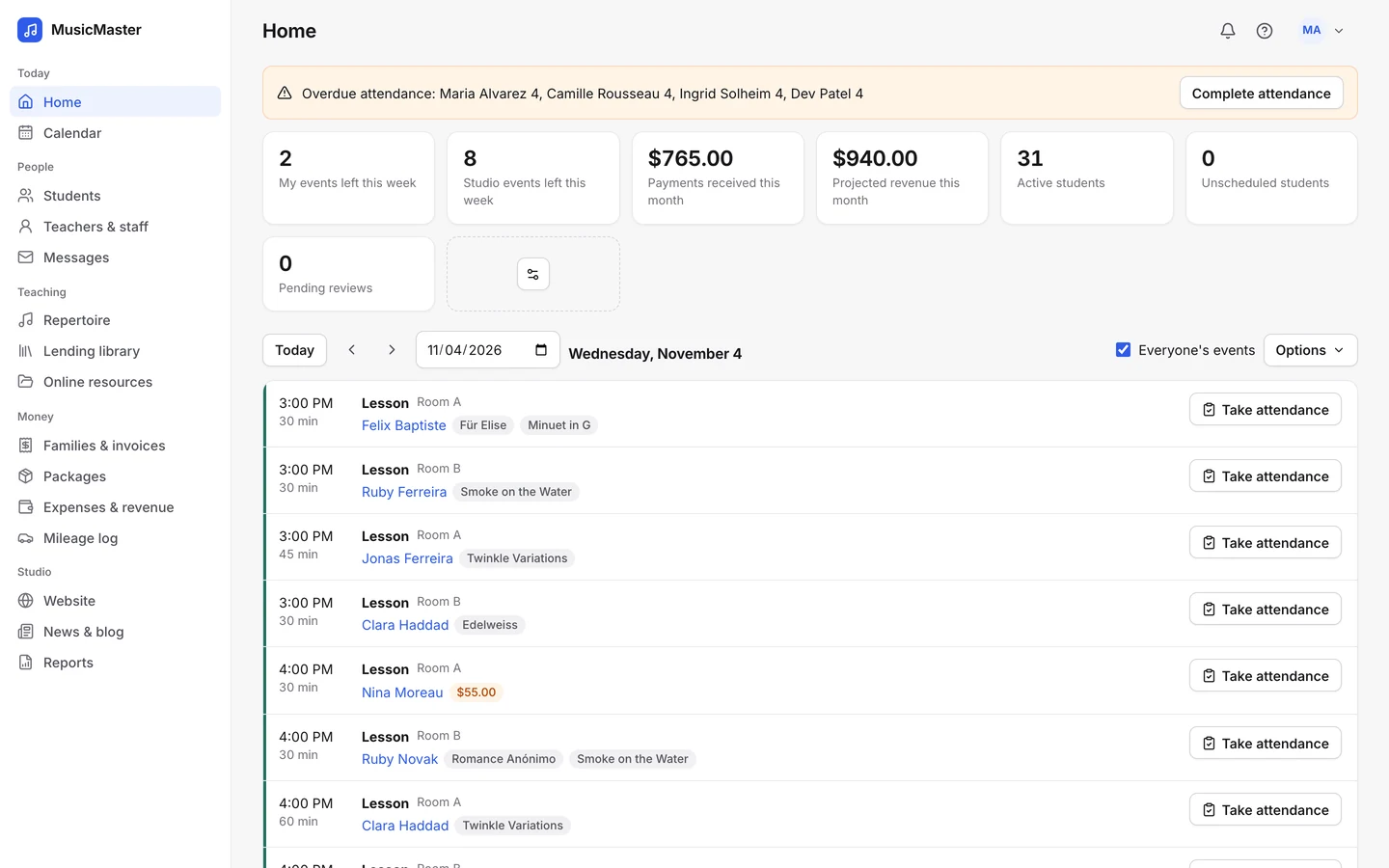
Students join from the portal or the reminder.
The join link is on the lesson in the family portal, and in reminders when your template includes the lesson's location.
FaceTime works too.
Choose FaceTime as the location and each student's FaceTime ID becomes the link. Families can keep their FaceTime ID up to date in the portal.

Teaching online shouldn't mean more admin. The link, the time and the invoice all live on the lesson.
The Sonely team
Makers of Sonely
Time zones that just work.
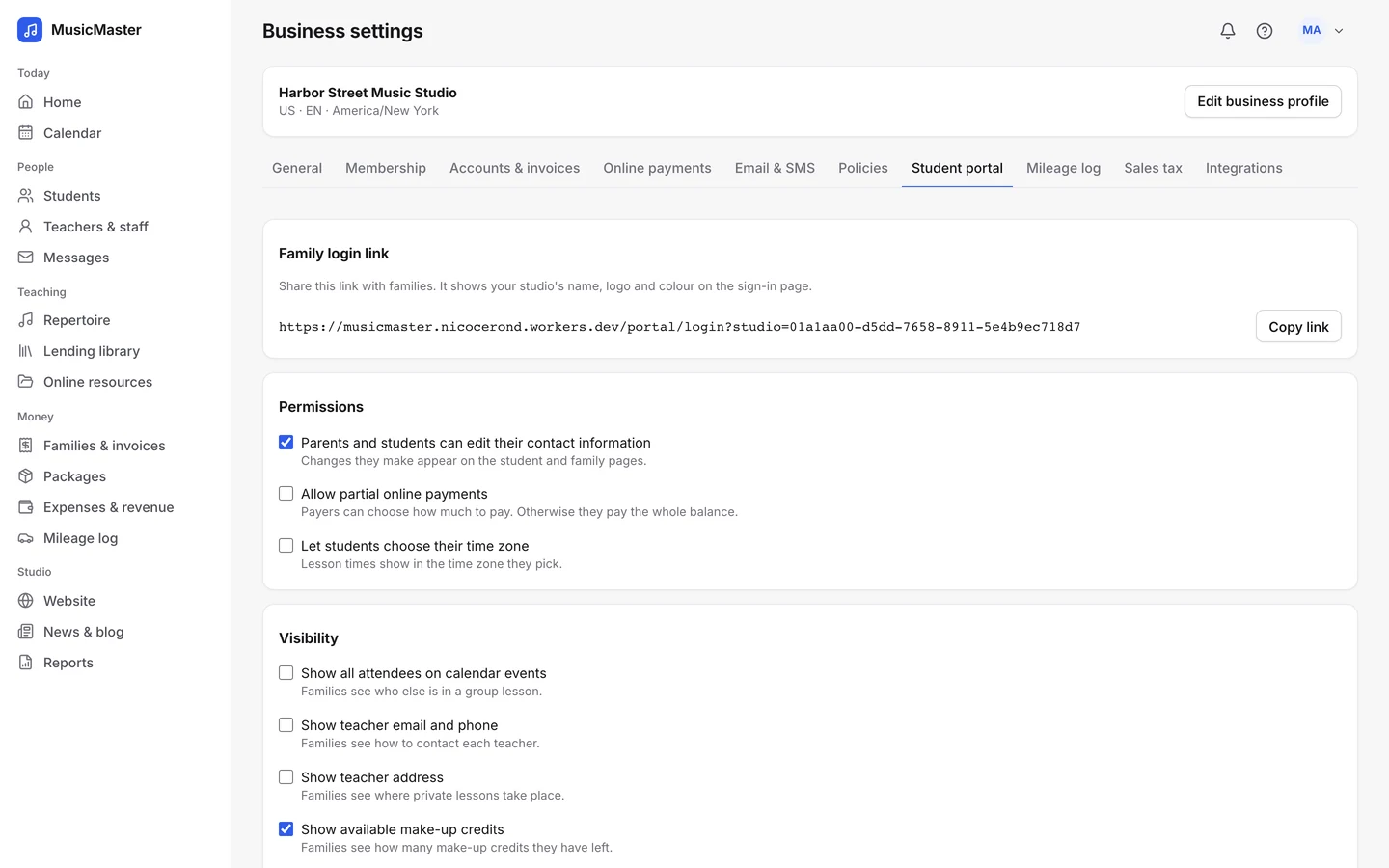
Turn on multiple time zones and each teacher, parent and adult student can choose their own. The portal calendar and reminders then show their time, while invoices stay in your studio's.
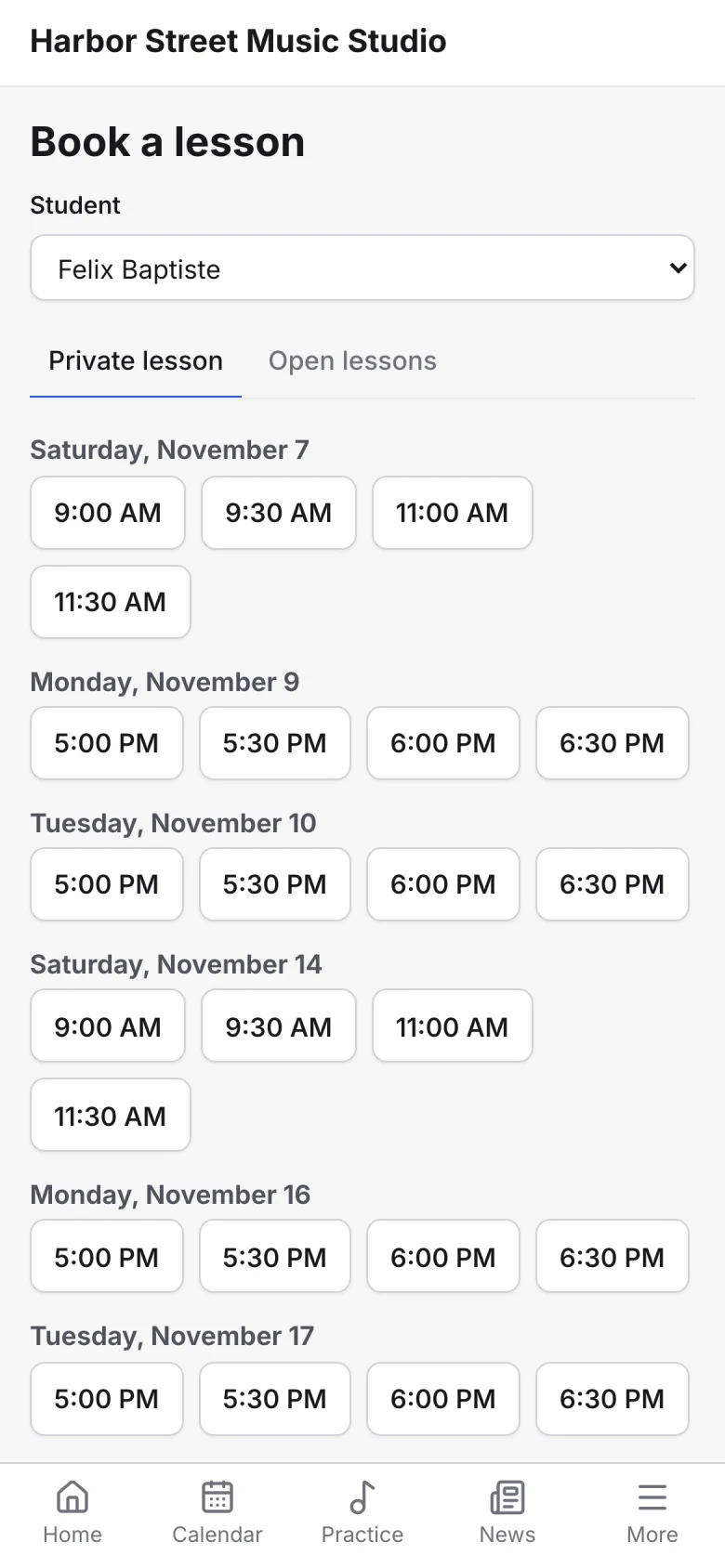
Booking that fits your week.
Families pick a time from your weekly availability, with the start times, breaks, minimum notice and booking window you choose.
A trial lesson to start.
On your booking form, make the first lesson free or set its price, and take payment by card when they book.
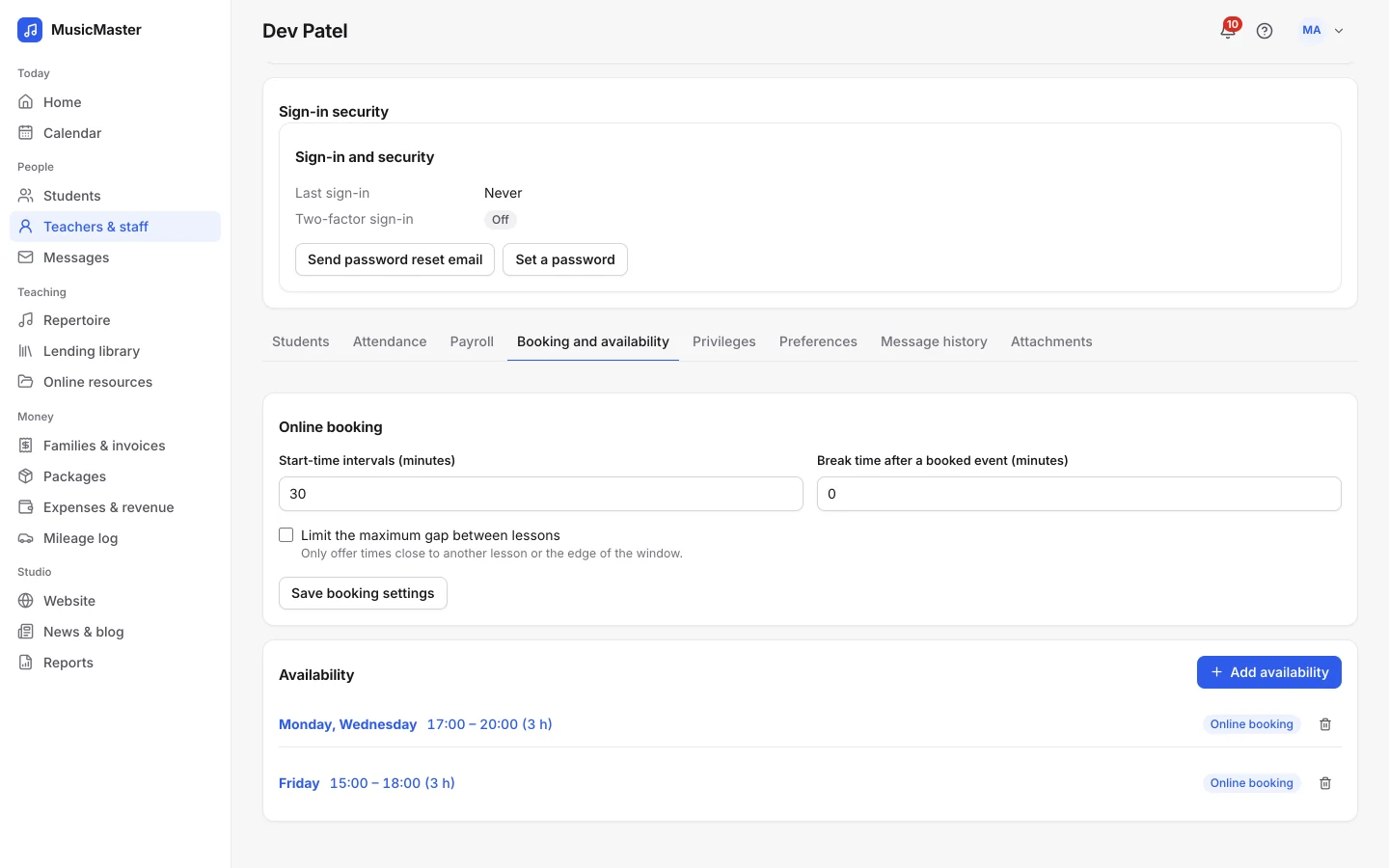
Hold their weekly time.
Hold a weekly slot while a new family decides, so nobody else books it. A hold that isn't confirmed expires after the time you set.
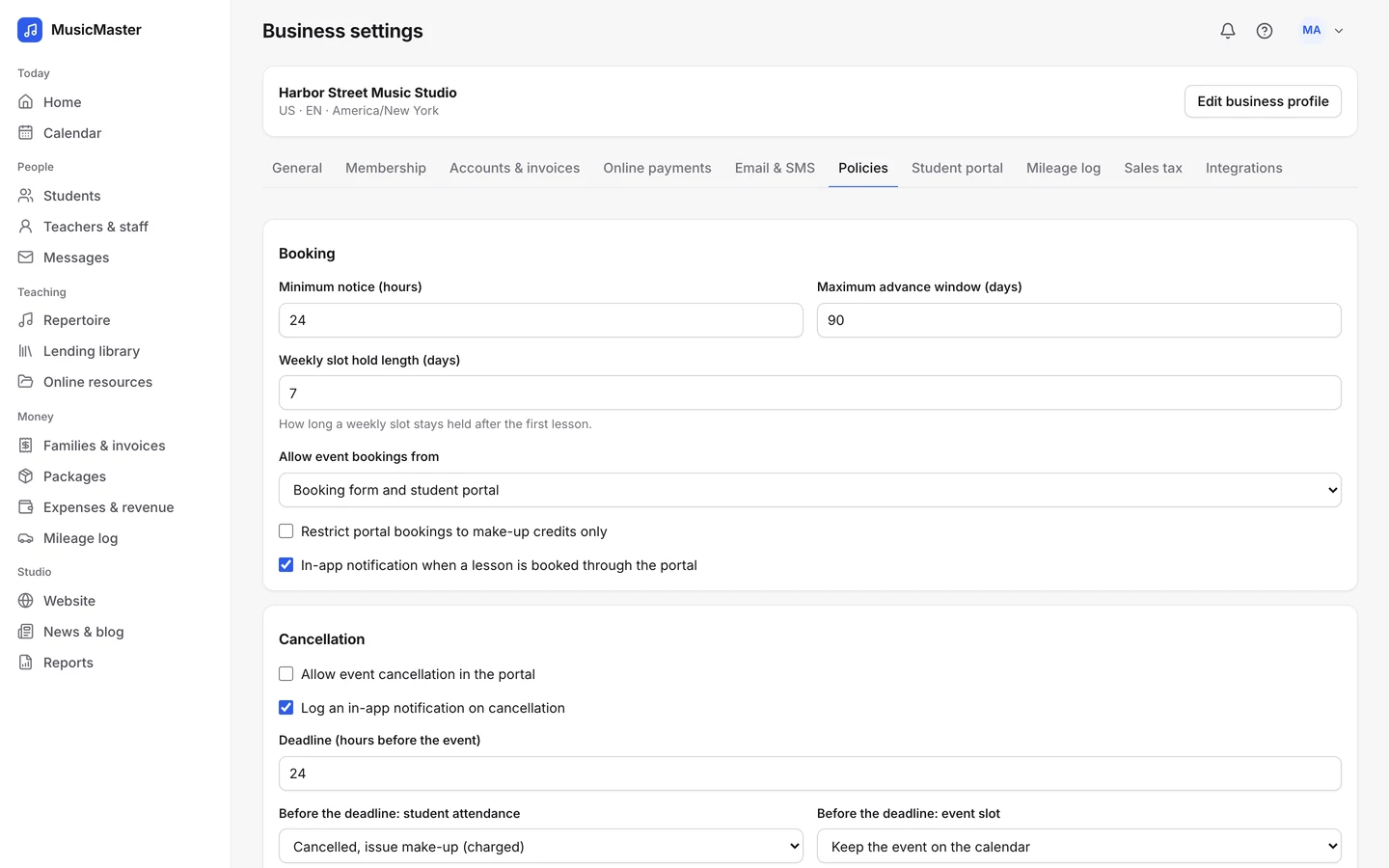
Get paid online, wherever families live.
Families pay through your own Stripe or PayPal account. Their card and bank details stay with your processor, never with Sonely.
Card, bank and PayPal payments.
Families can save a card, a US bank account, a Bacs, BECS or SEPA direct debit, or PayPal, depending on what your processor offers in your country.
Add a convenience fee to card or bank payments if you want to pass on processing costs.
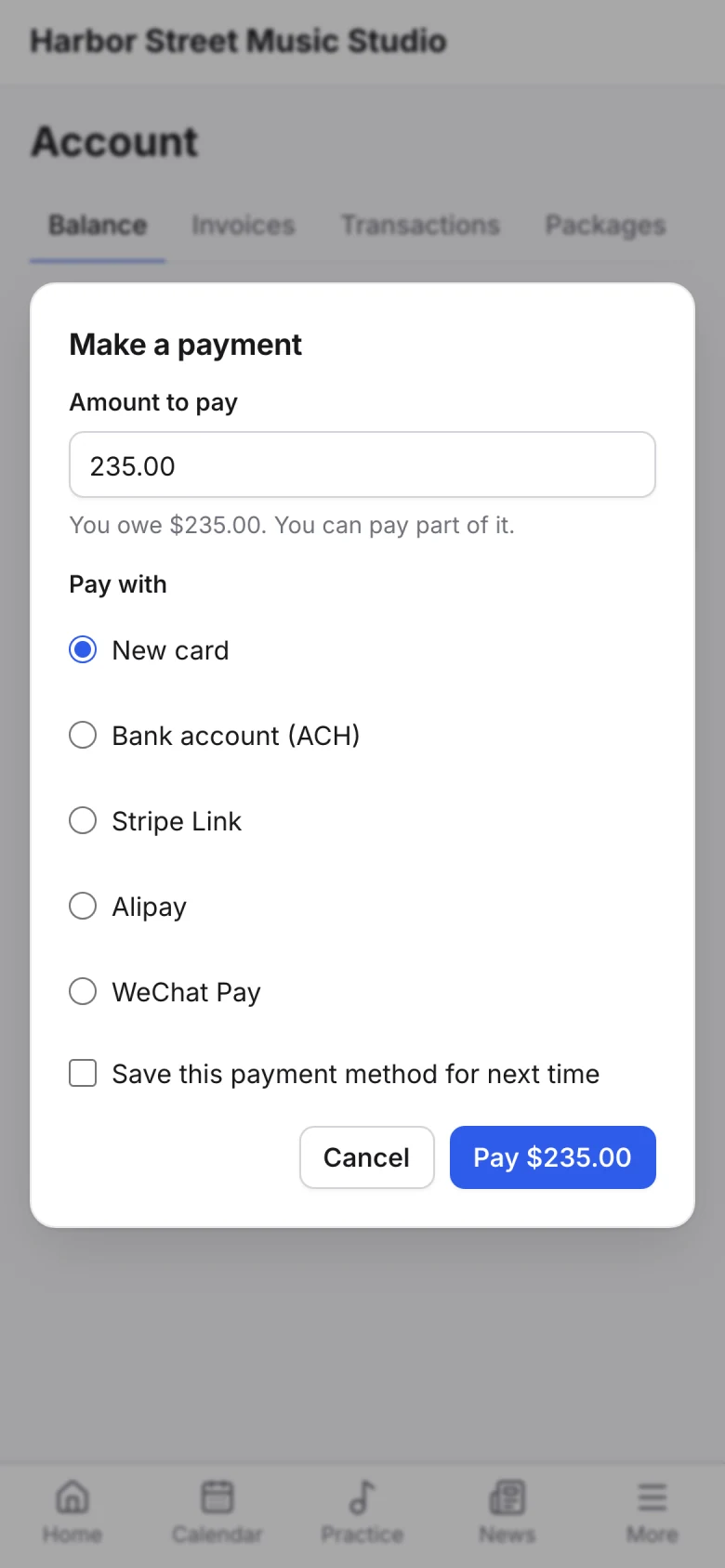
Invoices that send themselves.
Invoice each family every week or month, for lessons ahead or past, and families on auto-pay are charged when the invoice goes out. Overdue reminders and late fees are there if you want them.
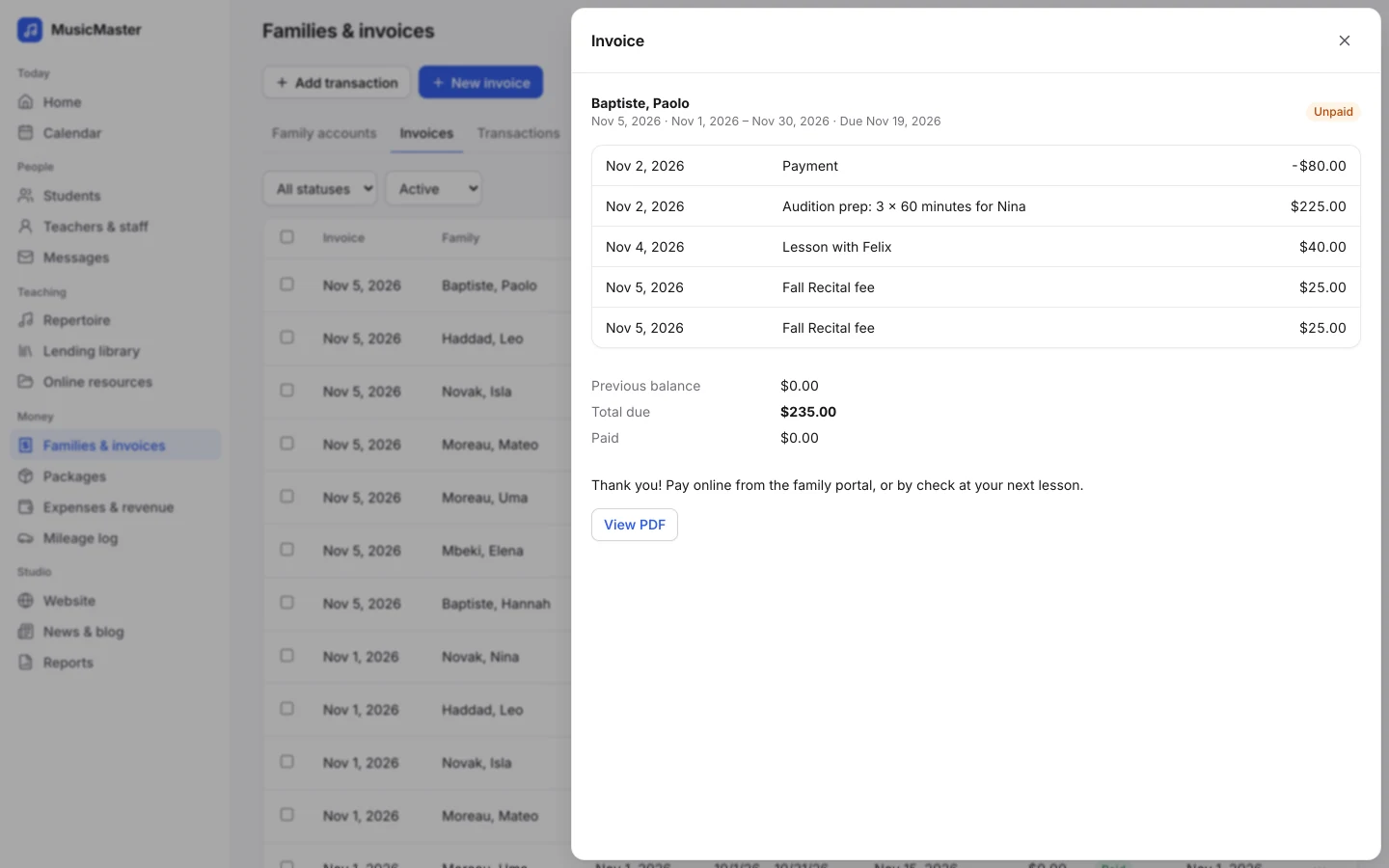
See what came in.
The Revenue and expense report shows what was paid, by category or by month. Processor fees are logged as expenses for you.
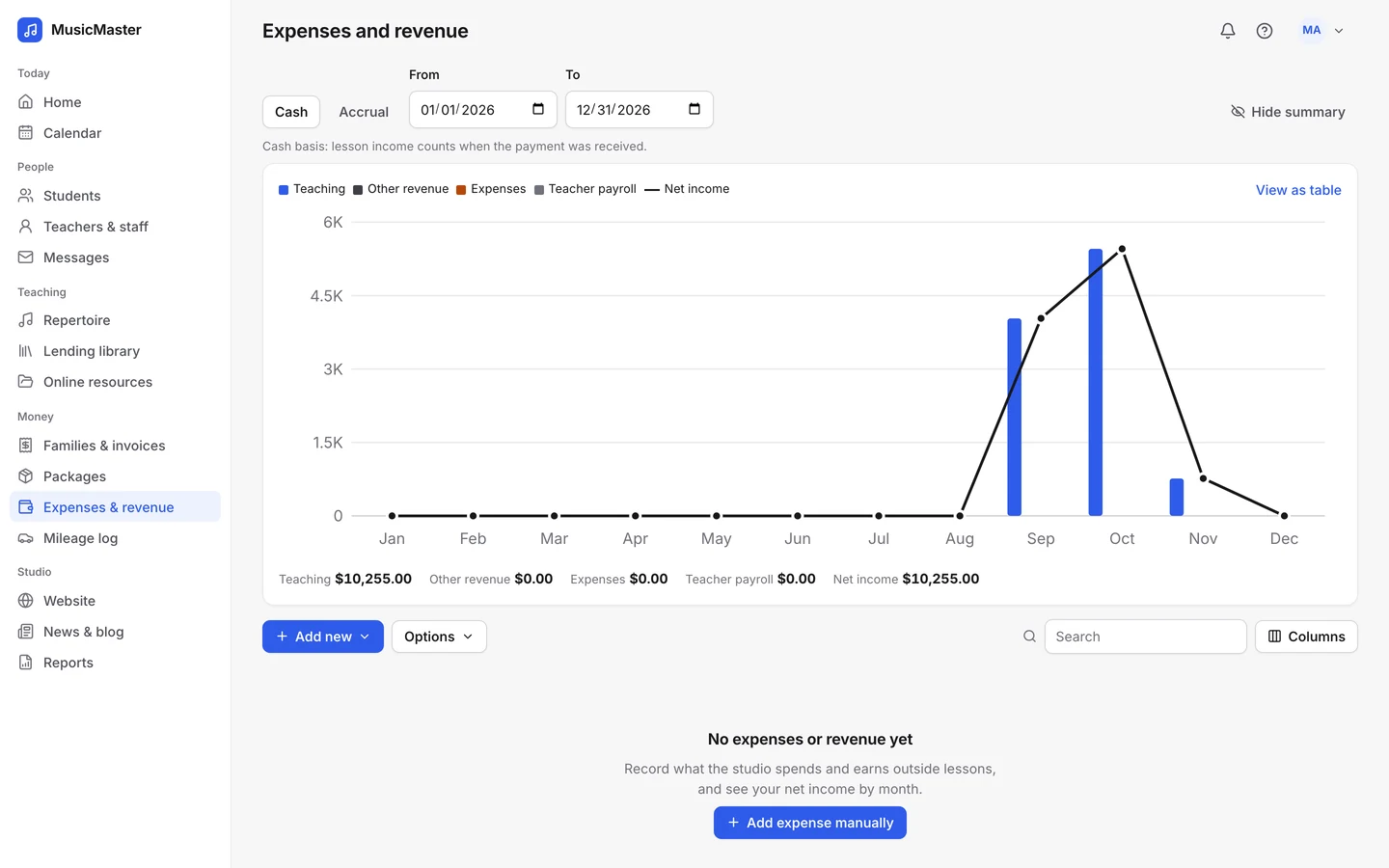
Spend your hours teaching, not on admin.
Teaching online, you're often the whole studio. Let Sonely carry the routine work.
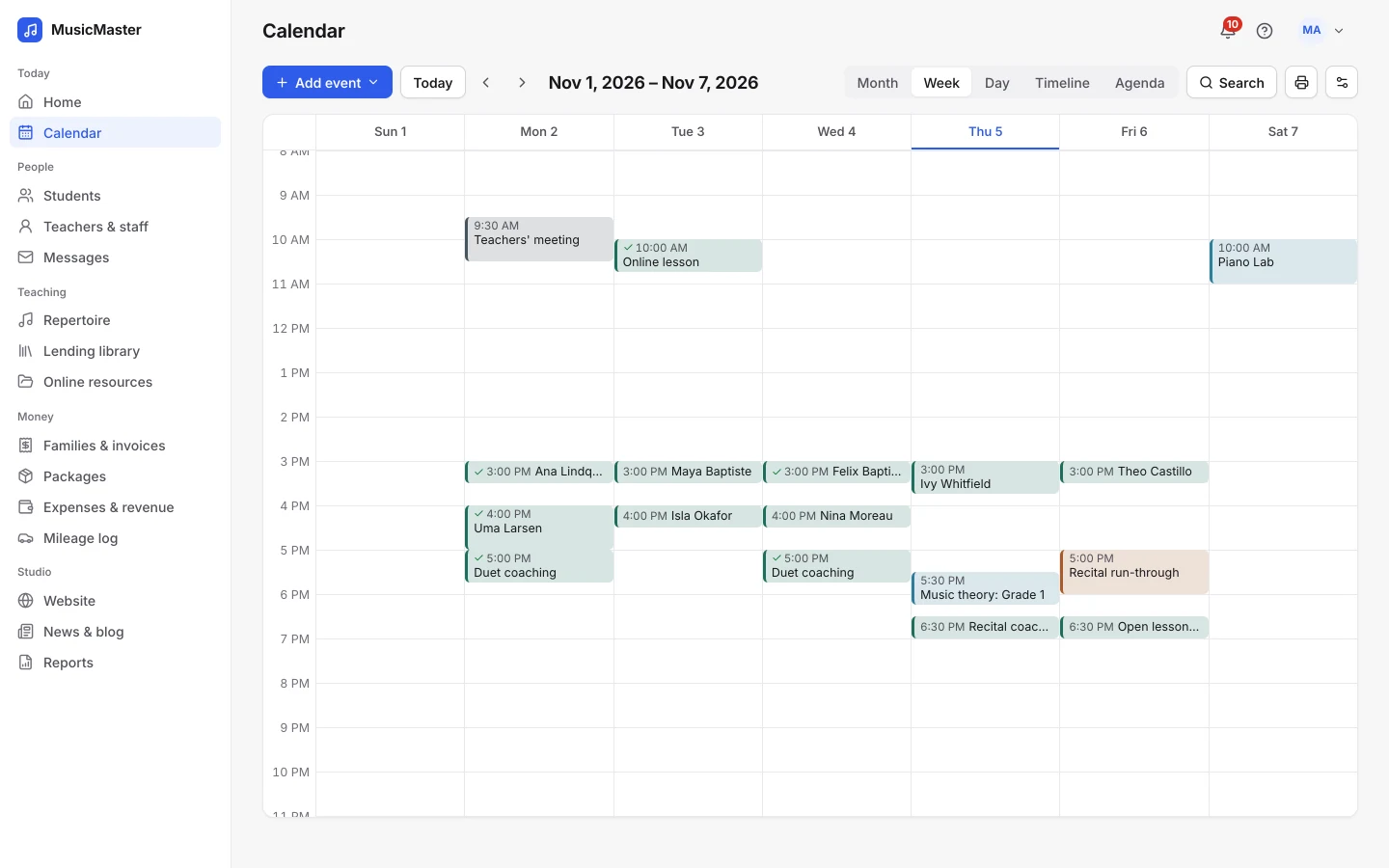
Plan lessons ahead.
Put weekly lessons on the calendar months ahead, each with its price and length. Subscribe from Google Calendar, Outlook or Apple Calendar to see them on your phone.
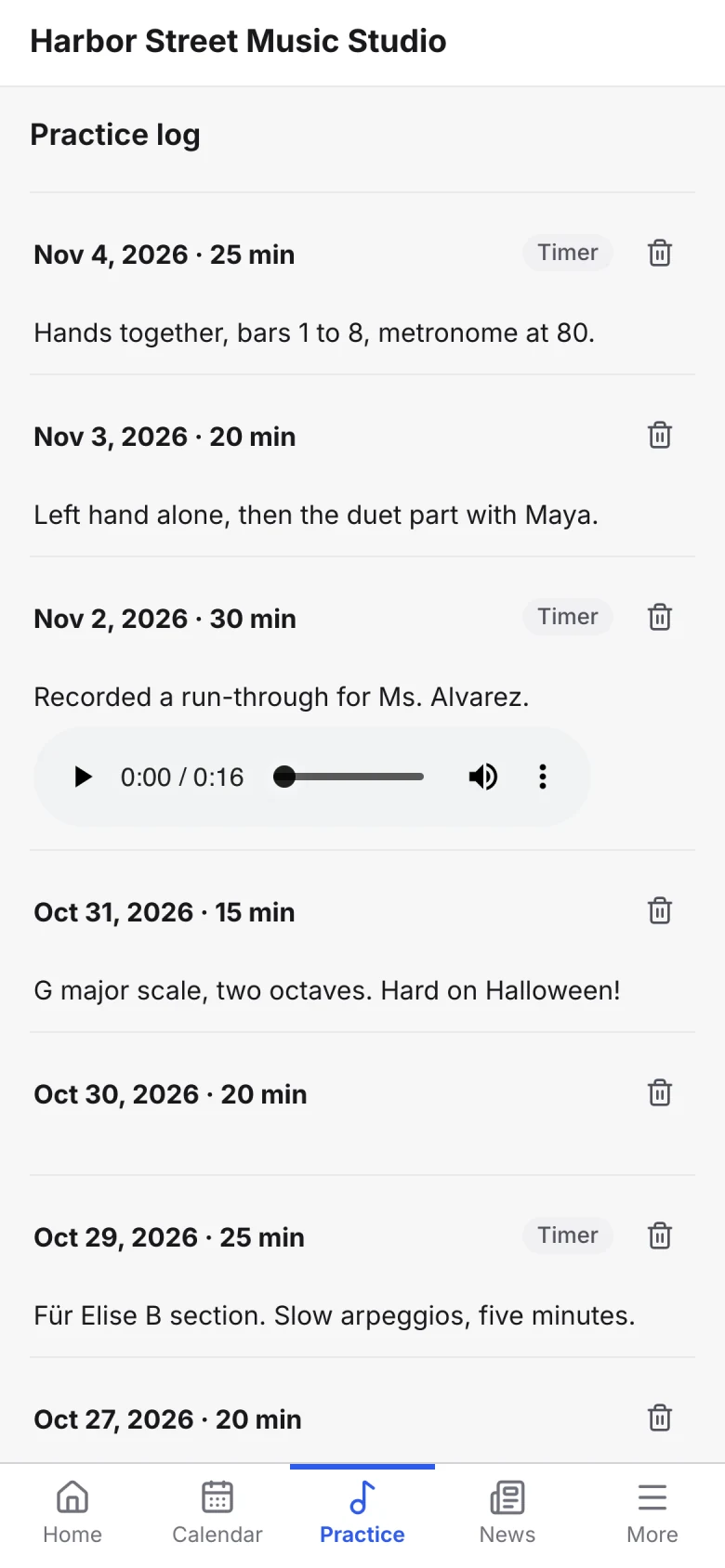
Share materials between lessons.
Upload sheet music, recordings and videos to your online resources and choose who can open them. Students log practice with a timer and attach recordings for you to hear.
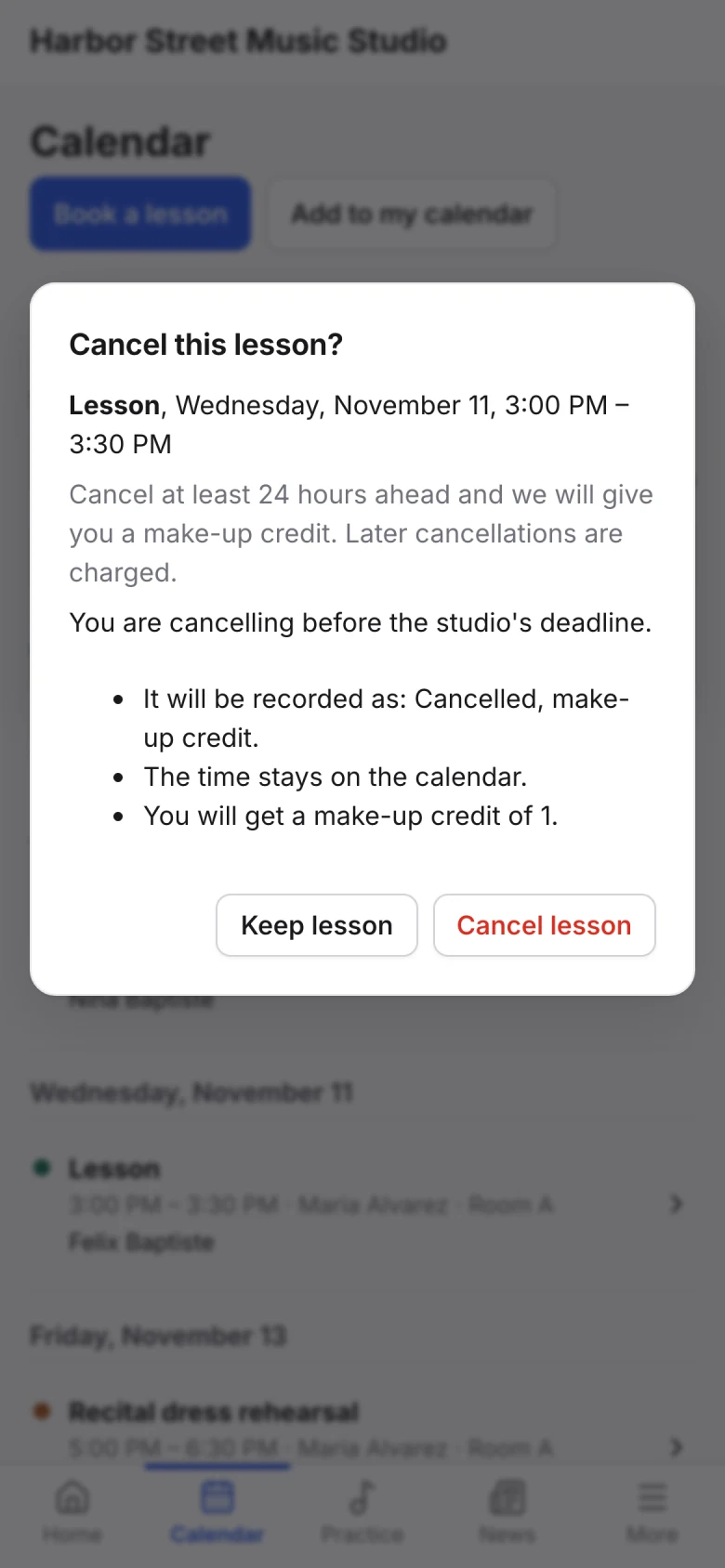
Let families handle the small things.
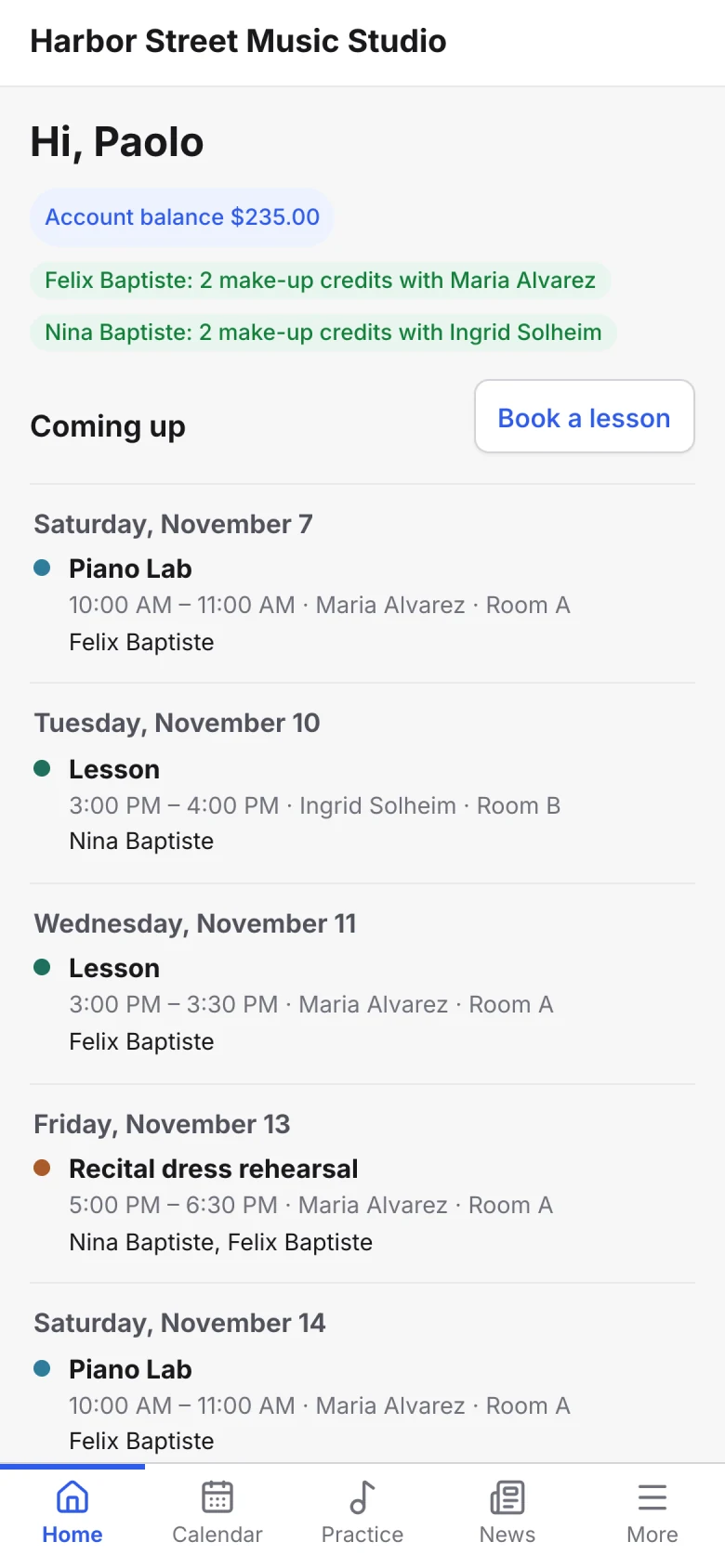
Families cancel within your policy, book make-ups with their credits and keep their own contact details up to date from the portal.
Keep your studio's information safe.
You're responsible for families' details from the first lesson. Sonely helps.
Two-factor sign-in.
Turn on two-factor sign-in, and every sign-in asks for a code from your authenticator app as well as your password.

Choose what each person sees.
If you bring in another teacher, decide whether they see other teachers' lessons, families' email addresses or invoices. Each family sees its own account and invoices, never another family's.
Students unlimited. Every feature included.
One teacher is free, whether you teach five students online or fifty.
See pricingCore features
Sonely has many features. These are the ones online teachers use most.
Teach from anywhere
Lesson links
Your meeting link on every online lesson.
Time zones
Families and teachers can each pick their own.
Calendar feeds
Lessons in Google Calendar, Outlook or Apple Calendar.
Get paid from anywhere
Online payments
Through your own Stripe or PayPal account.
Auto-pay
Saved methods charged when invoices go out.
Packages
Sell a block of lesson time up front.
Let families book
Online booking
From your weekly availability.
Trial lessons
Free or at a price, paid when booked.
Weekly holds
Keep a slot while a family decides.
Stay in touch
Reminders
By email, and by text for families who allow it.
Family portal
Lessons, invoices and practice in any browser.
Templates
Placeholders fill in each student's name.
Teach between lessons
Practice log
A timer, notes and recordings from students.
Online resources
Sheet music, audio and video to share.
Repertoire
Pieces assigned and progress tracked.
Use the technology you already have
Any device
A web app for computer, tablet or phone.
Website and widgets
Build a site, or embed forms on yours.
Six languages
English, Spanish, French, German, Dutch, Japanese.